Interactive 3D Training
Most security training is a video with a quiz at the end. RansomLeak drops each person into an immersive 3D scene with a working desktop and phone, where they open the real phishing email, answer the suspicious call, and find out what their choices set off. It runs in any browser. No headset, no install.
How an interactive 3D exercise works
Four steps that feel less like a course and more like a Tuesday at work.
Step into the scene
Each exercise opens in a 3D room, a home office or the dual room where you also see the attacker. The scenario plays out around you, narrated as it unfolds.
Use a real desktop and phone
Click the monitor to open a working email client, browser, terminal, or password manager. Pick up the phone to take the call or read the text. It behaves like the real thing.
Make the call yourself
Open the attachment or do not. Answer the call or hang up and verify. Type the command, approve or deny the prompt. You perform the action, you do not watch a recording of it.
Live the consequence
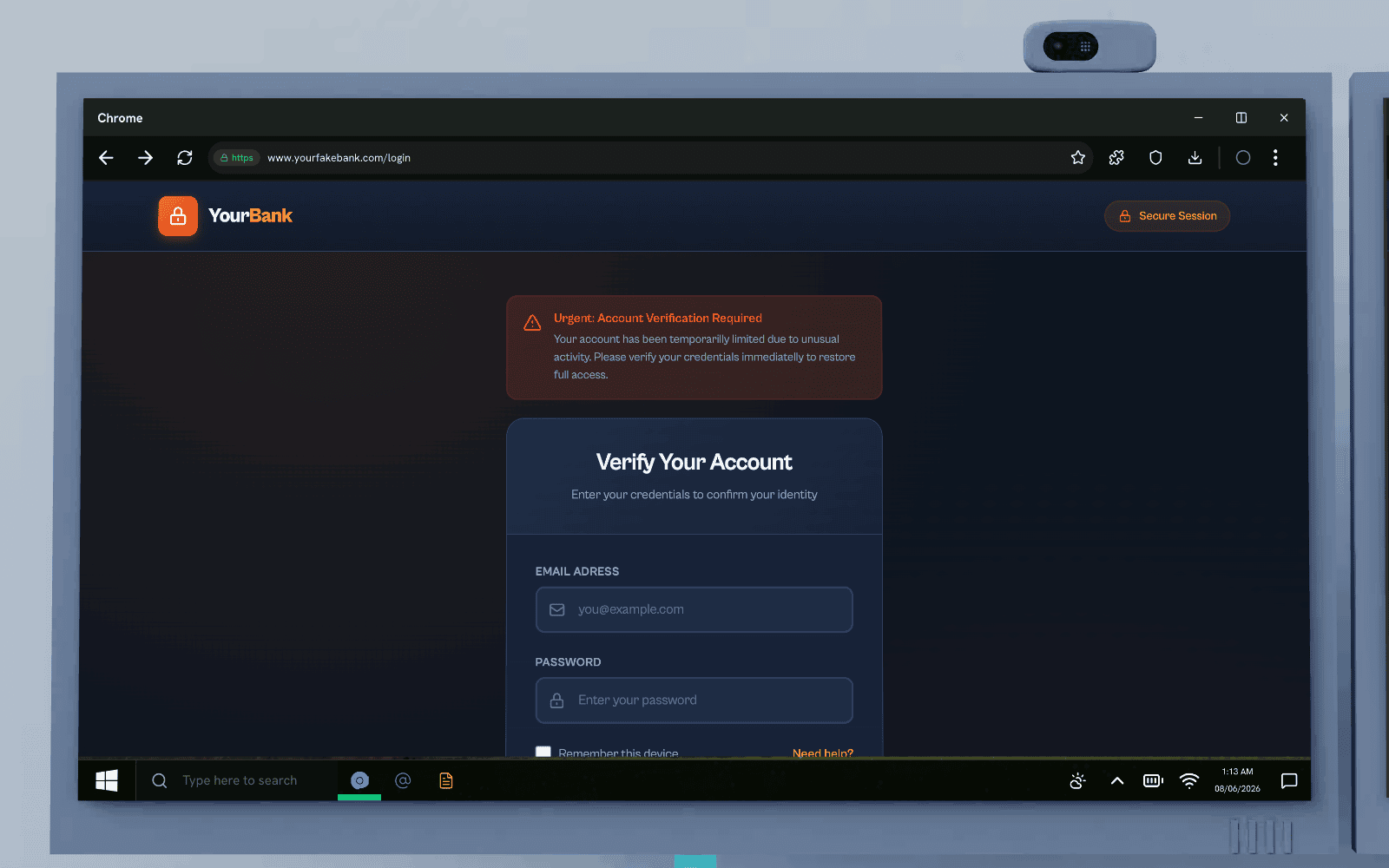
The simulation reacts: a fake login captures your credentials, a bad approval triggers the ransom screen, the right move contains the damage. A short knowledge check locks in the lesson.
Where the training actually happens
Every exercise is set in a room the learner can look around. Pick the one that matches how your people work, or let the scenario pick it.
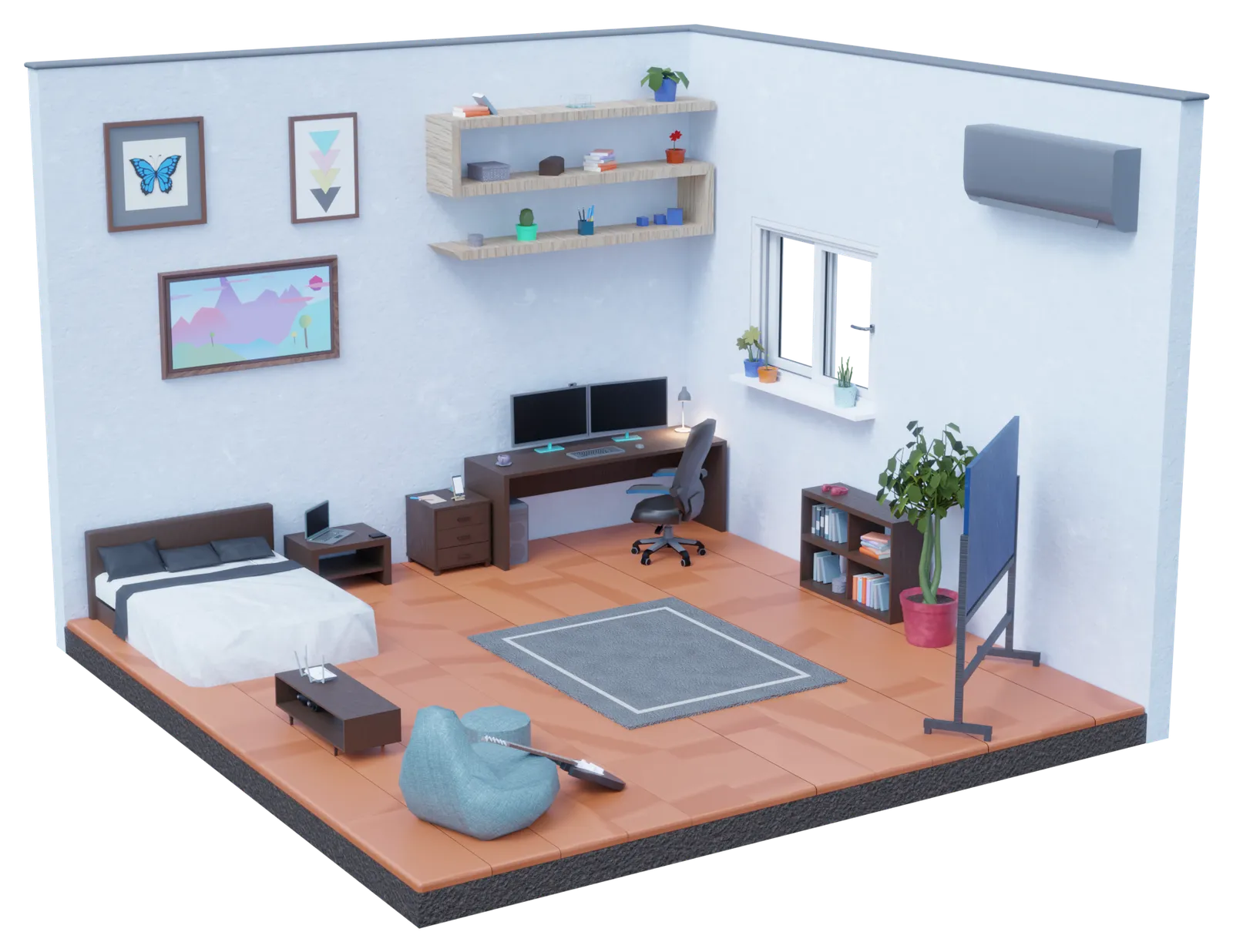

Home office
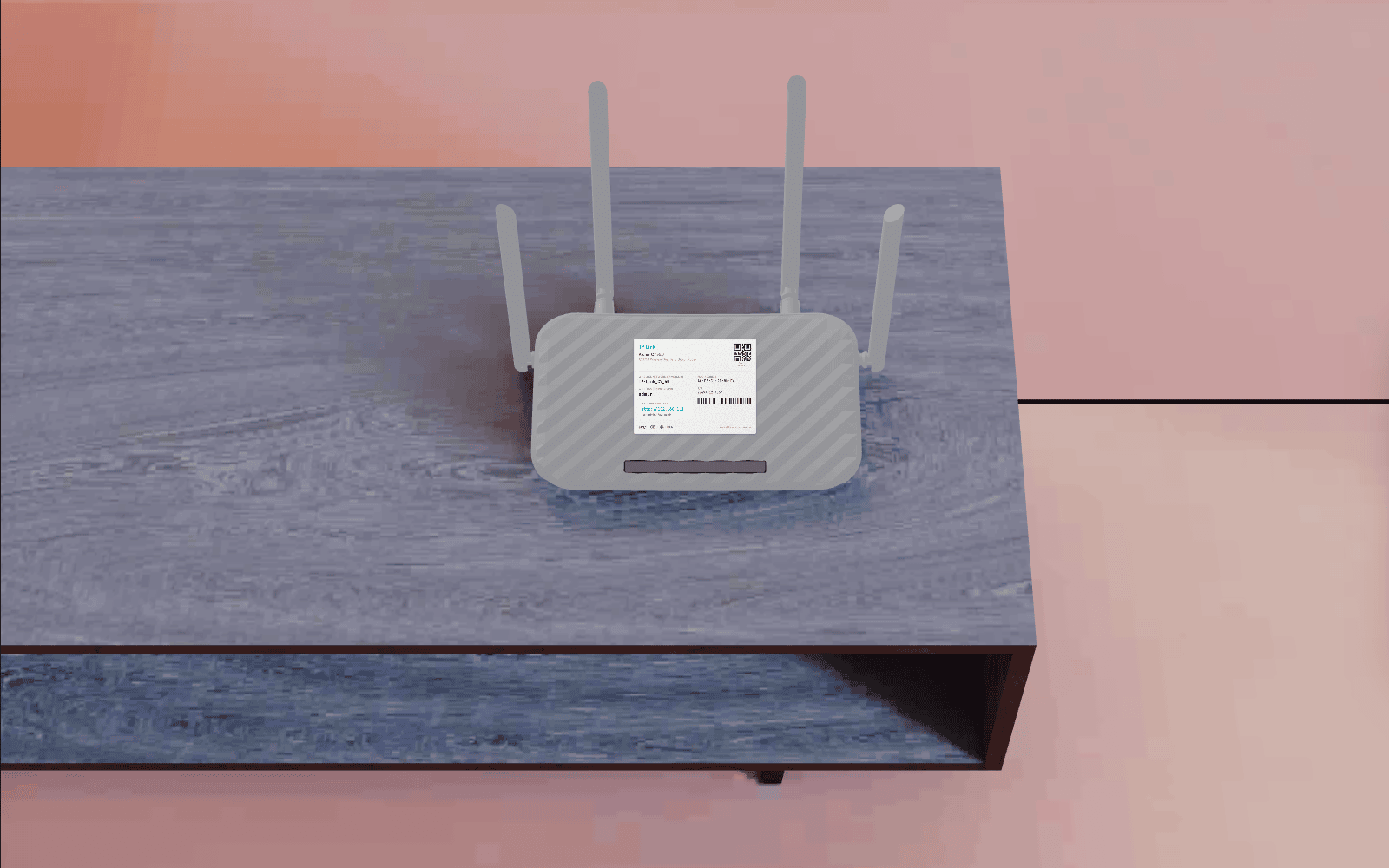
A desk with two monitors, a bed in the corner, the router sitting on the shelf where nobody has touched it since it was installed. Remote work is where most of these attacks land, so this is the room most exercises open in.
- Two monitors
- Laptop
- Phone
- Router
- Whiteboard
- USB drive
- External SSD
- Headphones
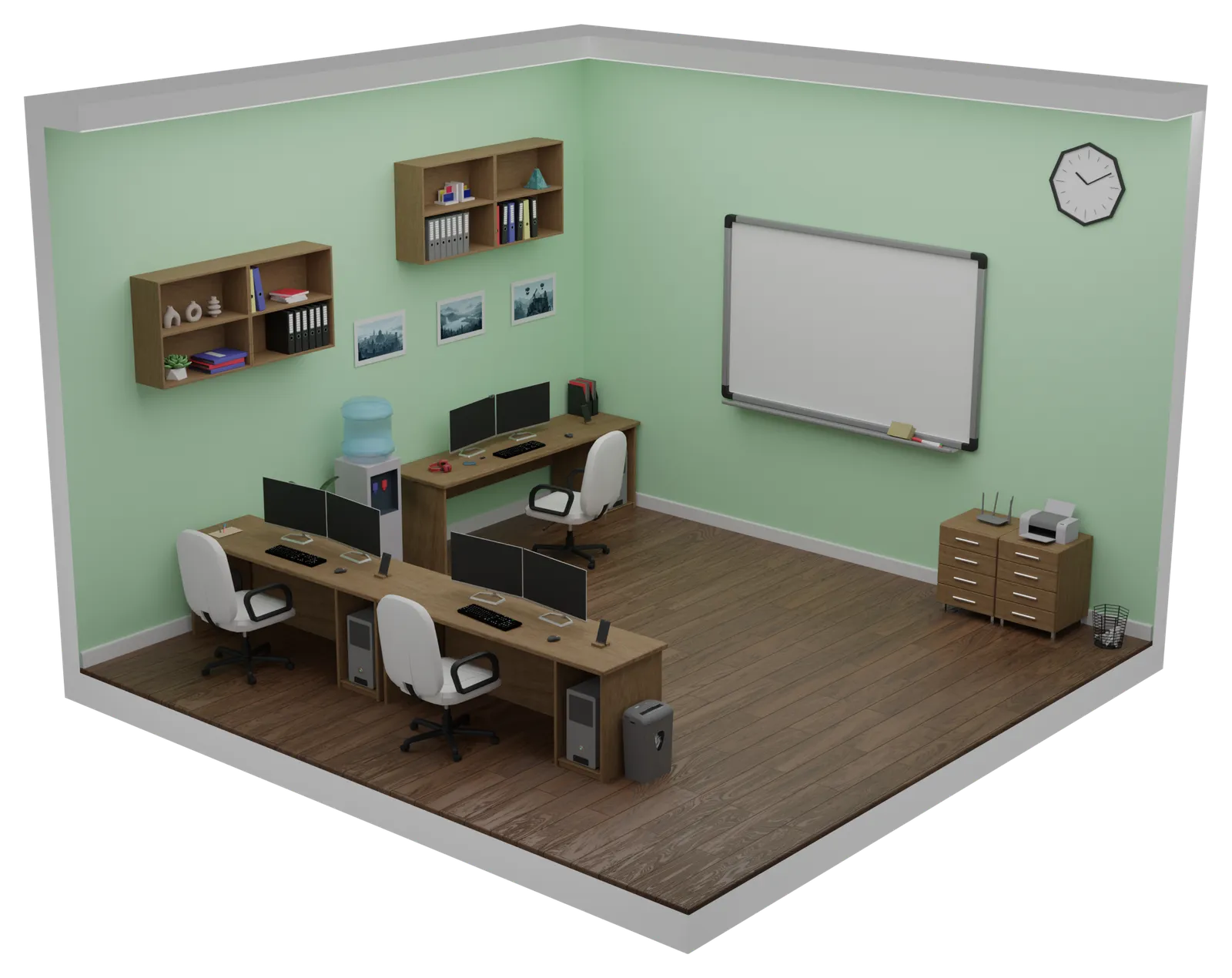
Corporate office
Three desks, a shared whiteboard, a printer and a shredder by the sideboard. This is the room for scenarios that turn on something only an office has: a colleague’s screen, a document left in the output tray, paper that should have been destroyed.
- Three desks
- A colleague’s screen
- Shared whiteboard
- Printer
- Paper shredder
- Water cooler
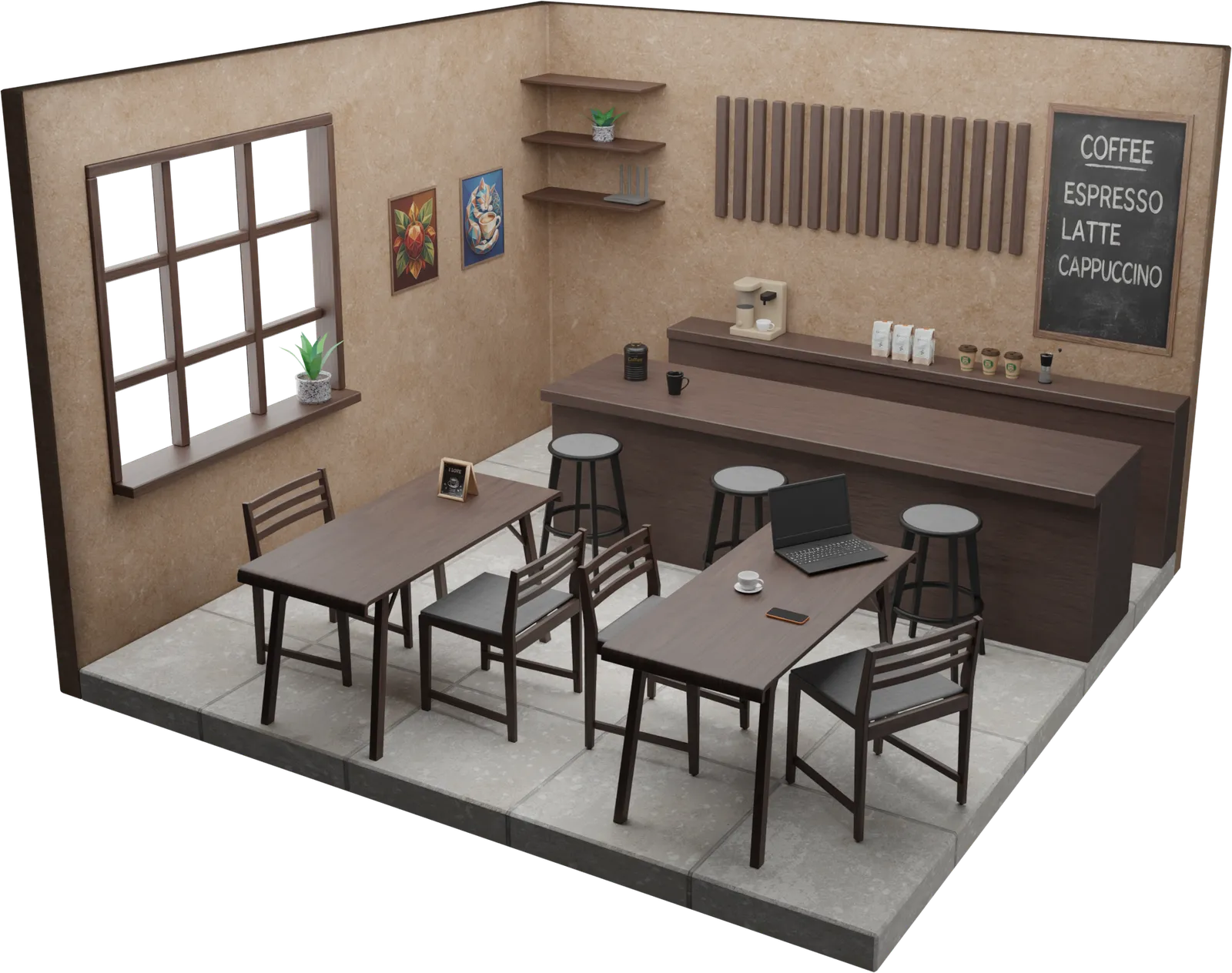
Cafe
Tables close enough to overhear, a counter with a chalkboard menu, and guest Wi-Fi anyone can join. The Working in Public Spaces exercises open here on their own, because their attacks only work where strangers share the room with you.
- Laptop
- Phone
- Your bag
- Guest Wi-Fi router
- QR table tent
- Receipt with the Wi-Fi details
- USB charging point
- Strangers within earshot
Attacker’s lair
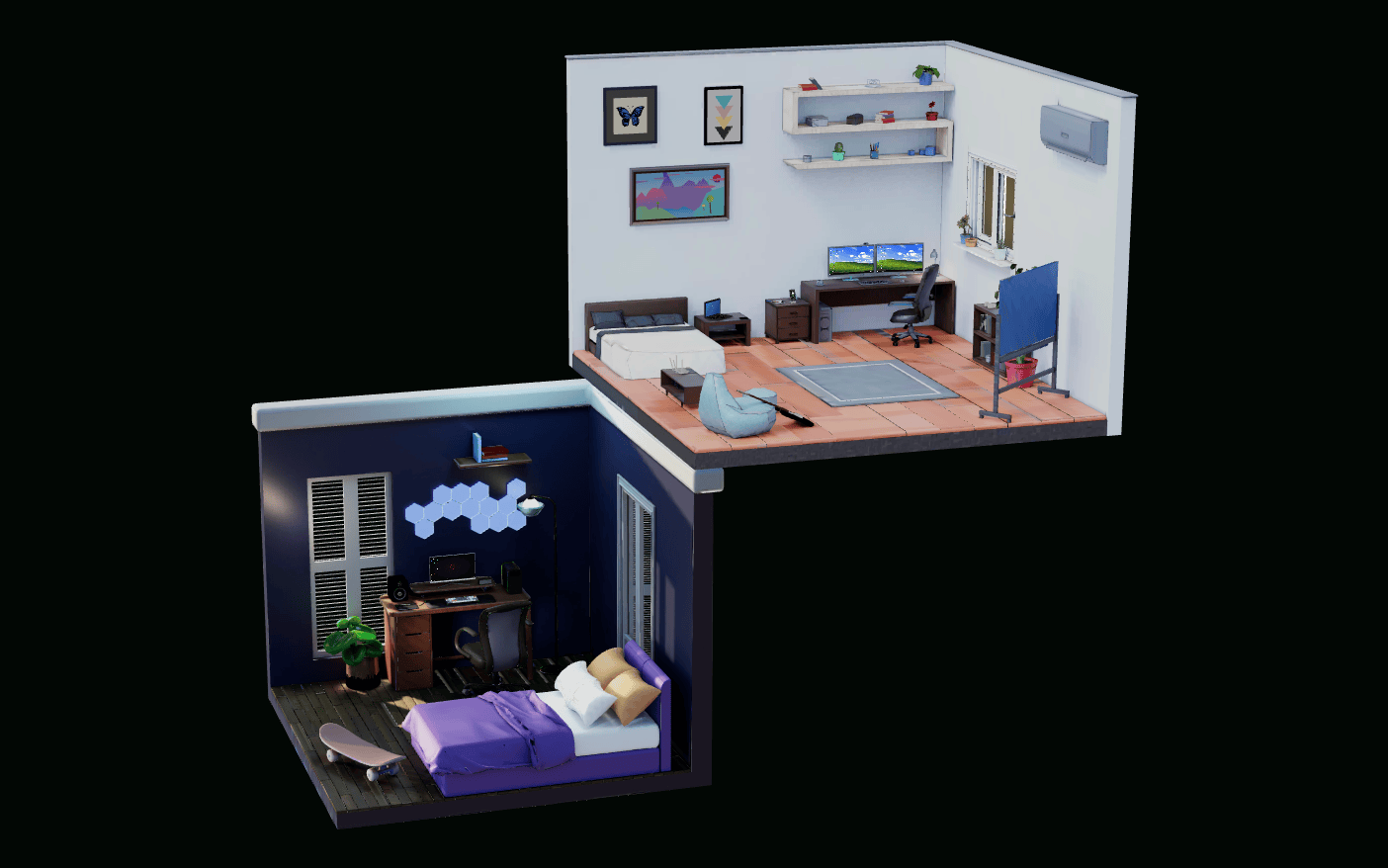
Where the other side works. One monitor in a dark bedroom, hex lights on the wall, a skateboard on the floor. It is deliberately ordinary, because the people running these campaigns usually are.
- The attacker’s desk
- Their screen, live
- Their tooling and notes
- Drives the agentic AI track
Both at once
The lair never appears on its own. It arrives under your room, in one scene. The exercise opens on one of the two, and when the story switches sides the camera pulls back and the other room is already there, working the same incident from the other end.
- Both rooms, one scene
- Camera pull-back reveal
- One incident, two desks
- Watch the attack get built
Your administrator sets the default room for the whole organisation. Learners can switch rooms in their own settings, and a scenario that only makes sense in one of them pins itself there.
A real computer, not buttons on a video
The attack happens where work happens, on a simulated desktop that behaves like the one in front of you.
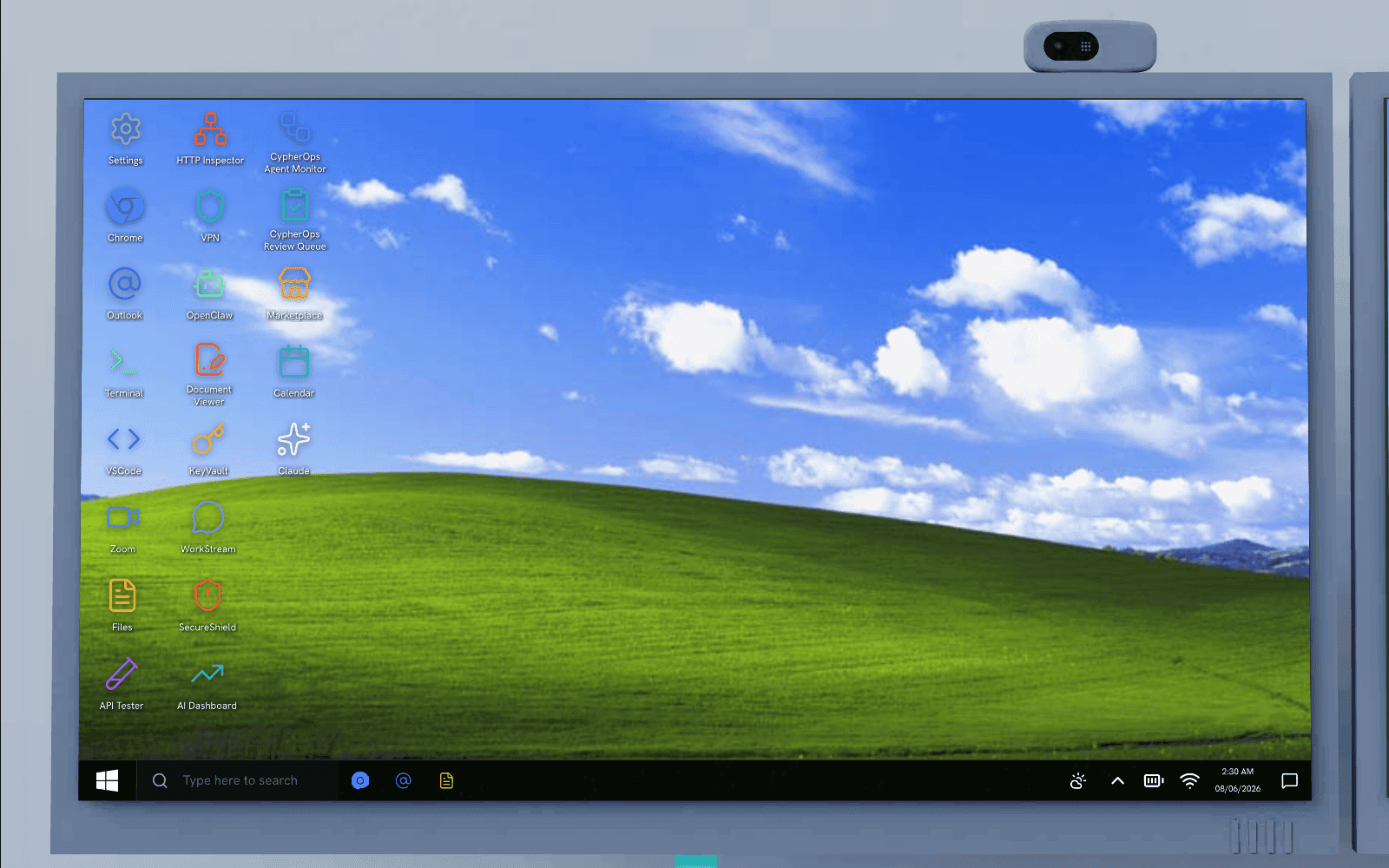
A full working desktop
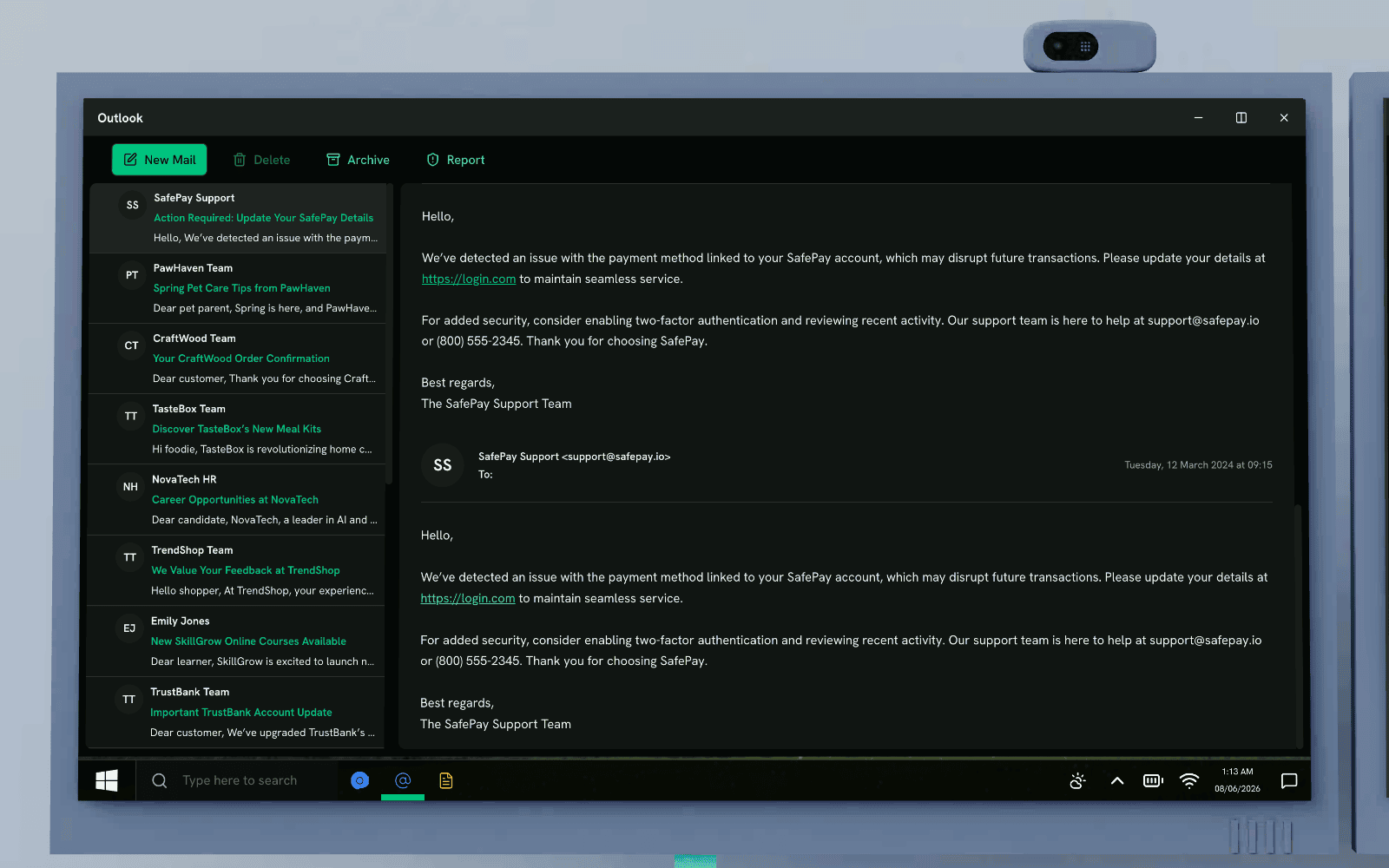
Outlook, a browser with hundreds of real-looking sites, a terminal, a file manager, a password manager, an HTTP inspector, even AI assistant and agent consoles. More than twenty apps, all live.
You do the real thing
Hover the real sender domain, read the real headers, run the real command, toggle the real setting. Every input is checked against what a careful person would actually do.
No autofill, no shortcuts
The fake login pages defeat password managers on purpose, so people practice spotting a lookalike instead of letting the browser fill it in for them.
And a real phone in your hand
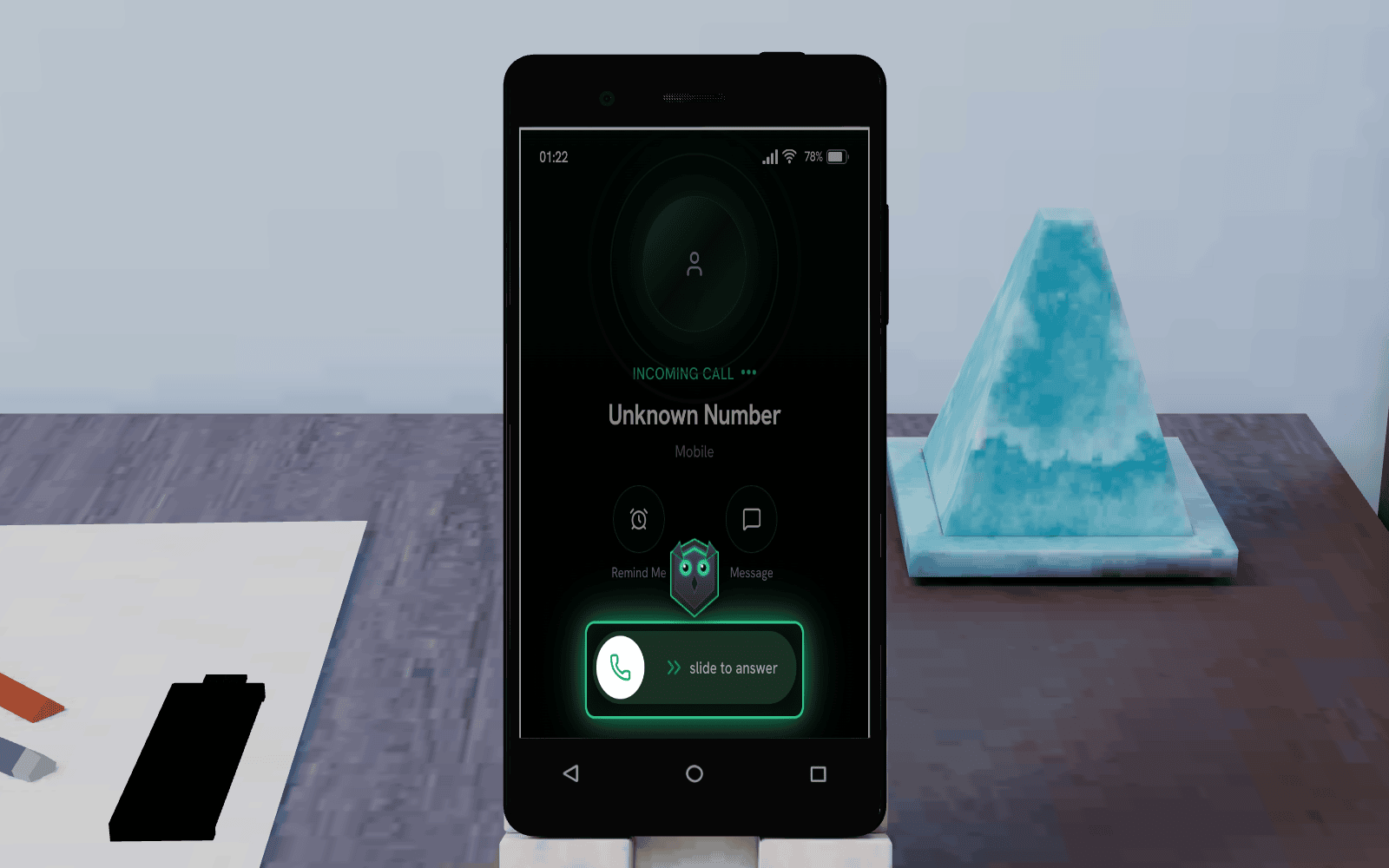
Smishing, vishing, and MFA fatigue play out on the device people actually fall for them on.
Calls, texts, and push prompts
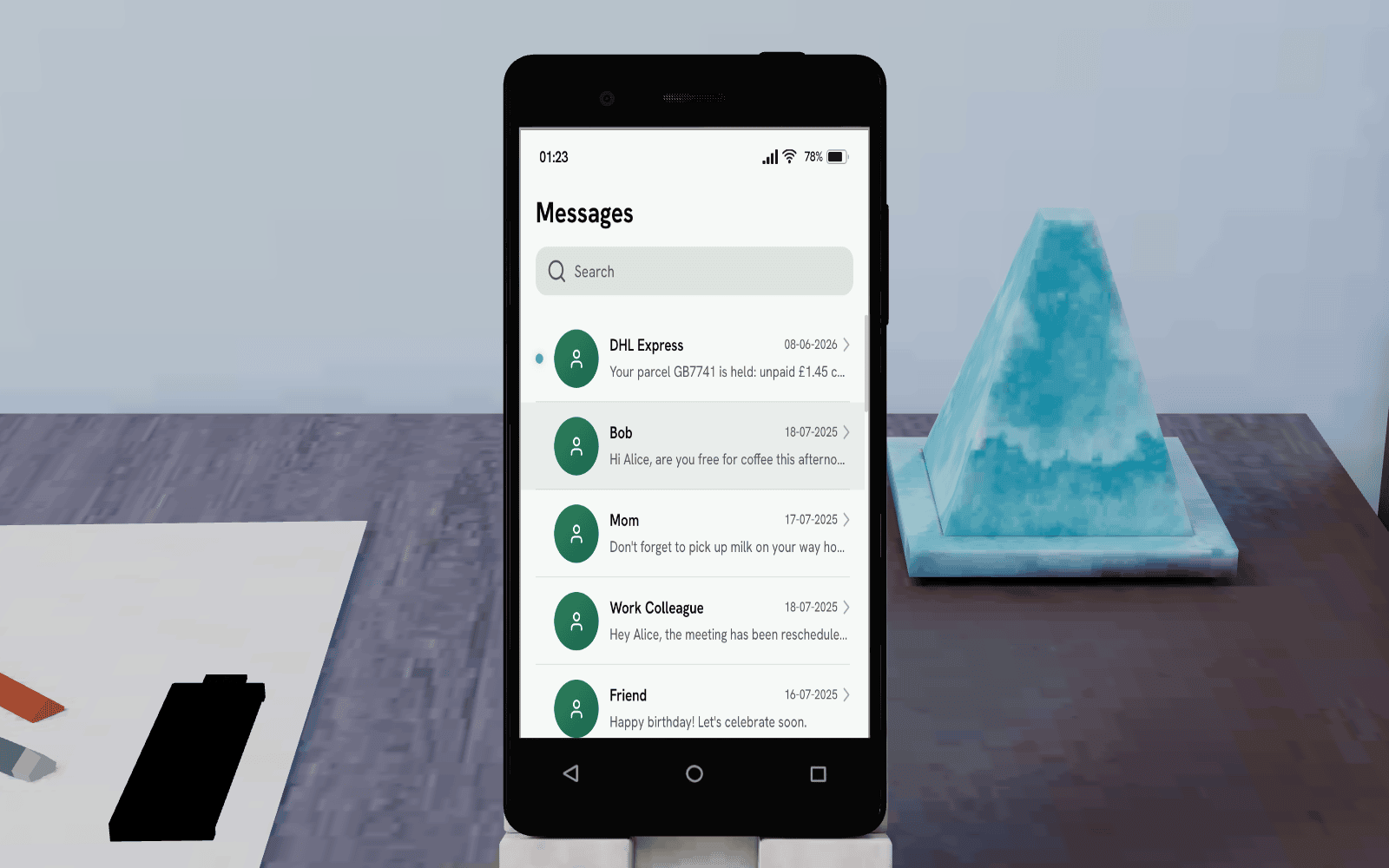
A simulated phone with messages, calls, an authenticator, and a banking app, locked behind a PIN, so a vishing call or a fraudulent MFA push lands exactly as it would in real life.
Answer it, or do not
You pick up the unknown caller, read the text from the bank, approve or deny the login prompt. The same small decision the breach hinged on is the one you practice here.
One scene, two screens
The desktop and the phone are part of the same room, so a scam that starts with a call and finishes in your inbox is one continuous exercise, not two disconnected modules.
See the attack from both sides
Start inside the incident, then watch the attacker work the other end of it in real time.
The wall drops away
You begin as the employee. On the first turn the camera pulls back and the attacker’s room appears below yours, where they scan for your leaked key, craft the lure, and move on the same incident.
Understand the why, not just the what
Seeing both ends of an attack is what turns "do not click links" into a real instinct for how these attacks are actually built and run.
Built for the threats people face now
Over 200 exercises across phishing, ransomware, deepfakes, GDPR and the EU AI Act, and a full OWASP track for web, LLM, and agentic AI attacks, including AI agent goal hijacking. Browse the catalogue.
Interactive 3D against video and quiz
Both count as training on a compliance report. Only one of them rehearses the decision.
An interactive 3D exercise
- You decide whether to click, on a desktop that behaves like the one in front of you.
- The fake login defeats your password manager on purpose, so you have to read the domain yourself.
- A wrong move plays out: credentials captured, the ransom screen, or the damage contained.
- The phone rings during the exercise, so a scam that starts with a call and ends in your inbox stays one story.
- You watch the attacker work the other end of the same incident.
- The knowledge check asks about the decision you just made.
A video with a quiz
- You watch an actor click, then answer questions about the video.
- Autofill quietly solves the lookalike domain the lesson was about.
- The consequence is described rather than experienced, so it stays abstract.
- Phishing, smishing and vishing arrive as three unrelated modules.
- The attacker is a stock photo in a hoodie, not a working method.
- The quiz asks whether you were paying attention.
Every object in the room is part of the lesson
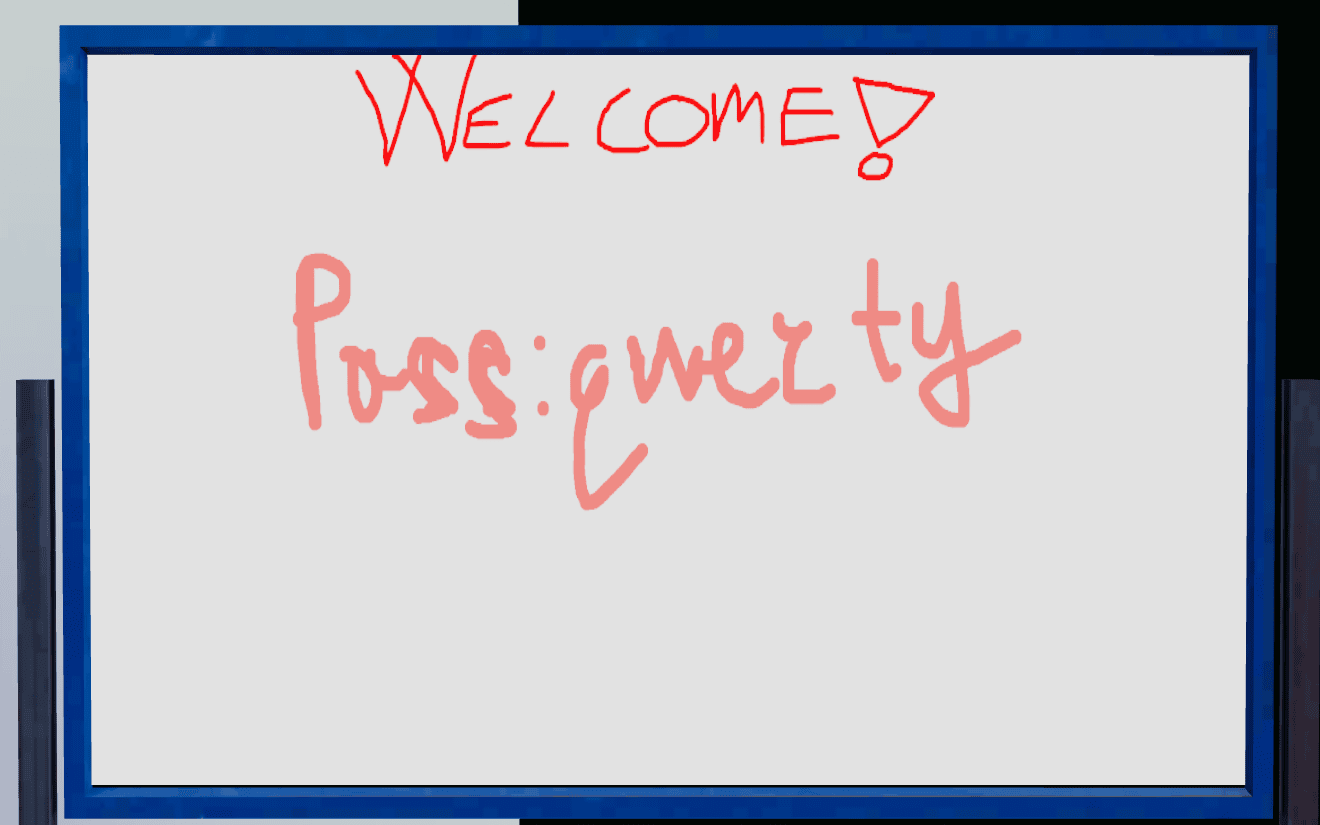
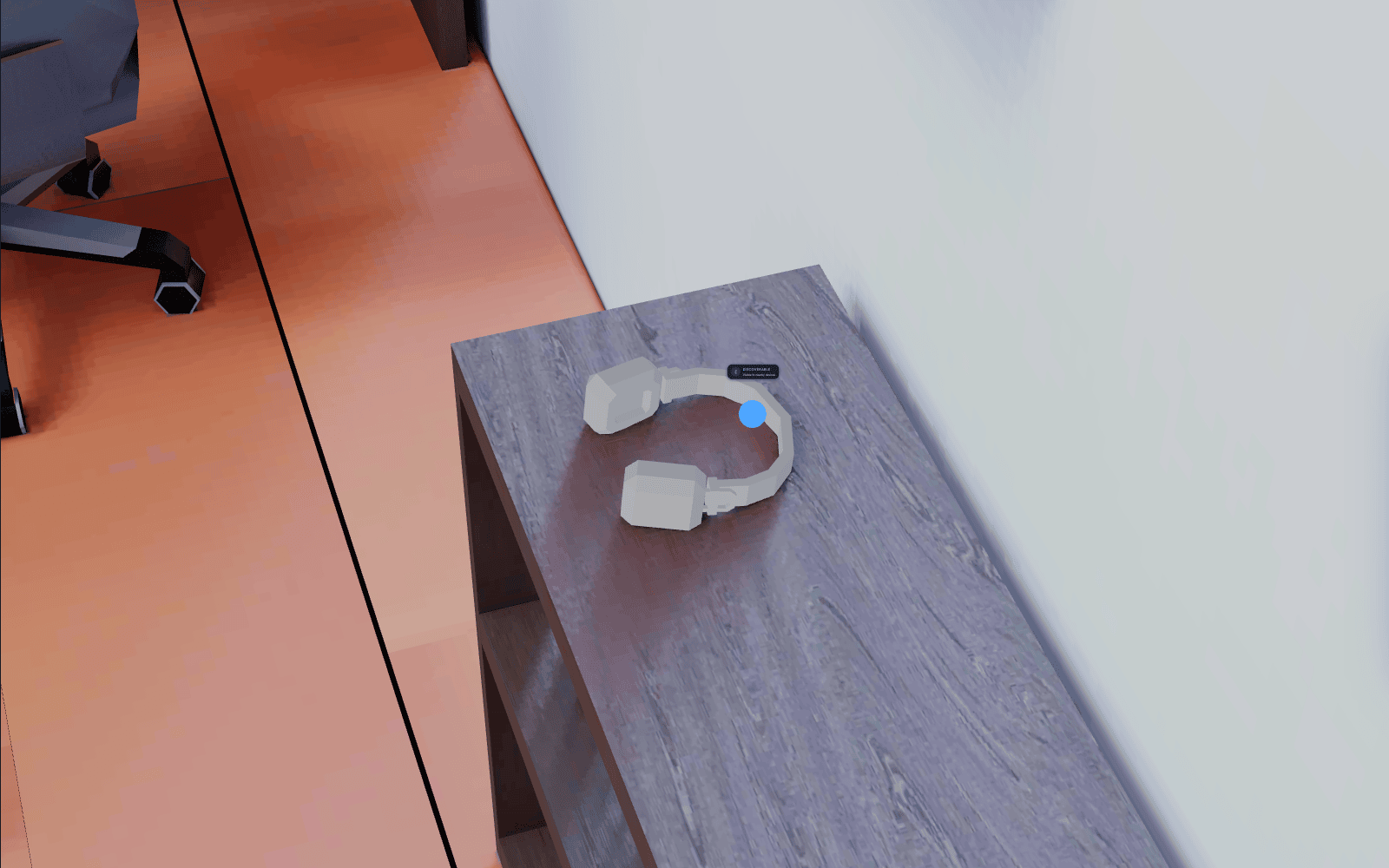
Open the email, pick up the router, plug in the USB you found, set up the backup drive. Every prop and every screen is interactive, and each one hides a habit worth practicing.
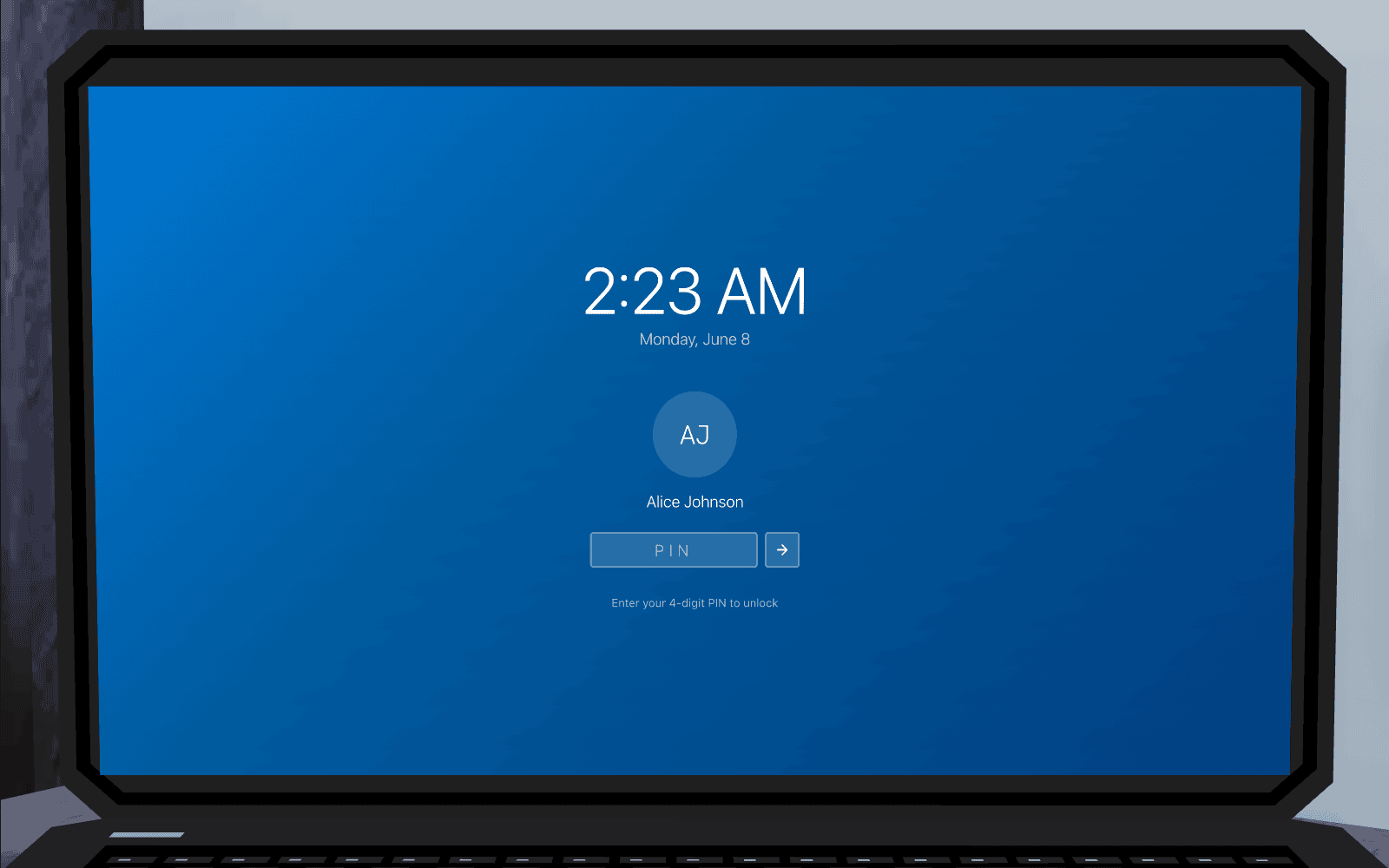
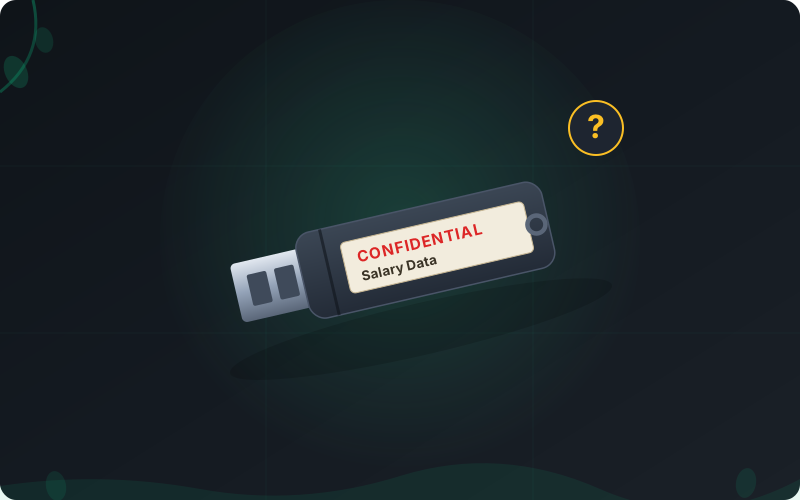
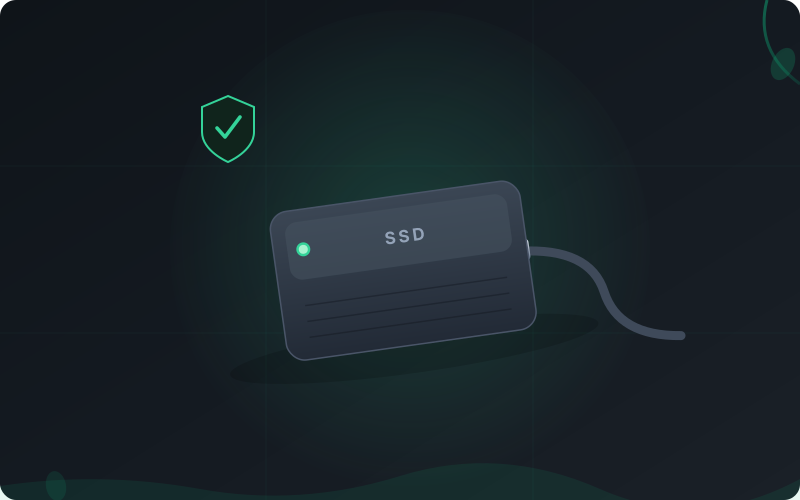
What is interactive 3D security awareness training?
Interactive 3D security awareness training is security training delivered as a browser-based 3D simulation rather than a video. The learner stands in a rendered room with a working computer and phone, and handles a real attack by taking the actual steps: opening the email, checking the sender, answering the call.
What is in the room
- 3D environment
- Working desktop
- Working phone
- The attacker
- Knowledge check
Nothing is narrated at you. The desktop runs more than twenty applications, the phone rings mid-scenario, and the simulation answers what you actually did rather than what a script expected.
It runs on WebGL in an ordinary browser, so there is no headset and nothing to install. Exercises take 5 to 15 minutes and end in a scored knowledge check, which is what makes them assignable as monthly training instead of a one-off event.
Frequently asked questions
What does it need to run, and do learners need a headset?
No headset and nothing to install. The 3D runs on WebGL in any modern browser, on the laptops and desktops people already have, including integrated graphics.
Application security exercises can also render as a flat 2D device view instead of the 3D room, which is the better fit when the work is reading code rather than walking around an office.
Can we choose which environment our people train in?
Yes. An administrator sets the default room for the whole organisation, and each learner can switch rooms in their own settings.
A scenario that only works in one of them, a shredder exercise for instance, pins itself to that room and quietly ignores both settings.
What topics and how many exercises are there?
Over 200 interactive exercises spanning phishing, smishing, vishing, business email compromise, ransomware, deepfakes, device and password security, GDPR and EU AI Act compliance, and the OWASP Top 10 for web, LLM, and agentic AI applications.
New exercises are added as the threats change, including AI-era attacks like prompt injection and AI agent goal hijacking. See the full catalogue, or the microlearning drills for the shorter format.
Does it map to the frameworks we report against?
Every exercise carries its own mapping to OWASP, CWE, MITRE ATT&CK, CIS Controls, NIST CSF, GDPR and the EU AI Act, so "do you cover this control?" is answered from data rather than from a sales claim.
Completions and quiz scores feed the same records, and the compliance mapping page shows which frameworks each track satisfies.
What languages is it available in, and how is it delivered?
Exercises are available in seven languages: English, Ukrainian, Dutch, Italian, German, French, and Spanish, with more on request.
Each exercise is a SCORM package, so it runs in any LMS via SCORM, or on the Cloud LMS with no integration work. Either way, completion and quiz scores report back to your records.
How long does an exercise take?
Most exercises run about 5 to 15 minutes. Each ends with a short knowledge check scored against a pass threshold.
That makes them short enough to assign as a monthly nudge and substantial enough to count as real training. Pair them with phishing simulations and the results roll into human risk management.
See RansomLeak in Action
Try the free exercises or book a demo to see analytics, SCORM export, SSO, and custom content in your environment.