Skip to content

security awareness training

13 posts with the tag “security awareness training”

FTC Safeguards Rule Training: 2023 Amendments and What You Need (2026)

FTC Safeguards Rule training for financial security - vault wheel with dollar sign at center

The FTC Safeguards Rule at 16 CFR Part 314 requires non-bank financial institutions to maintain a written information security program, and that program must include security awareness training plus specialized training for the personnel responsible for it. The amended rule became fully enforceable on June 9, 2023, and it reaches well beyond banks.

Auto dealers, mortgage brokers, tax preparers, retailers offering in-house financing, collection agencies, and investment advisors all fall inside the FTC’s definition of a “financial institution.” Many of them spent 2023 and 2024 scrambling to document training programs their compliance teams had assumed were already in place.

HIPAA Security Awareness Training: Requirements and Best Practices (2026)

HIPAA security awareness training - healthcare shield with medical cross and HIPAA badge

HIPAA security awareness training is a mandatory Administrative Safeguard under the HIPAA Security Rule. Every covered entity and every business associate must run a training program for all members of its workforce, including management, and the documentation must survive OCR audits that can sample records going back six years.

The rule itself is short. The expectations around it are not. Covered entities that treat HIPAA training as a fifteen-minute annual video tend to learn this the hard way, usually during a breach investigation or a Resolution Agreement that costs six or seven figures.

RansomLeak vs SoSafe: Immersive Simulations vs Behavioral Microlearning (2026)

RansomLeak vs SoSafe - interactive 3D simulations vs behavioral microlearning comparison

RansomLeak and SoSafe both sell human risk management, but they reach employees through very different models. SoSafe ships behavioral microlearning modules and phishing simulations from EU-hosted infrastructure, with deep NIS2 and TISAX alignment. RansomLeak ships interactive 3D simulations where employees practice handling attacks, with deeper AI threat coverage and SCORM export into any LMS. This comparison covers content, pricing, EU regulatory fit, data residency, and who each platform fits.

Updated April 2026.

RansomLeak vs KnowBe4: Immersive Simulations vs Legacy Video Training (2026)

Side-by-side comparison of RansomLeak interactive 3D simulations versus KnowBe4 video content library for security awareness training

RansomLeak and KnowBe4 both sell security awareness training, but they teach in almost opposite ways. KnowBe4 runs the largest video-and-quiz library on the market, paired with a mature phishing simulation engine. RansomLeak runs interactive 3D simulations where employees practice handling attacks instead of watching them. This comparison covers content, pricing, AI threat coverage, SCORM, and who each platform fits.

Updated April 2026.

Browser Security Training: What Employees Actually Need to Know

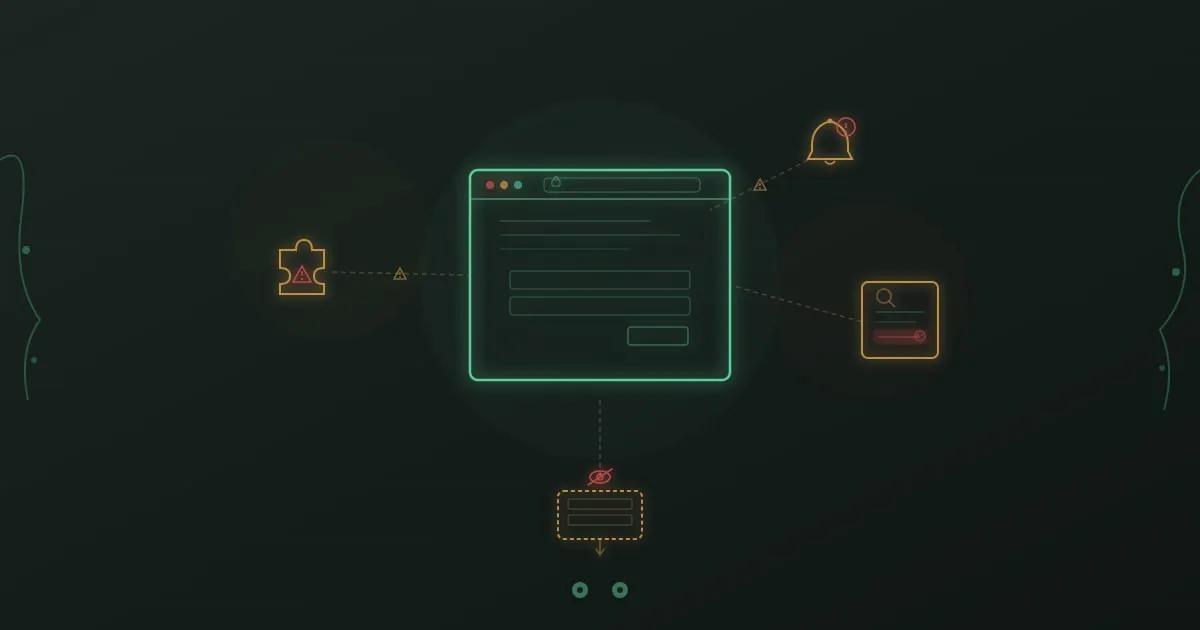
Browser security training - browser window with protective shield against web-based cyber threats

An employee searches Google for a PDF converter. The first result looks right. Logo, branding, download button. She installs it. Within 48 hours, her browser credentials, saved passwords, and session tokens are exfiltrated to a server in Eastern Europe. The download page was a poisoned search result that ranked above the legitimate tool.

This is not a theoretical scenario. Palo Alto Unit 42 reported in 2024 that web browsers have become the number one enterprise attack vector, involved in over 80% of initial access incidents. Your firewall, endpoint agent, and email gateway don’t help much when the threat lives inside the browser itself.

Browsers have quietly become the operating system of work. SaaS apps, cloud consoles, internal tools, communication platforms. Nearly everything runs in a browser tab. And every one of those tabs is a potential attack surface that most security training ignores.

Collaboration Tool Security: Hidden Risks in Slack, Teams, and Chat Platforms

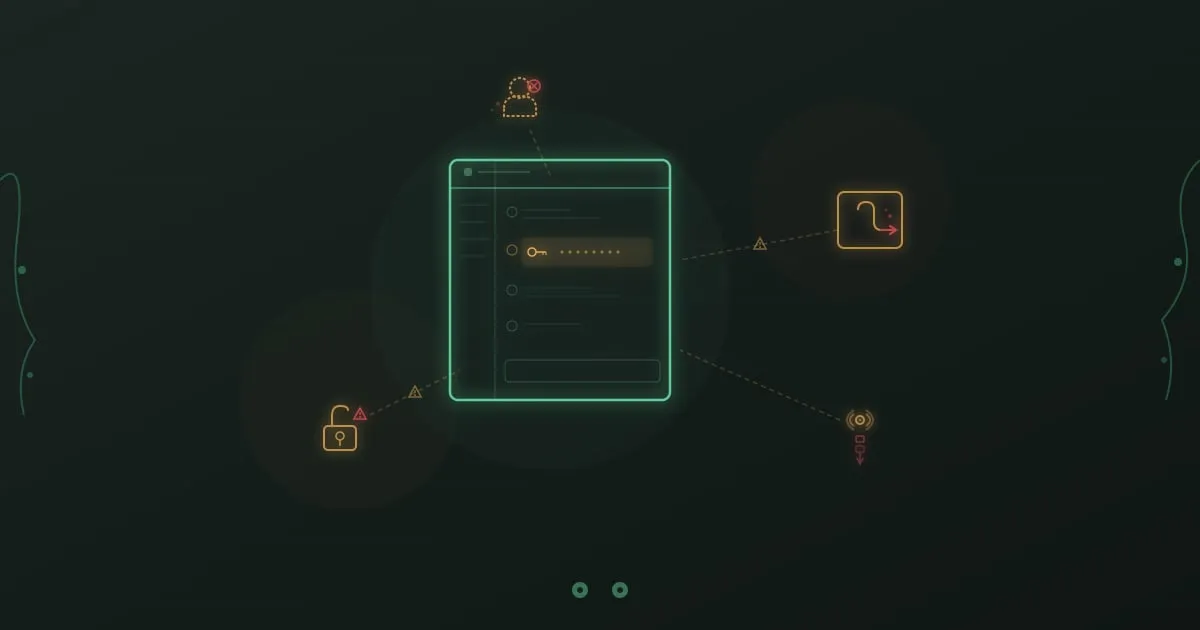
A chat message bubble containing a database password, surrounded by open integrations and disconnected user avatars with warning indicators

It is 11:47 PM. A backend engineer is debugging a production outage. The database is returning timeout errors and the on-call Slack channel is filling up with pings from customer support. Her colleague asks for the production database credentials so he can check connection pool settings. She pastes the username and password directly into the channel. Eleven people are in the channel. Three of them are contractors whose access was supposed to expire last quarter. The message is indexed, searchable, and will exist in Slack’s retention archive for as long as the workspace does.

The outage gets resolved by midnight. The credentials stay in that channel forever. Six months later, when a contractor’s Slack account is compromised through a reused password, those credentials are the first thing the attacker finds.

This scenario plays out constantly in organizations of every size. The risks hiding in workplace chat platforms go far beyond the occasional careless message.

Password Security Training That Changes Behavior

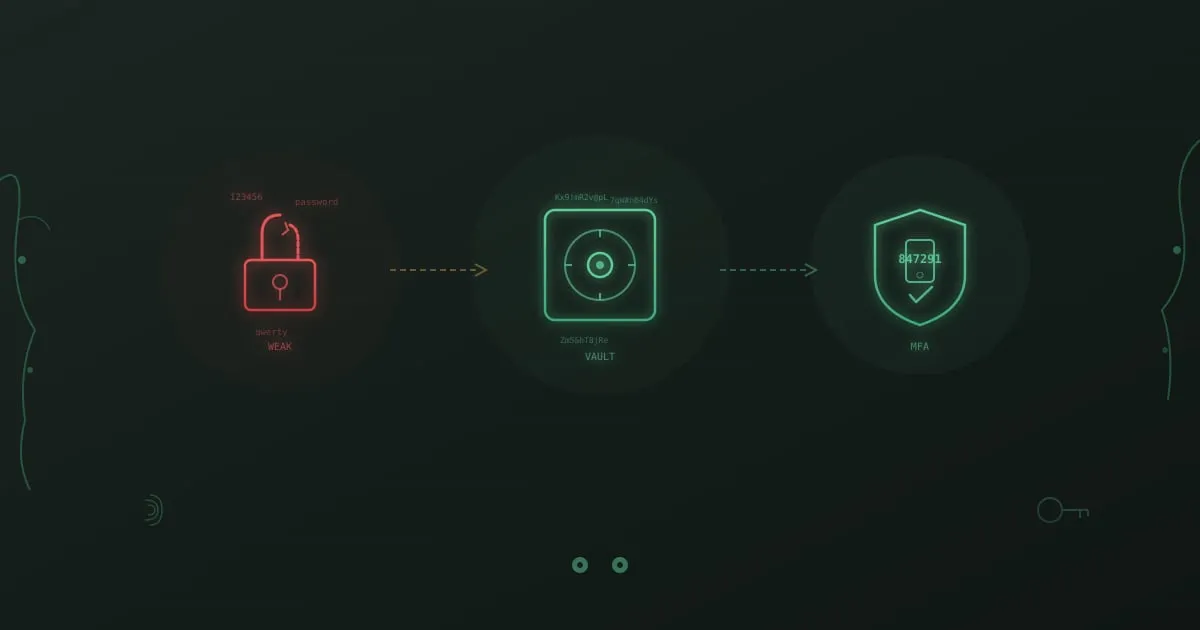
Password security progression from a broken lock with weak passwords through a vault representing a password manager to an MFA shield with a one-time code

A financial services firm rolled out its annual password policy update. Minimum 12 characters, one uppercase, one number, one special character. Employees complied. Security felt good. Then a red team engagement three months later found that 38% of employees had chosen variations of “Company2026!” and that nearly half were reusing their corporate password on personal services.

The policy was technically met. The behavior it was supposed to create never materialized.

This pattern repeats across industries. Organizations invest in password rules and compliance checklists, then wonder why credential-based attacks keep succeeding. The problem is not that employees lack awareness. Most people know password reuse is risky. The problem is that knowing something is risky does not automatically produce the alternative behavior.

Does Security Awareness Training Work? The ROI Research

Security awareness training effectiveness - chart showing improvement metrics

“Does this actually work?”

Every CISO asking for budget, every HR leader evaluating vendors, every CFO signing the purchase order lands on the same question. Security awareness training eats time, attention, and money. What does the organization get back?

We dug through the research. The answer is messier than vendors want you to believe.

Compliance Training That Passes Audits and Engages Staff

Compliance training - security shield with checkmarks representing regulatory compliance

Regulatory compliance is not optional. If you handle healthcare data, process payments, or serve European customers, specific frameworks mandate how you protect information. Security awareness training sits at the center of nearly every one of those requirements.

And yet most organizations treat compliance training as a checkbox exercise. Annual videos. Generic quizzes. Certificates that prove nothing except attendance. I’ve watched this pattern repeat for years, and it fails both the spirit and the letter of what regulators actually expect.

The organizations that get this right do something different. They build training that satisfies auditors and creates employees who understand why regulations exist, how their daily actions either protect or expose sensitive data, and what to do when something looks wrong.

Security Awareness Training: The Complete Guide for 2026

Security awareness training - shield with checkmark representing employee protection

Your firewall is updated. Your antivirus is running. Your intrusion detection system is active. Yet 82% of data breaches still involve the human element, according to the Verizon 2023 Data Breach Investigations Report.

Technology alone cannot protect your organization. The person who clicks a convincing phishing email, shares credentials over the phone, or plugs in a mysterious USB drive can bypass millions of dollars in security infrastructure in seconds.

Security awareness training has become non-negotiable for organizations serious about cybersecurity. But not all training works the same. The difference between checkbox compliance training and programs that actually change behavior is the difference between vulnerability and resilience.

Human Firewall: How to Build One (Definition, Training, Metrics)

Human firewall - employees forming a protective shield against cyber threats

A human firewall is the collective set of trained behaviors that employees use to block cyber attacks before technical controls need to intervene. Those behaviors include reporting suspicious emails, challenging unexpected wire transfers, and questioning calendar invites from unknown domains. Organizations with a mature human firewall typically see 70 to 80 percent fewer successful phishing incidents compared to baseline, according to Hoxhunt’s 2024 Phishing Trends Report.

The phrase sounds metaphorical, but the data behind it is concrete. The 2024 Verizon Data Breach Investigations Report found that 68 percent of breaches involve a non-malicious human element: a click, a misdelivered file, a credential reuse. No amount of email filtering or endpoint detection closes that gap on its own. Trained people do.

This guide covers what a human firewall actually is, the seven behaviors that define one, real examples of it working, a 90-day build plan, and the metrics that prove it is paying off.

Email Security Training: What Works and What Doesn't

Email security training - protected envelope with shield representing secure email practices

According to Deloitte research, 91% of cyber attacks still start with an email.

That number hasn’t moved much in years. We’ve deployed spam filters, secure email gateways, AI-powered anomaly detection, and a dozen other technical controls. Attackers don’t care. When one tactic gets blocked, they try another. When detection catches a pattern, they change the pattern.

The technology arms race is unwinnable on its own. Trained employees add a different kind of defense, one that applies judgment and recognizes context. A well-crafted spear phishing email might slide past every filter you own, but an employee who knows to verify unexpected requests kills the attack anyway.

Mobile Security Training for the Remote Workforce

Mobile security training - smartphone with protective shield against mobile cyber threats

Your employees stopped working from secure office networks a long time ago. They access company data from smartphones on public WiFi, tablets at coffee shops, and laptops in home offices. That shift expanded your attack surface in ways most security training programs still haven’t caught up with.

Attackers noticed before you did. Mobile-specific attacks like smishing (SMS phishing) have increased over 300% in recent years, according to Proofpoint’s 2023 State of the Phish report. The same employee who carefully evaluates every email on their work computer will tap a malicious link on their phone without a second thought. That gap between desktop caution and mobile carelessness is where breaches happen.