Skip to content

security awareness

15 posts with the tag “security awareness”

Quishing: How QR Code Phishing Bypasses Your Email Filters

Quishing attack flow showing a malicious QR code being scanned by a phone and redirecting to a fake login page for credential harvesting

Your company’s email gateway can parse URLs, detonate attachments in a sandbox, and flag sender domains that were registered yesterday. It cannot read a QR code.

That is the entire premise of quishing. Attackers embed a malicious URL inside a QR code image, drop it into an email, and let the recipient’s phone do the rest. The email contains no clickable link. No suspicious attachment. Just a square of black and white pixels that your security tools treat as a harmless image file.

The attack is not new, but it scaled fast. Abnormal Security’s 2024 threat report found that QR code phishing attacks increased by over 400% in the second half of 2023 compared to the same period in 2022. HP Wolf Security documented corporate quishing campaigns impersonating Microsoft 365, DocuSign, and internal HR portals throughout 2024.

What makes quishing different from garden-variety email phishing is the device switch. The victim reads the email on their laptop but scans the code with their phone. That phone usually sits outside the corporate security perimeter. No web proxy, no DNS filtering, no endpoint detection. The attacker just moved the entire attack to an unmanaged device.

RansomLeak vs Hoxhunt: Security Awareness Training Compared (2026)

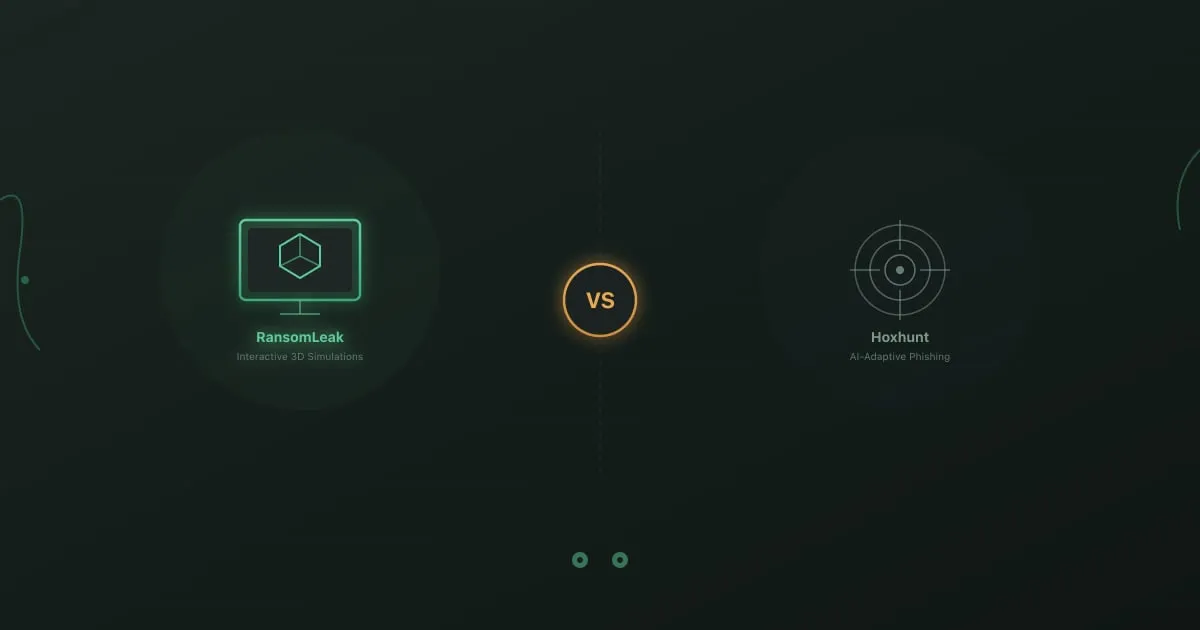
Side-by-side comparison of RansomLeak interactive 3D simulations versus Hoxhunt AI-adaptive phishing platform

Hoxhunt and RansomLeak both reject the idea that security training should be a passive, video-heavy compliance exercise. Both platforms bet on engagement over lecture slides. But they solve the engagement problem in fundamentally different ways.

Hoxhunt builds AI-adaptive phishing simulations that adjust difficulty based on each employee’s performance. The system learns who falls for what and sends progressively harder attacks to keep people challenged. It is a sophisticated approach to the phishing simulation problem specifically.

RansomLeak builds interactive 3D simulations where employees practice handling full attack scenarios. Not just phishing, but ransomware, social engineering, vishing, deepfakes, AI security threats, and GDPR compliance. The focus is hands-on practice across the full spectrum of security risks.

Both approaches work. The question is which one matches what your organization actually needs.

RansomLeak vs KnowBe4: Security Awareness Training Compared (2026)

Side-by-side comparison of RansomLeak interactive 3D simulations versus KnowBe4 video content library for security awareness training

KnowBe4 is the largest security awareness training platform in the world. They have been in the market since 2010, trained tens of millions of users, and built a content library that runs into thousands of modules. If you are evaluating security awareness training, KnowBe4 will be on your shortlist. It should be.

But “largest” and “best fit” are different things. KnowBe4’s strengths are real, and so are the reasons organizations look beyond it. Pricing scales fast. The content library is massive but largely video-based. Phishing simulations are strong, but the broader training experience can feel like a compliance checkbox.

RansomLeak takes a different approach. Interactive 3D simulations instead of video lectures. Hands-on exercises where employees make decisions and see consequences. SCORM packages that work with any LMS, or a standalone cloud platform if you do not have one. Over 100 free exercises with no sign-up required.

This is an honest comparison. We will cover where KnowBe4 is stronger, where RansomLeak is stronger, and who each platform is built for. We are biased (we built RansomLeak), so we will be transparent about it.

RansomLeak vs Ninjio: Security Awareness Training Compared (2026)

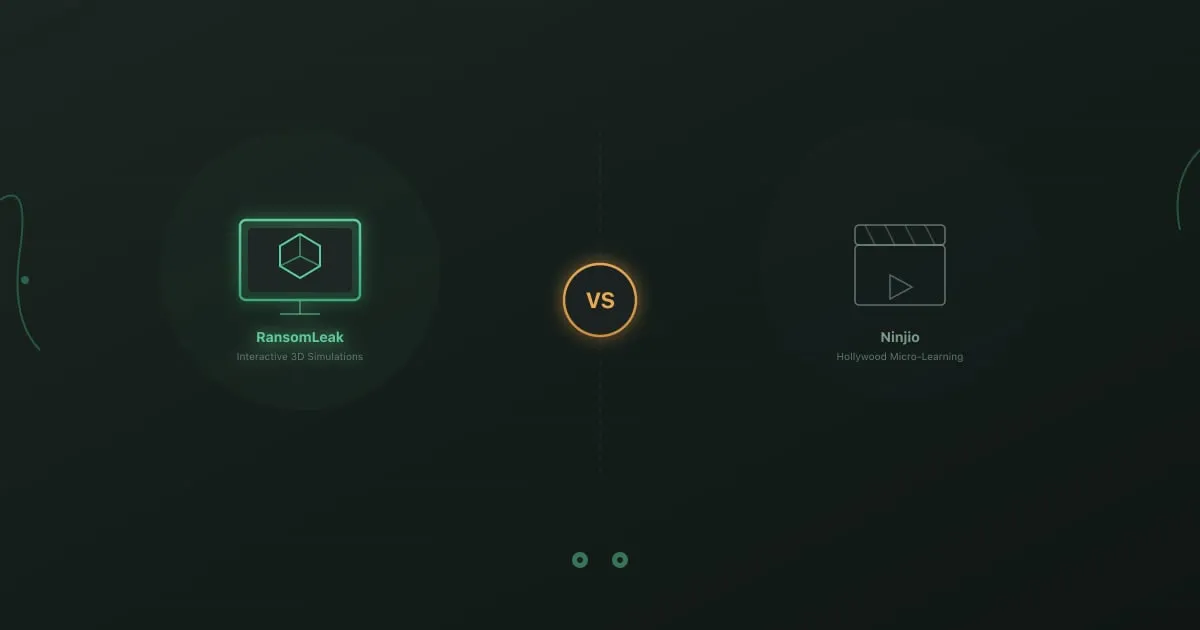
Side-by-side comparison of RansomLeak interactive 3D simulations versus Ninjio Hollywood micro-learning video content

Most security awareness training is boring. Both Ninjio and RansomLeak acknowledge this. Where they disagree is the solution.

Ninjio says the answer is better entertainment. Produce Hollywood-quality animated episodes that tell real cybersecurity stories in three to four minutes. Make training so watchable that employees actually look forward to it. Replace the forgettable compliance slides with something people want to see.

RansomLeak says the answer is better practice. Build interactive 3D simulations where employees handle realistic attack scenarios. Make training something people do, not something they watch. Replace passive viewing with active decision-making.

One platform invests in production value. The other invests in interaction design. Both reject the status quo, but they reject it in different directions.

RansomLeak vs Phished: Security Awareness Training Compared (2026)

Side-by-side comparison of RansomLeak interactive 3D simulations versus Phished AI-automated phishing platform

Phished and RansomLeak share a European DNA and a belief that traditional video-based training does not change behavior. Both platforms try to fix the engagement problem. But they approach it from opposite directions.

Phished automates everything. AI generates personalized phishing simulations, adjusts difficulty automatically, and triggers training content when employees need it. The philosophy is that automation produces consistency and scale. Set it up, and the system runs your awareness program with minimal manual intervention.

RansomLeak makes everything interactive. 3D simulations put employees inside attack scenarios where they make decisions and learn from consequences. The philosophy is that hands-on practice builds skills that passive content cannot. The training itself does the heavy lifting, not the automation around it.

Both approaches have merit. The right choice depends on whether your program needs automation breadth or training depth.

RansomLeak vs Proofpoint: Security Awareness Training Compared (2026)

Side-by-side comparison of RansomLeak interactive 3D simulations versus Proofpoint email security suite training

Proofpoint Security Awareness Training (formerly Wombat Security) is part of a broader email security ecosystem. If your organization already uses Proofpoint for email protection, their awareness training plugs directly into the same threat intelligence data that powers your email gateway. That integration is the main reason organizations choose it.

RansomLeak has no email security product. It is a standalone training platform that works with any email vendor, any LMS, and any security stack. The training itself is built around interactive 3D simulations rather than Proofpoint’s video and module-based approach.

The comparison comes down to a straightforward question: do you want training that is tightly integrated with one vendor’s email security suite, or training that is platform-agnostic and built around hands-on engagement?

RansomLeak vs Usecure: Security Awareness Training Compared (2026)

Side-by-side comparison of RansomLeak interactive 3D simulations versus Usecure MSP-focused automated security awareness

Usecure and RansomLeak serve different segments of the security awareness market. Understanding which segment you belong to is more useful than comparing feature lists.

Usecure is built for managed service providers (MSPs) who deliver security training to their clients. The platform automates enrollment, risk assessment, and training delivery so that an MSP can manage awareness programs for dozens of client organizations from a single dashboard. It is efficient, affordable, and designed for scale across multiple tenants.

RansomLeak is built for organizations that want the best possible training experience for their employees. Interactive 3D simulations, hands-on exercises, SCORM flexibility, and deep topic coverage across phishing, social engineering, AI security, and compliance.

If you are an MSP looking for a multi-tenant platform, you are probably evaluating Usecure. If you are an enterprise looking for training your employees will actually remember, you are probably evaluating RansomLeak. Both are valid starting points.

RansomLeak Partners with Cyber Helmets for Threat Intelligence-Driven Training

Cyber Helmets and RansomLeak partnership announcement with both company logos

Ransomware and phishing attacks keep evolving in scale and sophistication. Theoretical training alone does not cut it anymore. Organizations need practical, experience-driven learning that mirrors how attacks actually happen.

That is why RansomLeak has partnered with Cyber Helmets to deliver cybersecurity training and awareness programs grounded in real-world ransomware intelligence.

Insider Threat Awareness Training for Employees

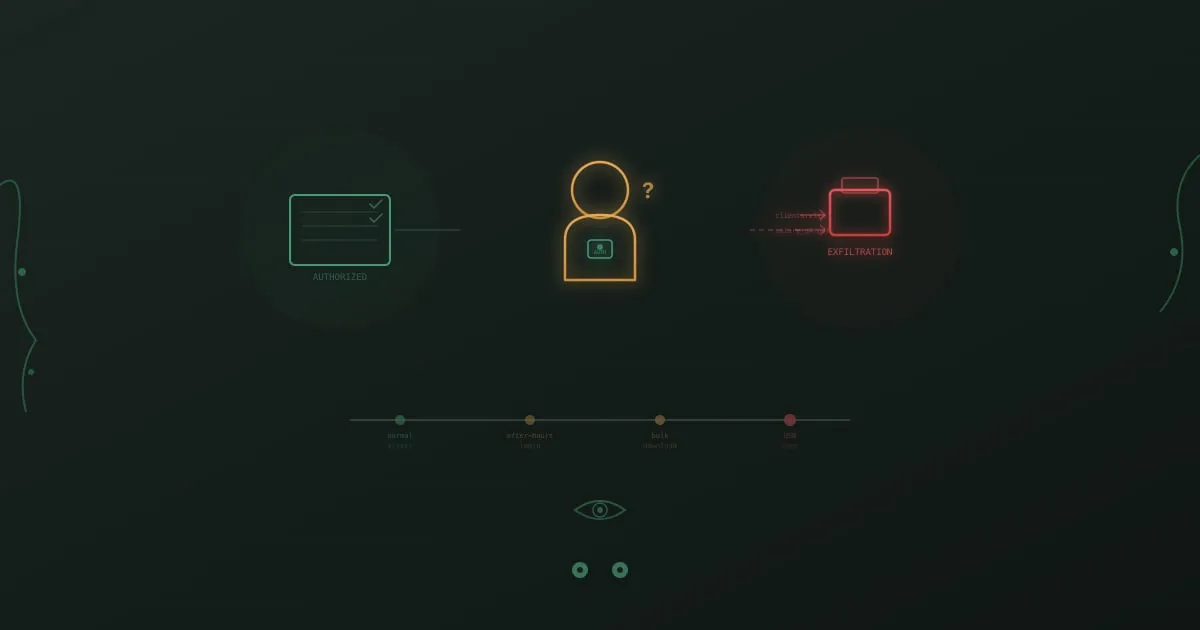
Insider threat visualization showing an authorized employee with access badge alongside a data exfiltration timeline

A systems administrator at a defense contractor copies classified schematics to a personal USB drive over the course of three months. His badge still works. His credentials are valid. He passes the same security checks as everyone else. Nothing in the firewall logs, intrusion detection system, or email gateway catches a thing.

When the breach is finally discovered, it is not because a tool flagged it. A coworker noticed he was accessing project folders he had no business being in and mentioned it to their manager. That conversation, uncomfortable as it was, prevented months of additional exfiltration.

External attackers need to break in. Insiders are already inside.

15 Cyber Security Activities for Employees (That Don't Suck)

Cyber security activities for employees - team collaboration on security challenges

Most security awareness programs fail for the same boring reason: they’re boring.

Employees sit through a 45-minute video about password hygiene, click “Next” through a quiz, and forget everything before lunch. You know it. They know it. The phishing click rates prove it.

The fix isn’t better videos. It’s getting people out of their chairs and into scenarios that feel real. The 15 activities below are ones we’ve seen work in actual companies, with actual skeptical employees, producing actual measurable improvements. Some take 15 minutes. Some need a full hour. All of them beat another compliance slideshow.

If you want a broader look at cybersecurity training exercises and how to structure a program, we covered that separately. This post is the practical playbook: specific activities you can run this week.

12 Common Cybersecurity Training Exercises (Free to Try)

Cybersecurity awareness exercises - target with cursor representing interactive practice

Security awareness exercises that actually work share one thing: they create practice, not just knowledge.

The gap between knowing phishing exists and recognizing it in your inbox under deadline pressure is enormous. That gap is where breaches happen. Effective exercises bridge it through realistic practice in safe environments.

Free Security Awareness Training That Works (2026)

Free security awareness training - gift box representing free resources

Budget constraints are real. Whether you’re a startup founder, a small business owner, or an IT manager at a company that hasn’t yet prioritized security training investment, you need options that don’t require five-figure commitments.

Good news: legitimate free security awareness training exists. It won’t match enterprise platforms with dedicated customer success teams and unlimited customization, but it can meaningfully improve your organization’s security posture.

This guide separates genuinely useful free resources from marketing traps, explains what free options can and can’t do, and helps you decide when free is enough and when it isn’t.

Social Engineering Attacks: Exploiting Human Psychology

Social engineering attacks - puppet strings representing psychological manipulation

A hacker doesn’t need to crack your encryption. They just need to convince one employee to help them.

Social engineering attacks exploit human psychology instead of technical vulnerabilities. While your security team patches software and monitors networks, attackers study your organization chart, LinkedIn profiles, and even your company’s Glassdoor reviews. They’re looking for ways to manipulate the humans behind your defenses.

These attacks work because they target something no firewall can protect: the natural human tendencies to trust, help, and comply with authority.

KnowBe4 Alternatives: 6 Platforms Compared (2026)

KnowBe4 alternatives comparison - checklist representing platform evaluation

KnowBe4 dominates the security awareness training market. But market dominance doesn’t mean every organization is best served by the leader.

Whether you’re evaluating options for the first time, outgrowing your current solution, or discovering that KnowBe4’s approach doesn’t match your needs, alternatives exist across every price point and feature set. We’ve been in this space long enough to know that the right security awareness training platform depends entirely on your specific context.

This comparison covers what different platforms offer, where they excel, and which organizational contexts they serve best.

How to Spot Phishing: Visual and Technical Signs of Fraud

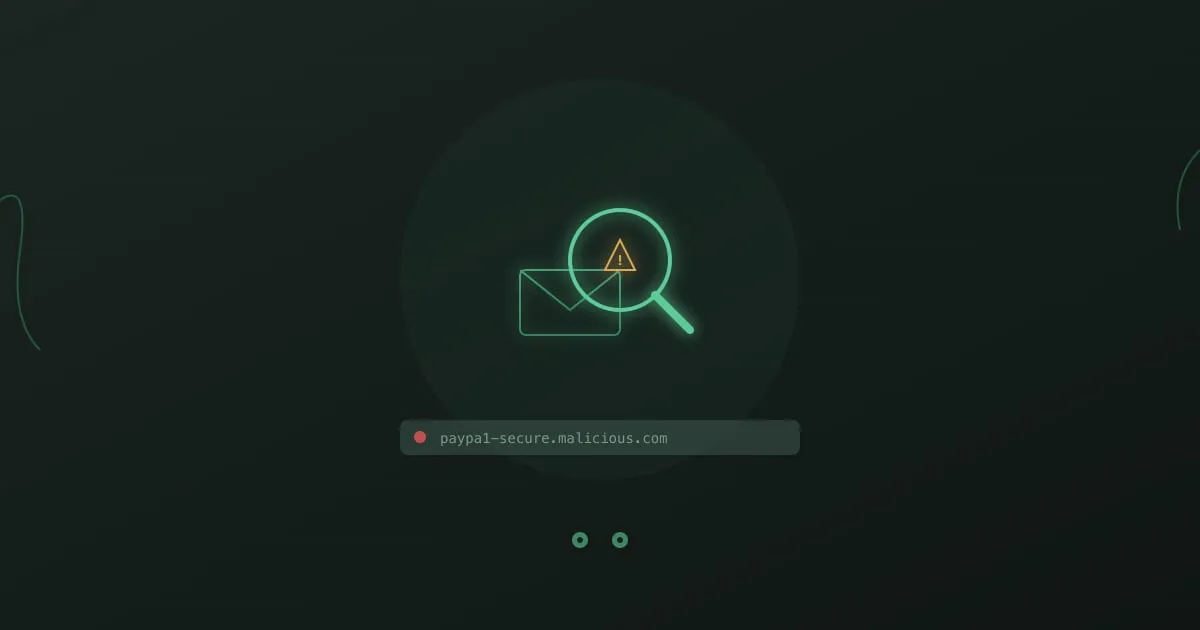
Phishing detection - magnifying glass over email revealing fraud

You know what phishing looks like. Misspelled words, suspicious links, Nigerian princes. You’ve done the training. You’ve passed the tests.

And yet.

Somewhere, right now, someone who knows all of this is clicking a link they shouldn’t. Not because they’re careless or stupid, but because they’re busy, distracted, and the email looked just legitimate enough.

Phishing detection isn’t about knowledge. It’s about habits that kick in automatically, even when you’re not thinking clearly.