Your name, logo, colours and domains
The company in each story becomes yours. Attacker look-alike domains are built from your real one, and a colour too light to read is darkened.
Describe the threat. Get an exercise your people can play, in your own brand.
Every run follows the same five steps. You approve the plan before anything is built, and nothing reaches learners until you publish.
Brief
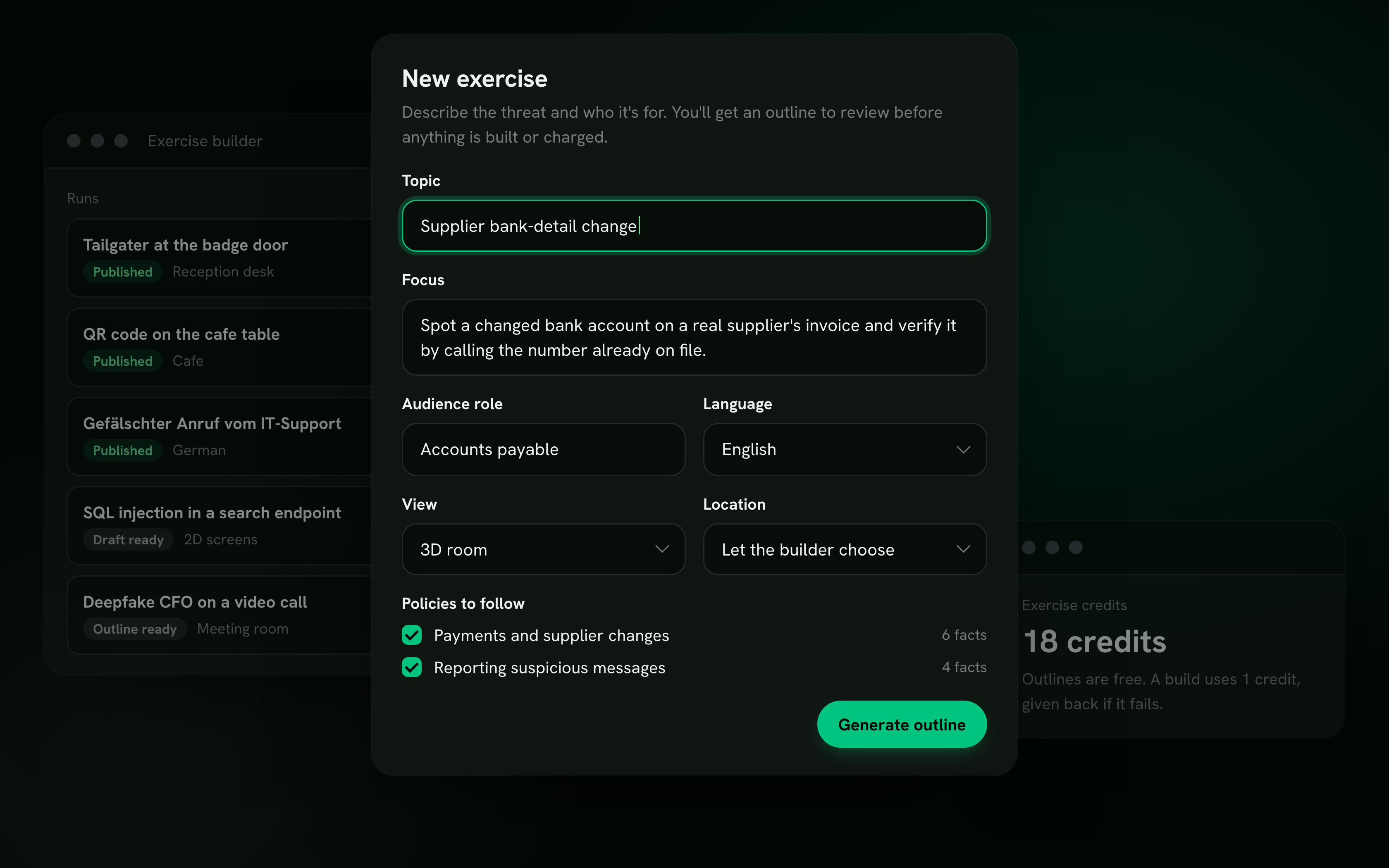
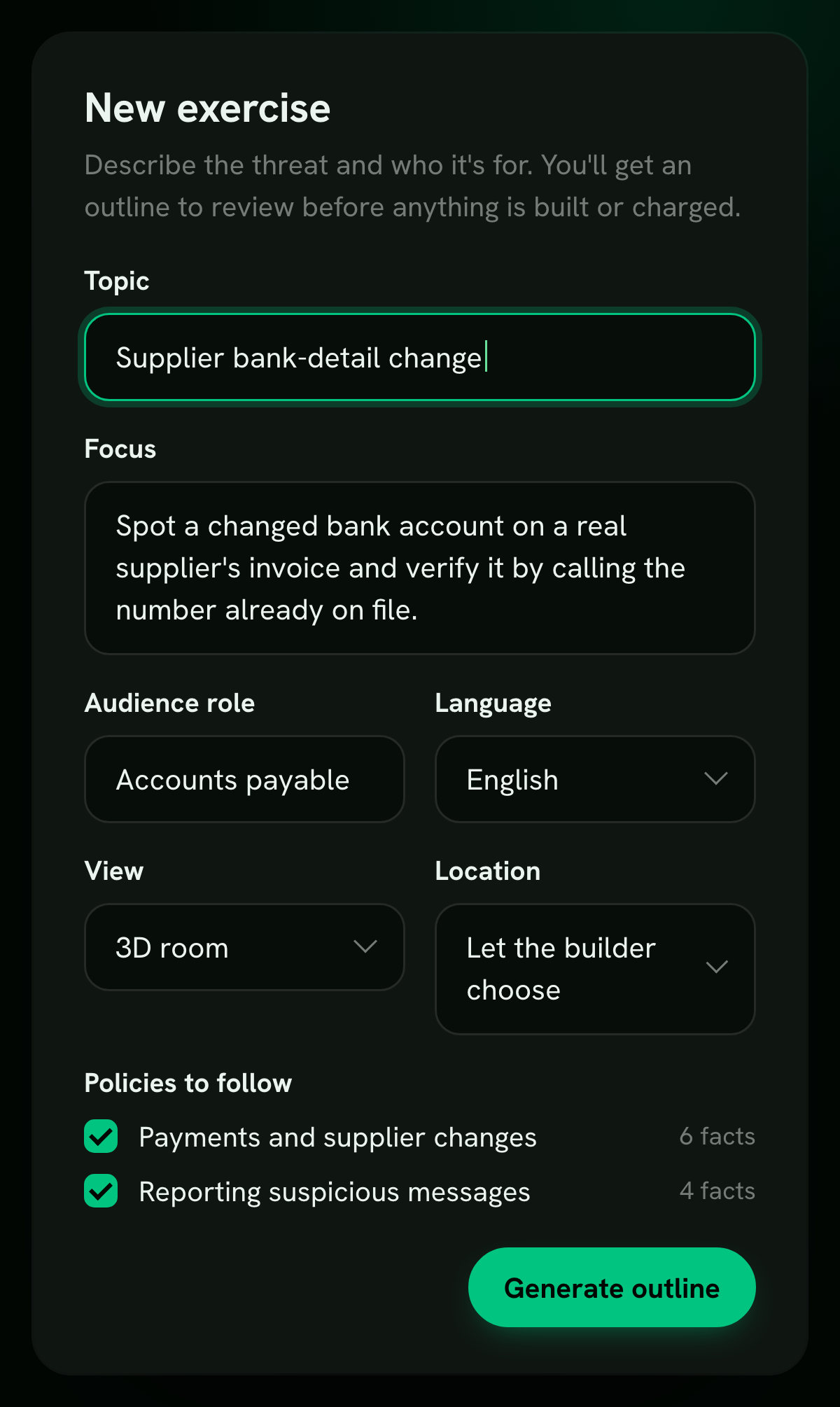
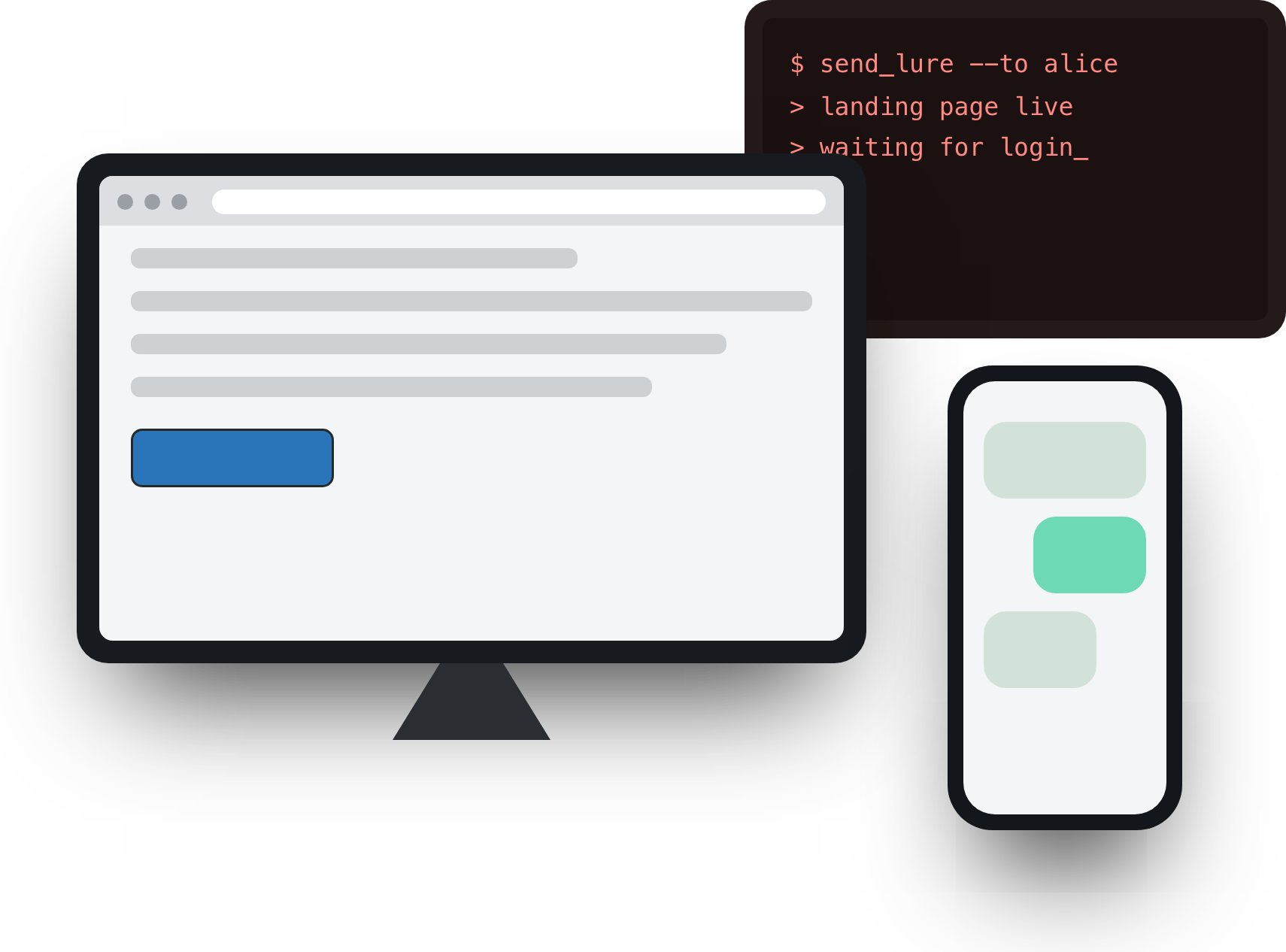
Name the threat, who it is for and what they should practise. Pick a 3D room or 2D screens and tick the policies to follow.
Outline
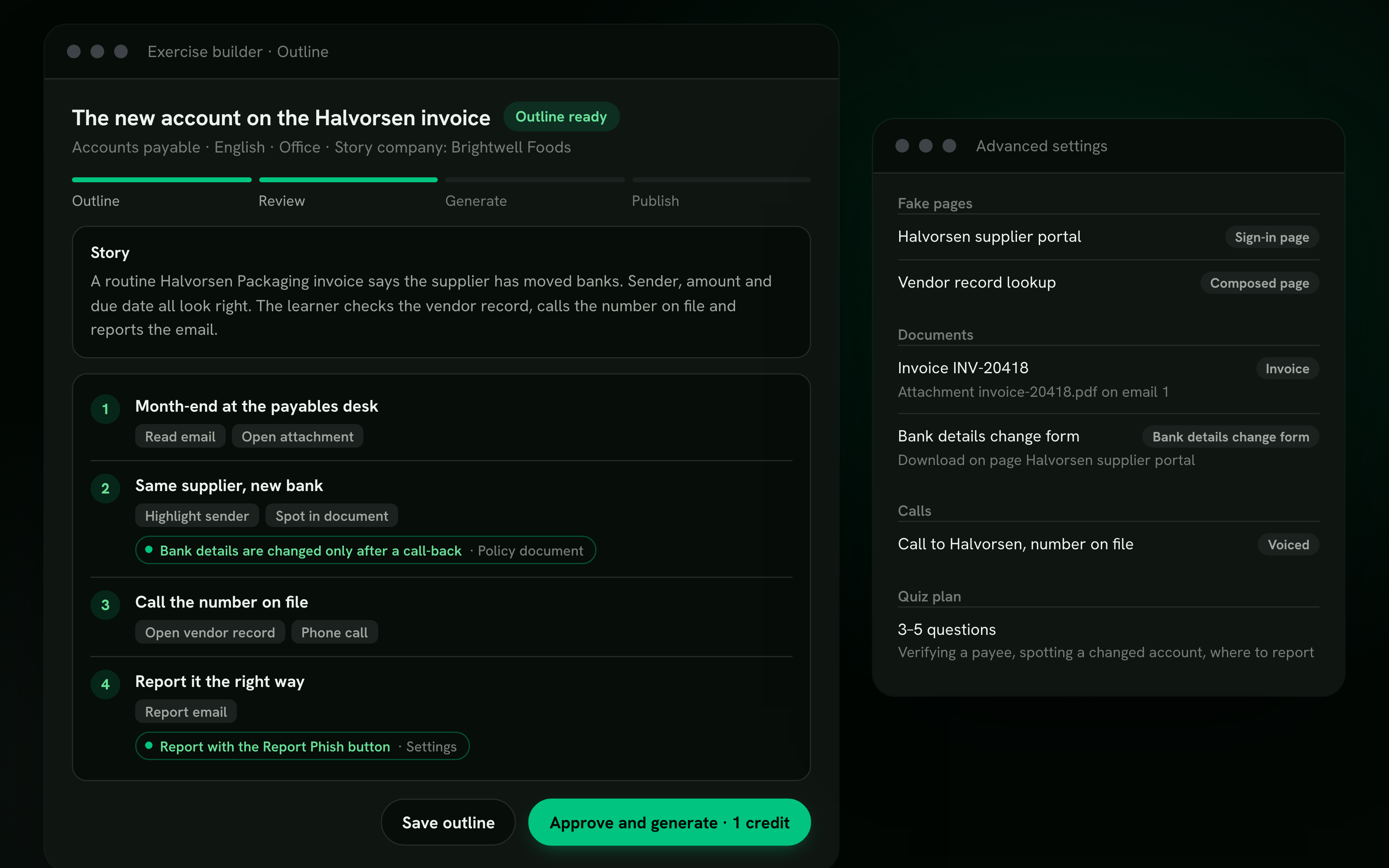
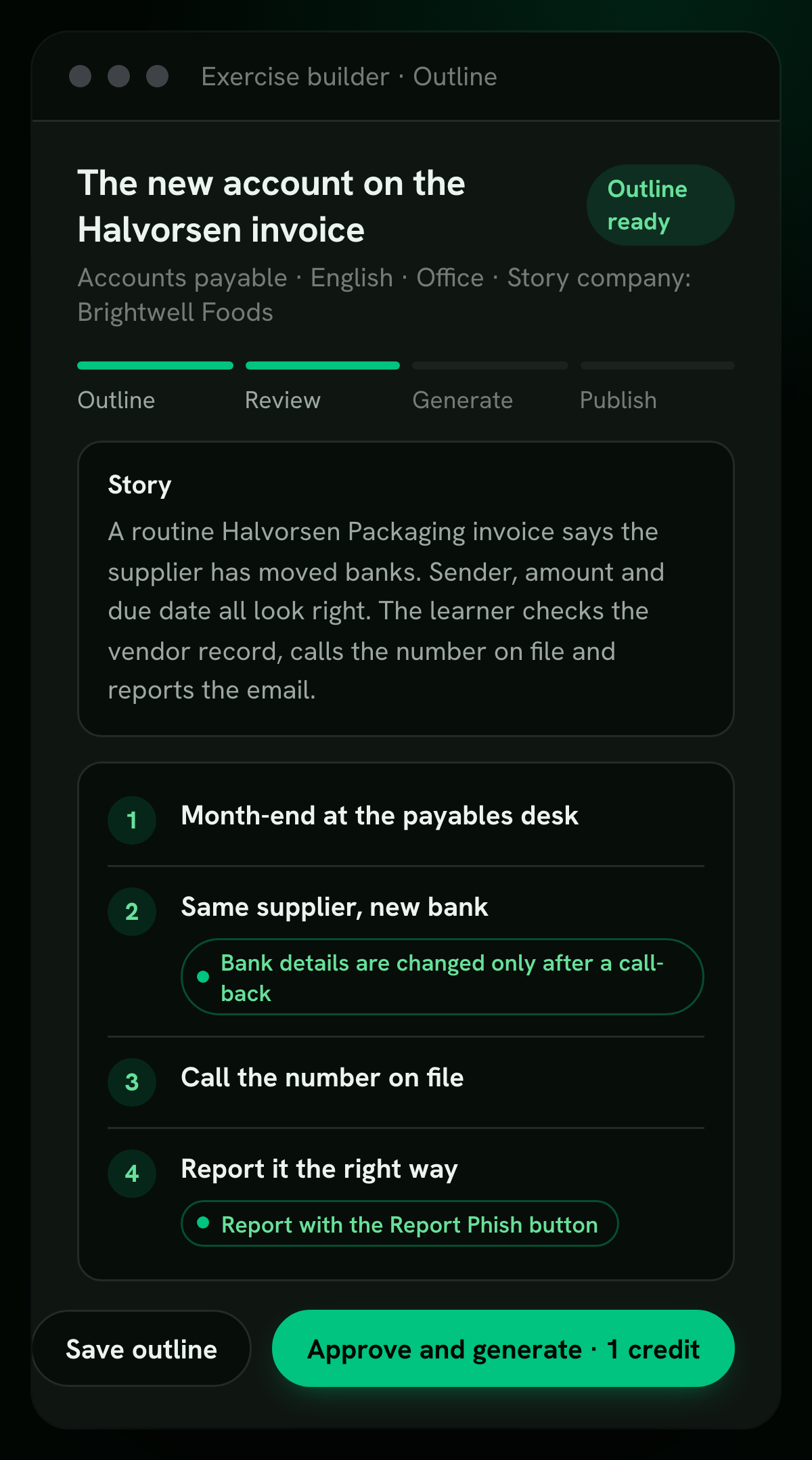
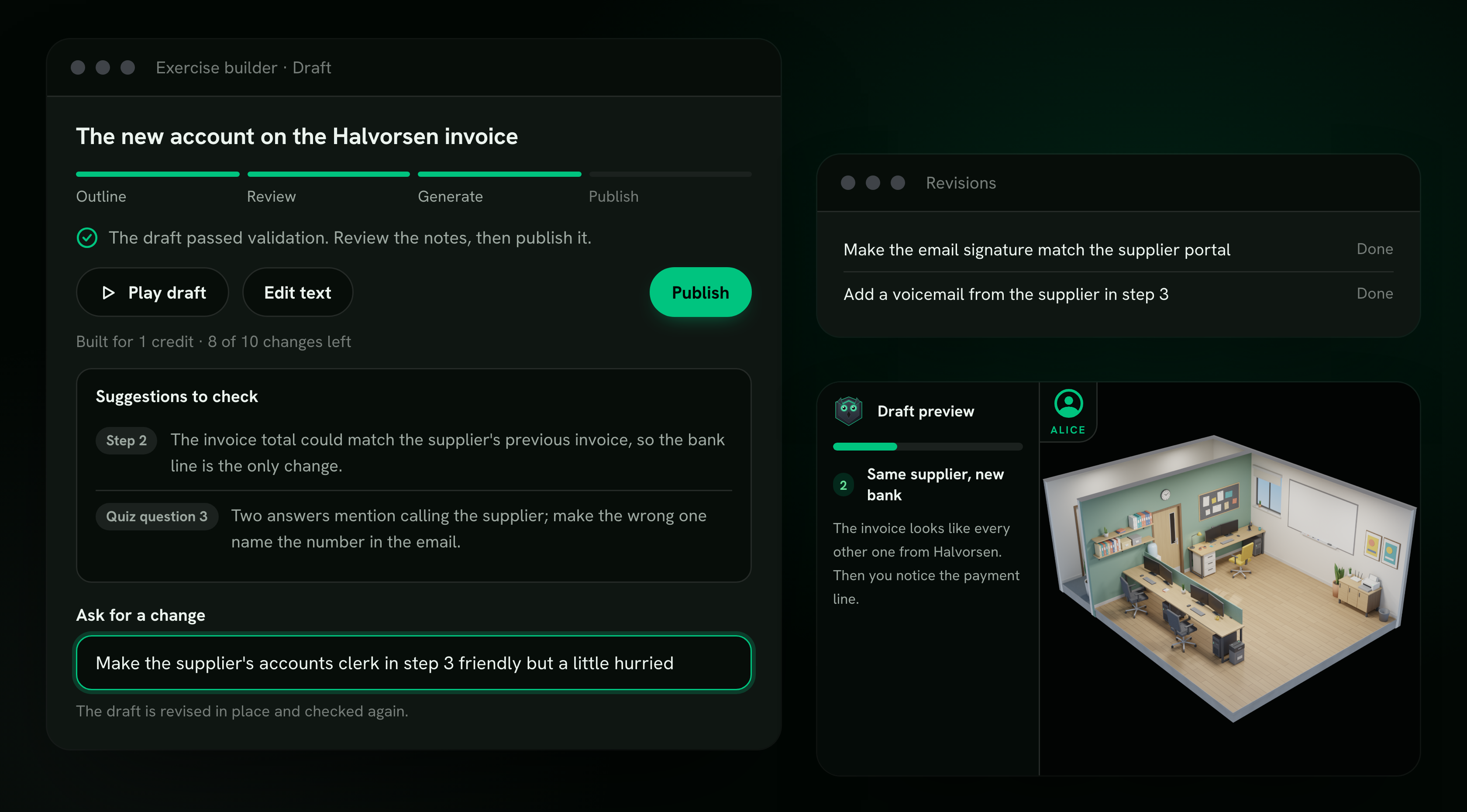
The builder drafts the story, steps, fake pages, documents, calls and quiz. Change the plot in one paragraph, or reorder steps and edit the quiz.
Check
Each click target exists, apps open before they are used, steps run in an order the player supports. A second pass reads the draft and fixes what it can.
Play
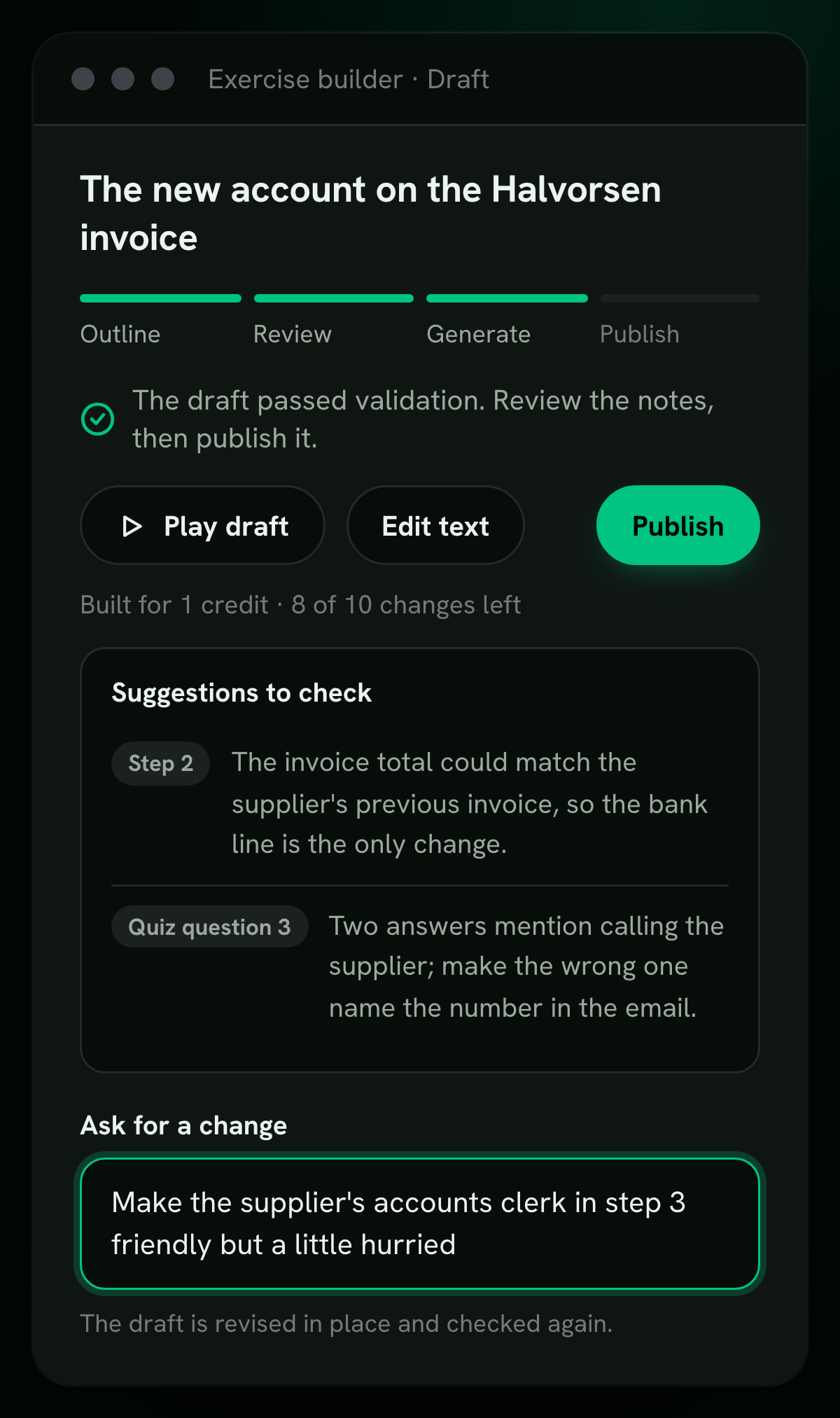
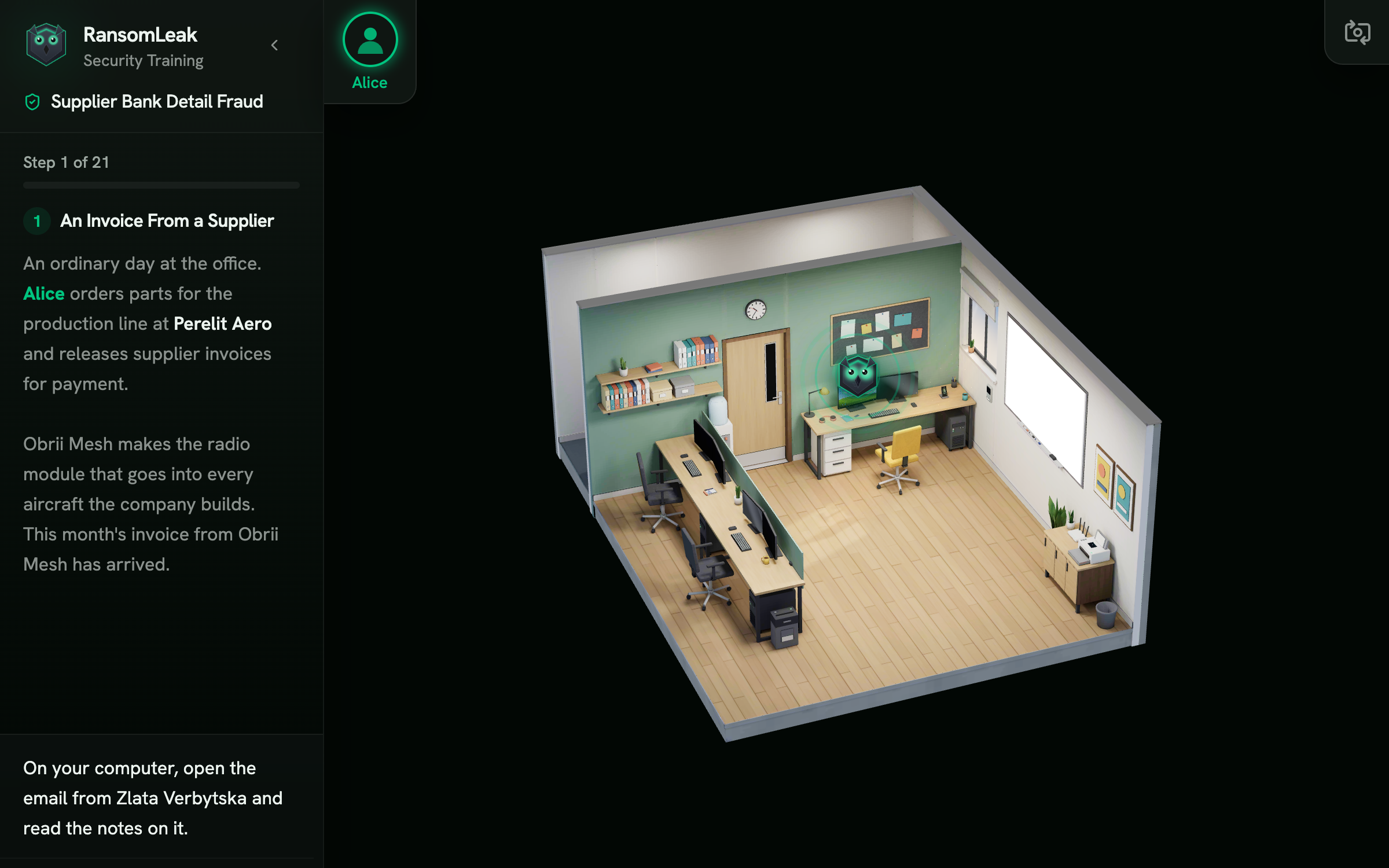
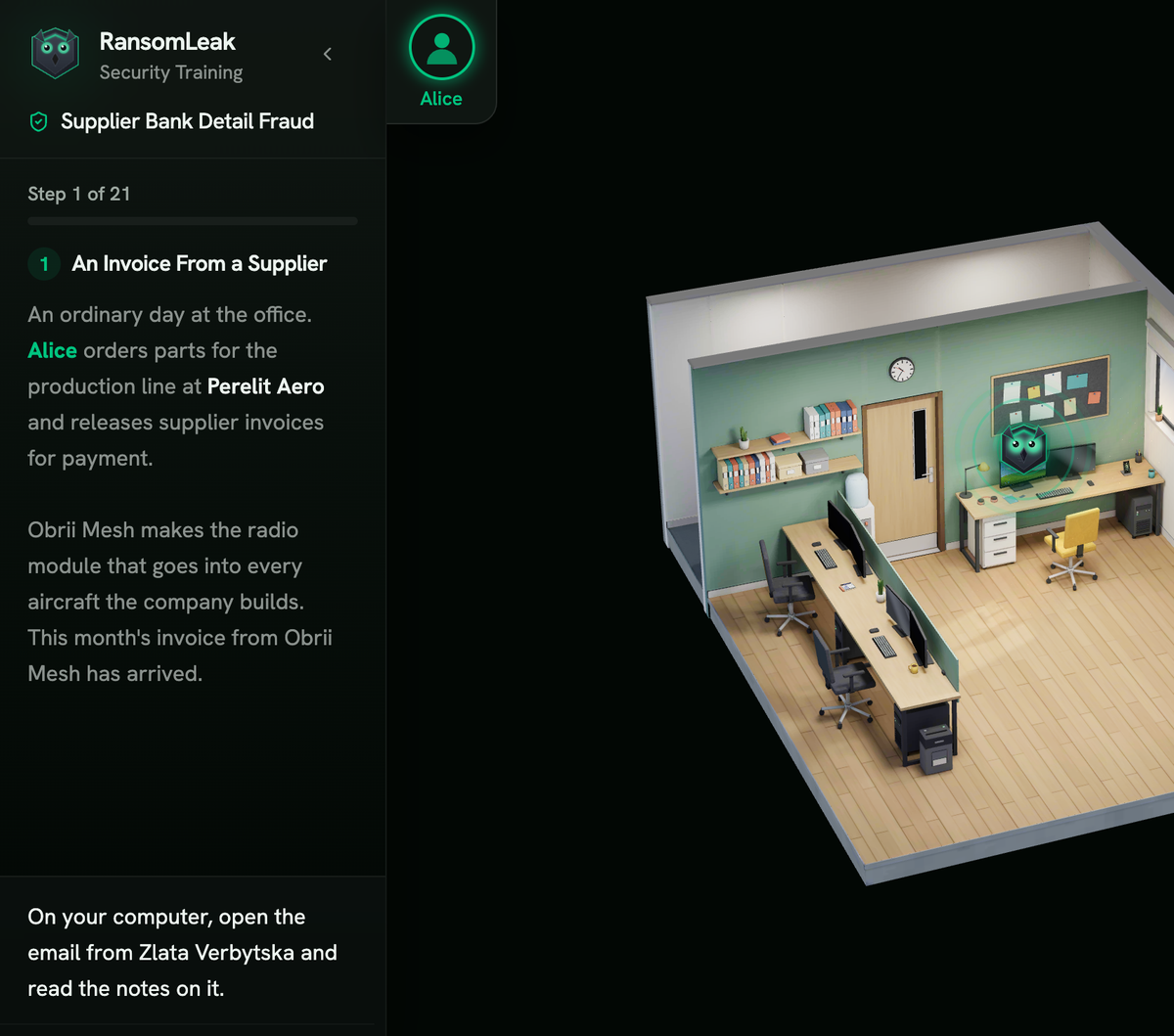
Play draft opens the real player before anything is published, and nothing you do there is recorded. This is what your people will see.
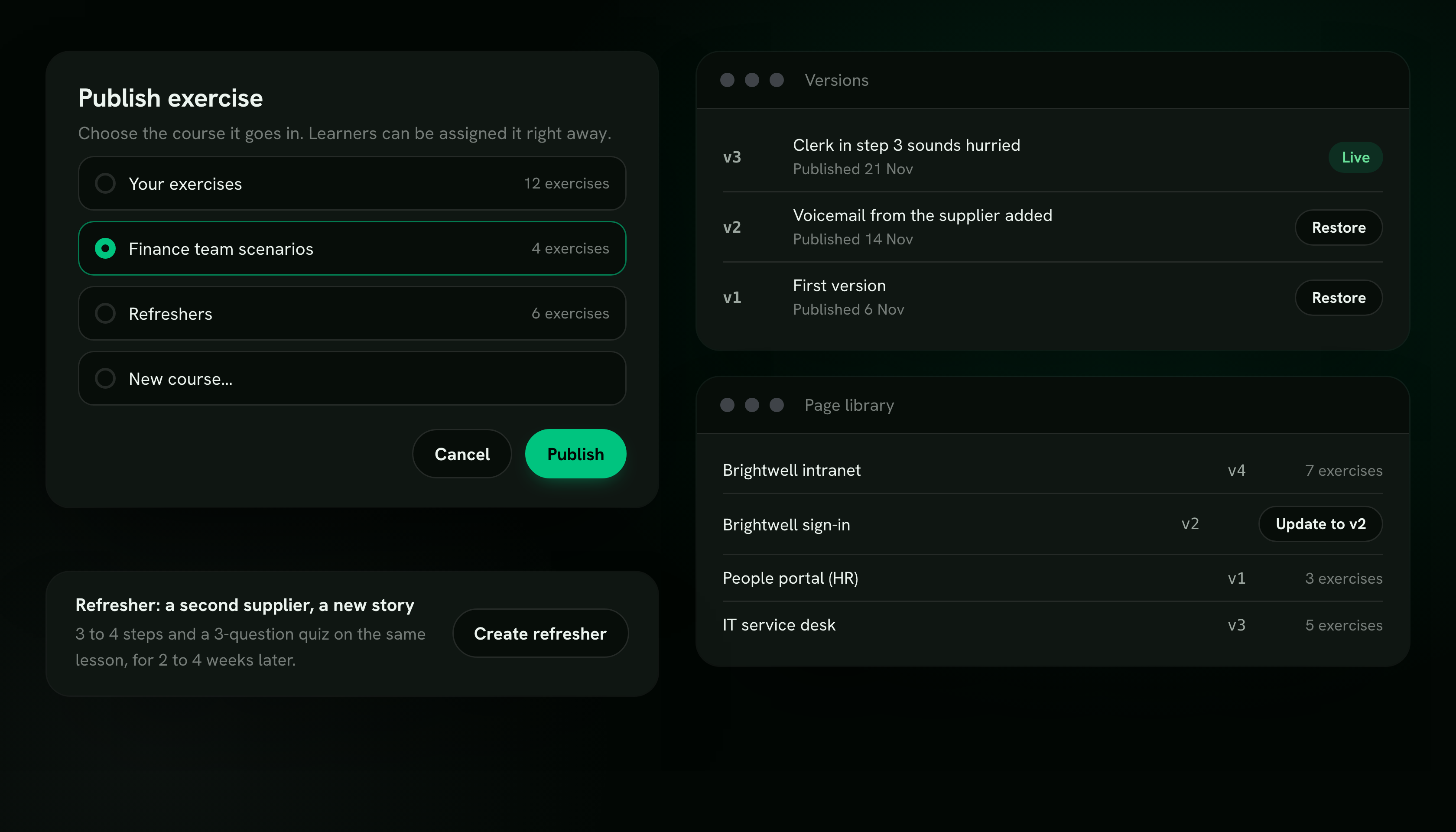
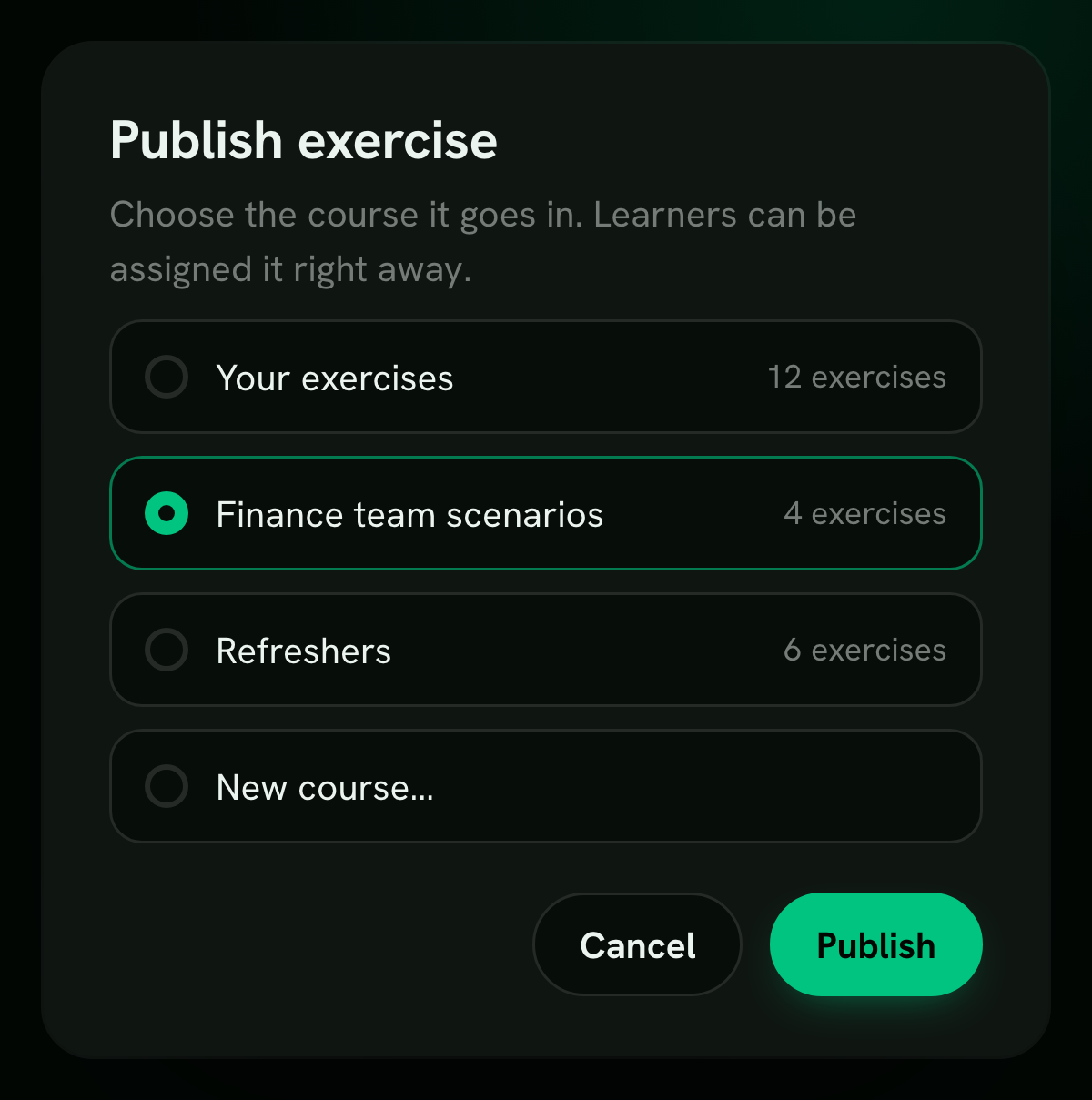
Publish
Publish into your own courses and assign it like any catalog exercise. Later edits become versions, so paths, campaigns and results stay attached.
Every catalog exercise and every exercise you build can run as your own company: the attack your people will actually get, and the procedure they should actually follow.
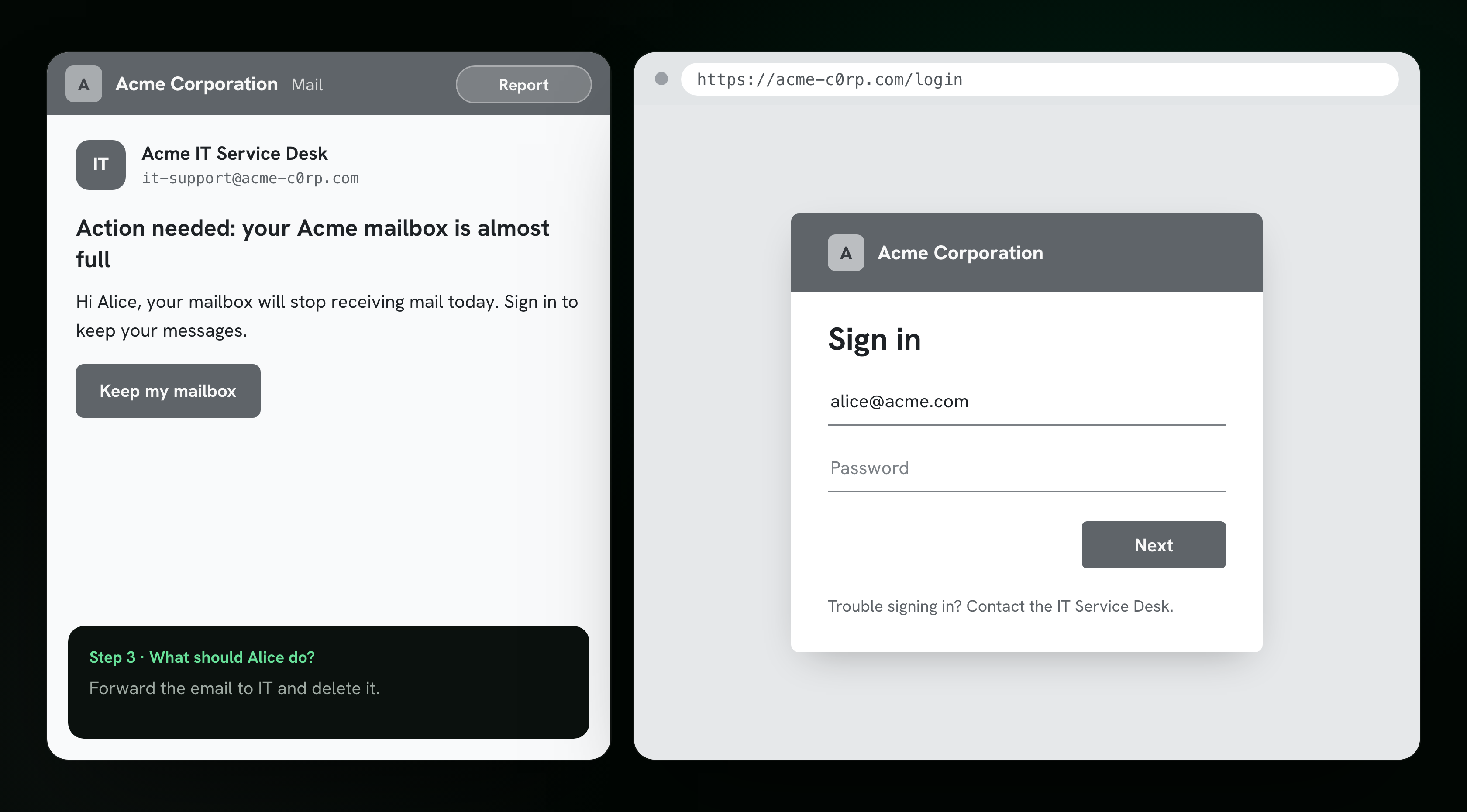
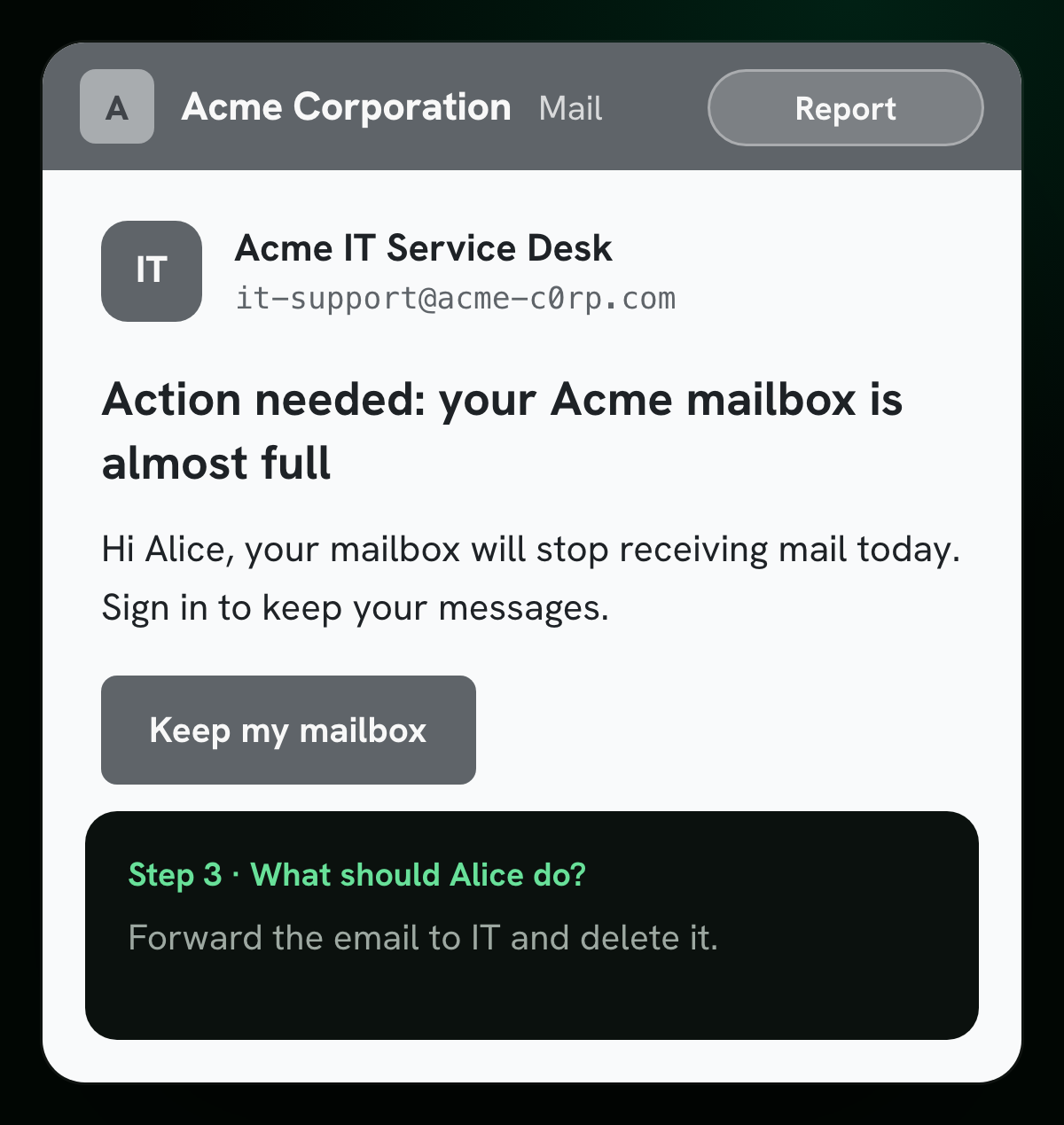
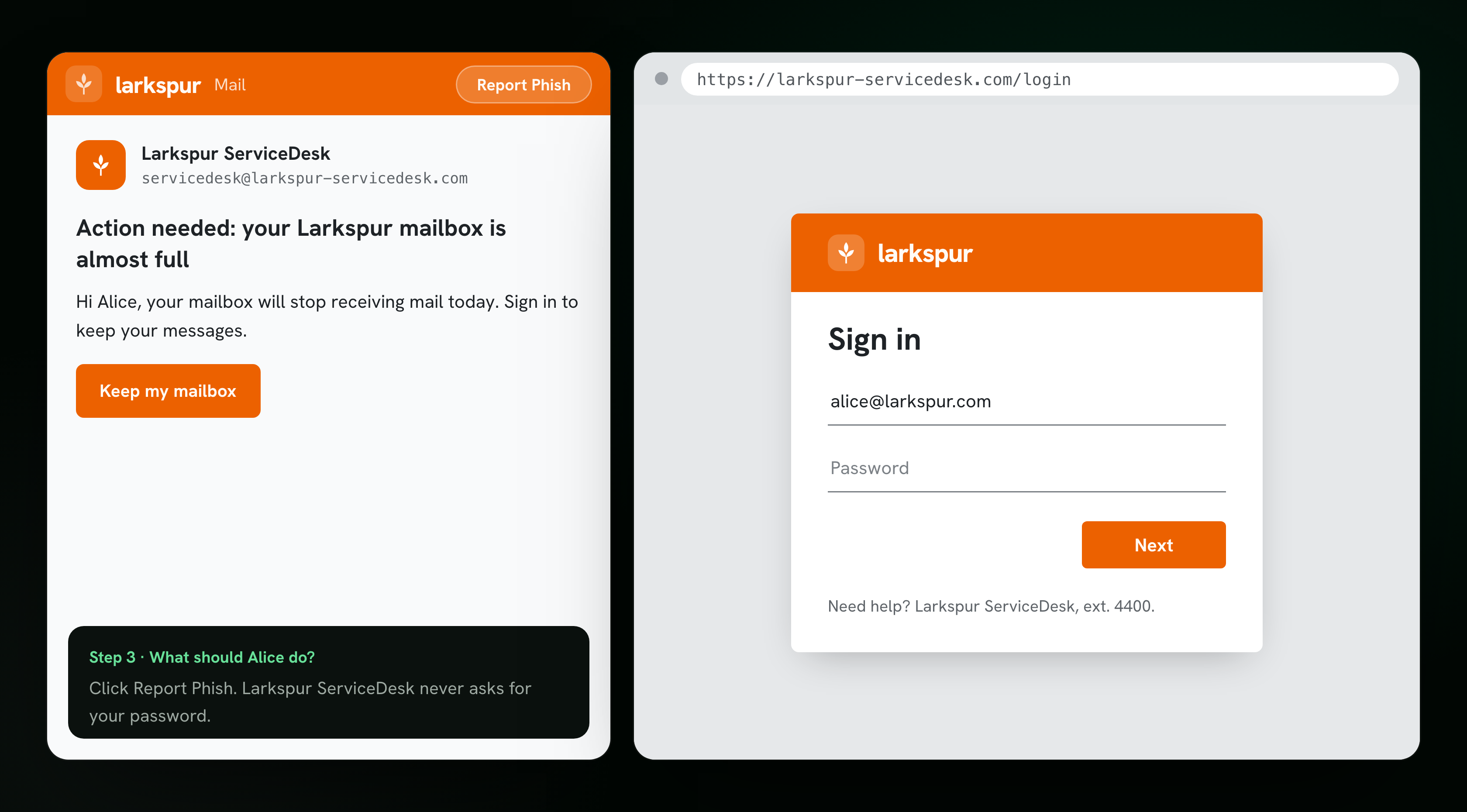
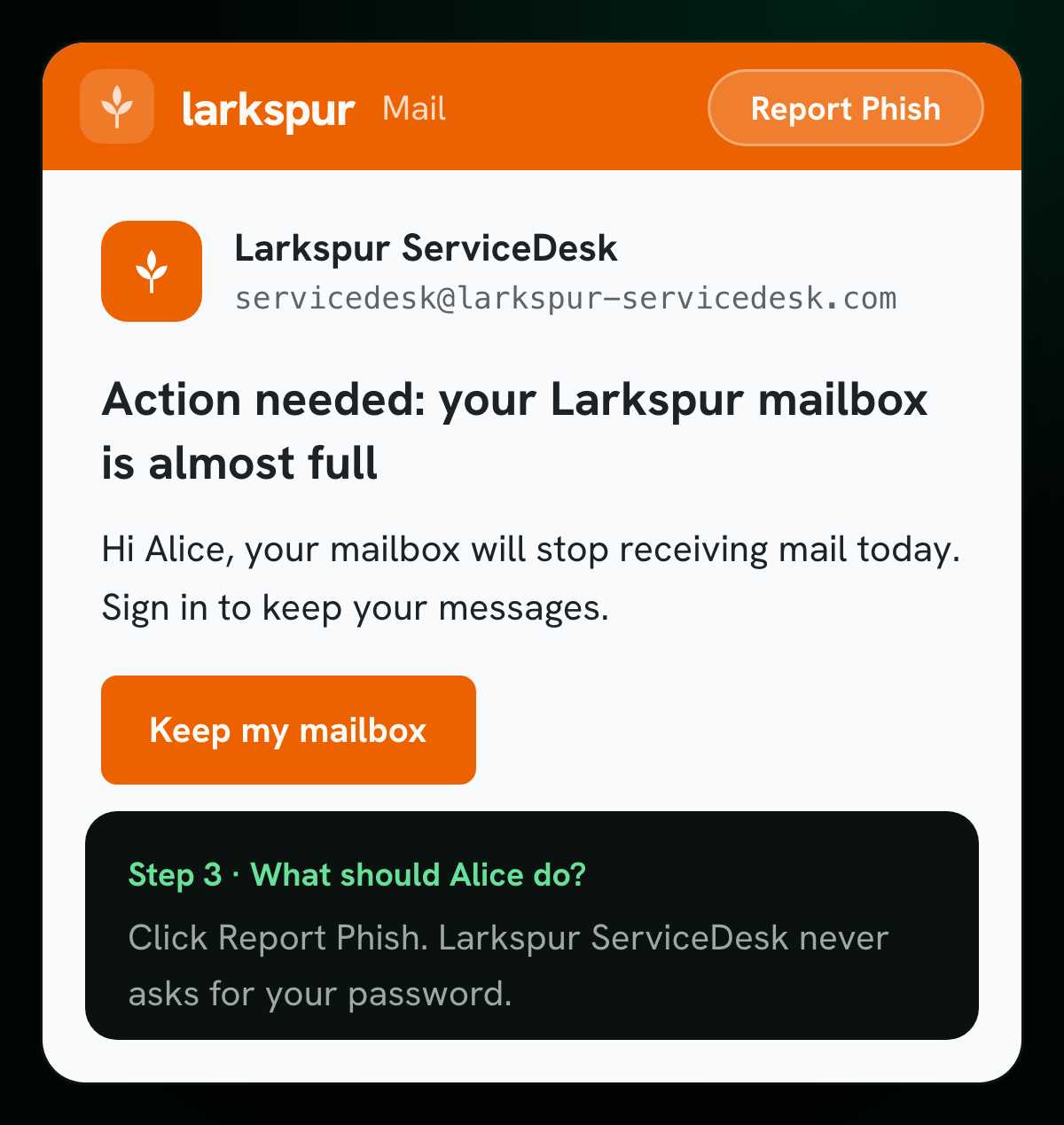
The company in each story becomes yours. Attacker look-alike domains are built from your real one, and a colour too light to read is darkened.
Generic, Microsoft, Google or Okta style. The layout only, never another company’s logo.
Calls and voicemails are re-voiced with the catalog’s own voices.
Hi Alice, it’s Mark from Larkspur ServiceDesk. I just need the code we sent to your phone.
Where to report, the report button’s name, your helpdesk, password manager, approved AI tools and data labels.
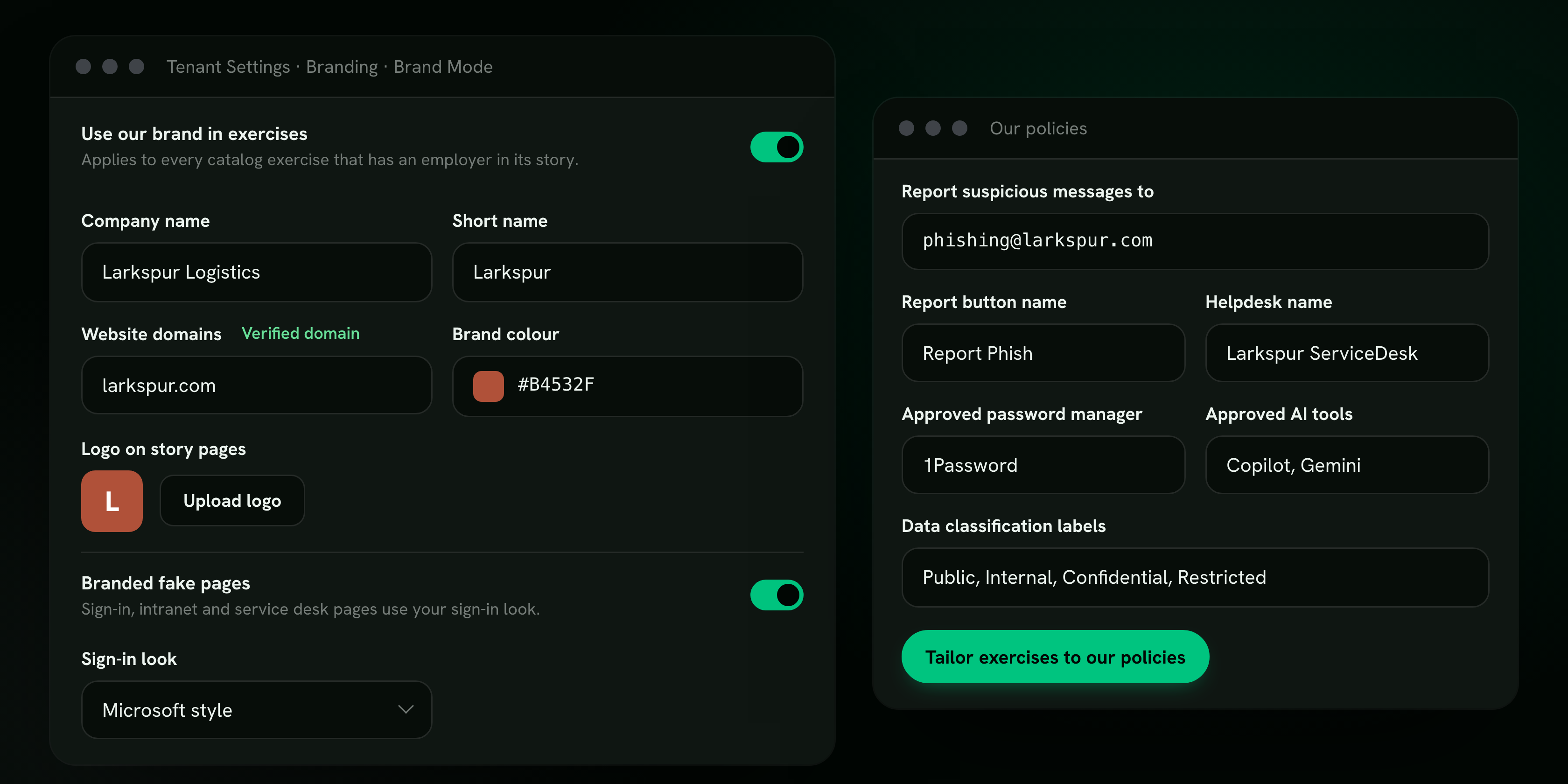
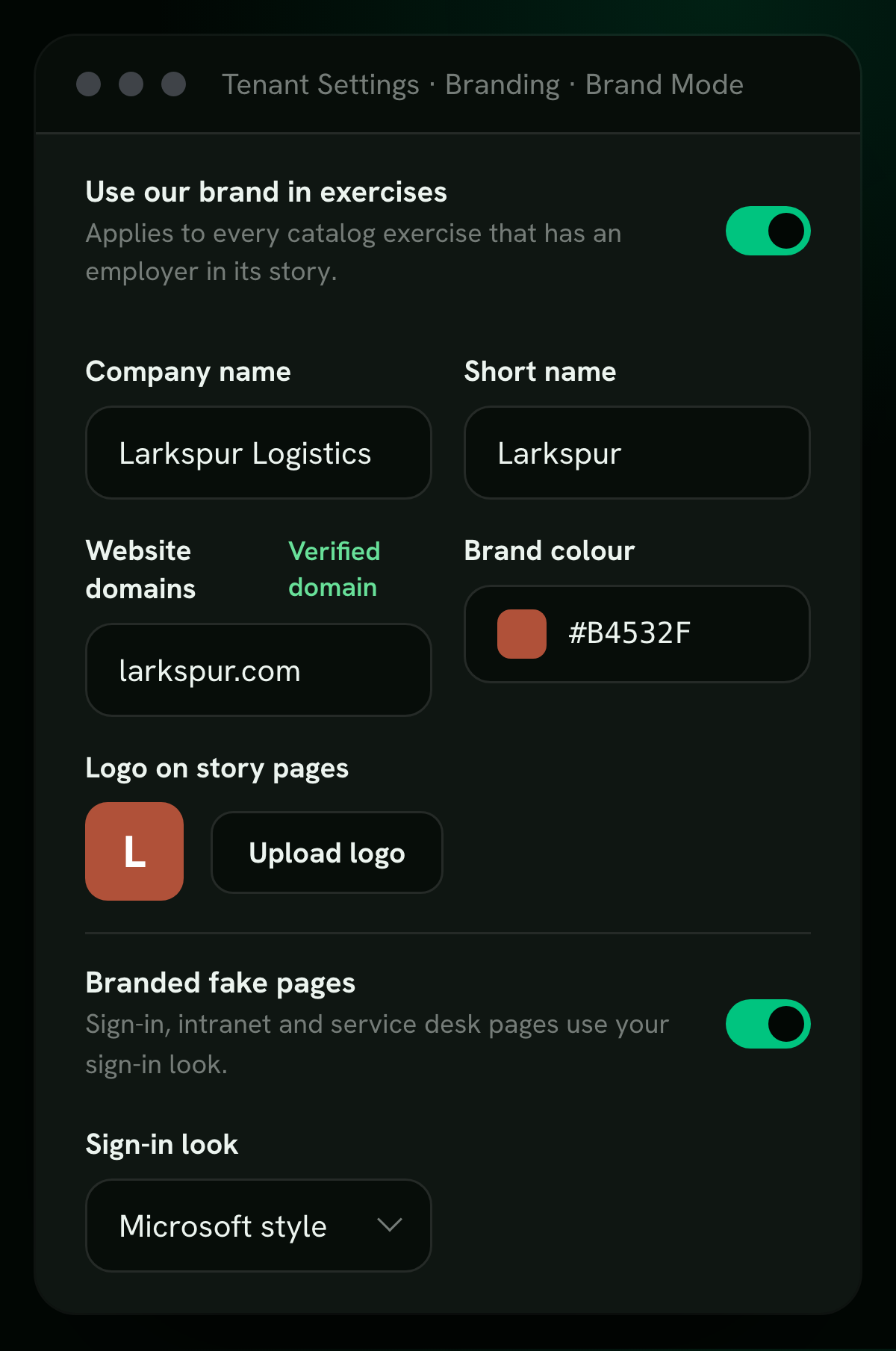
Catalog text beside the tailored version, field by field. Reset any exercise, or keep a case study in its original company.
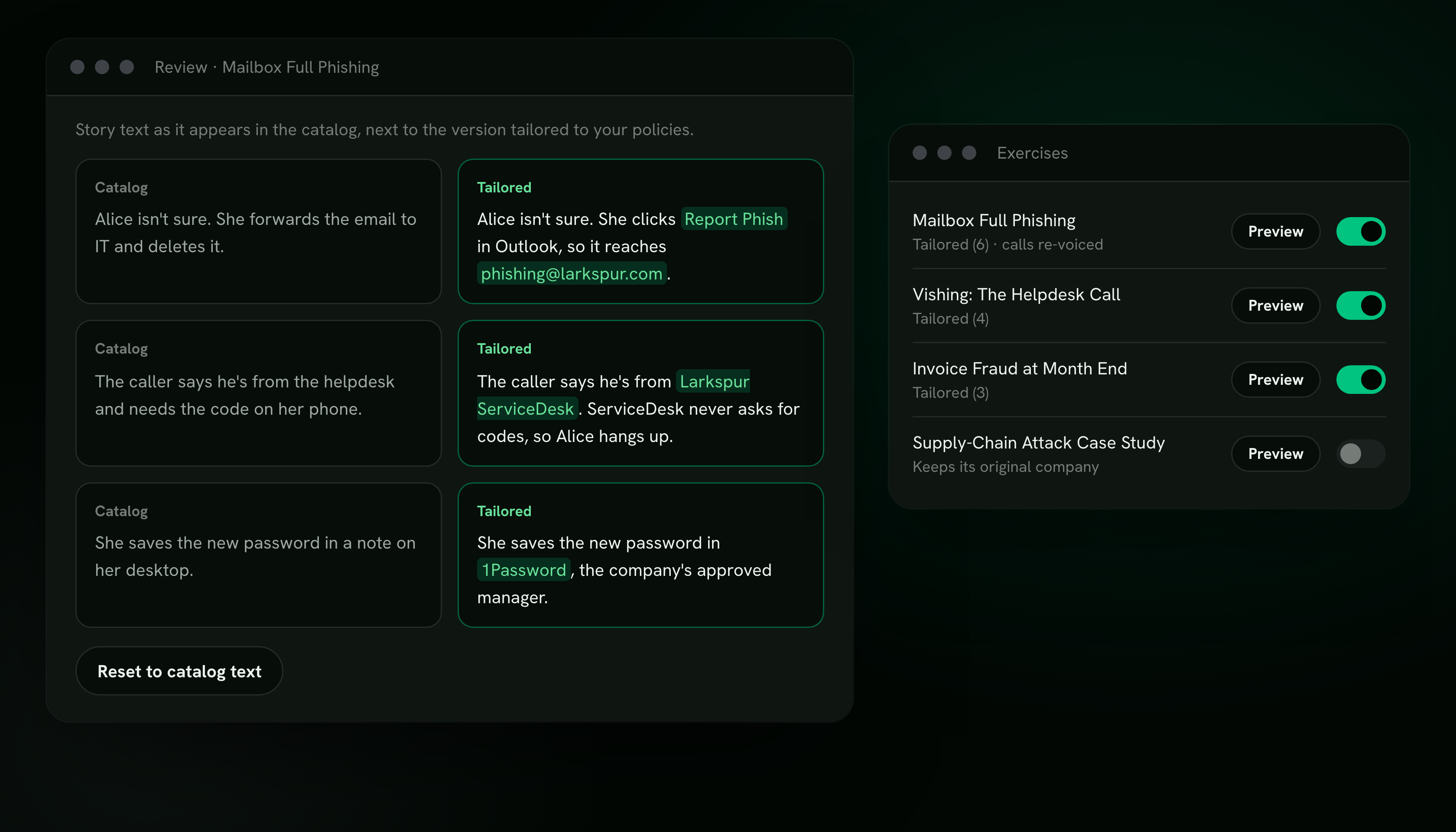
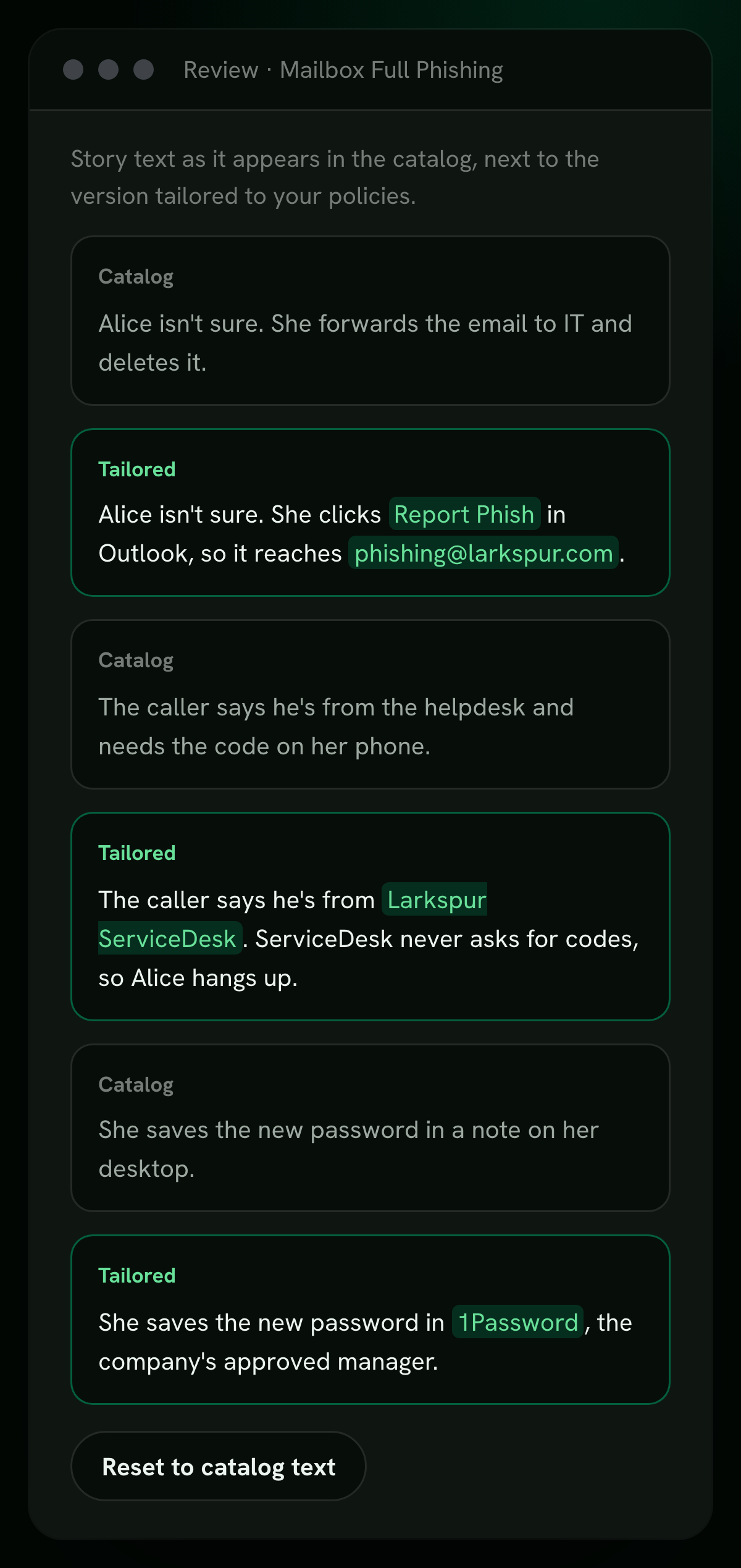
Across 300+ catalog exercises, in builder pages and documents, and in SCORM packages played from your LMS.
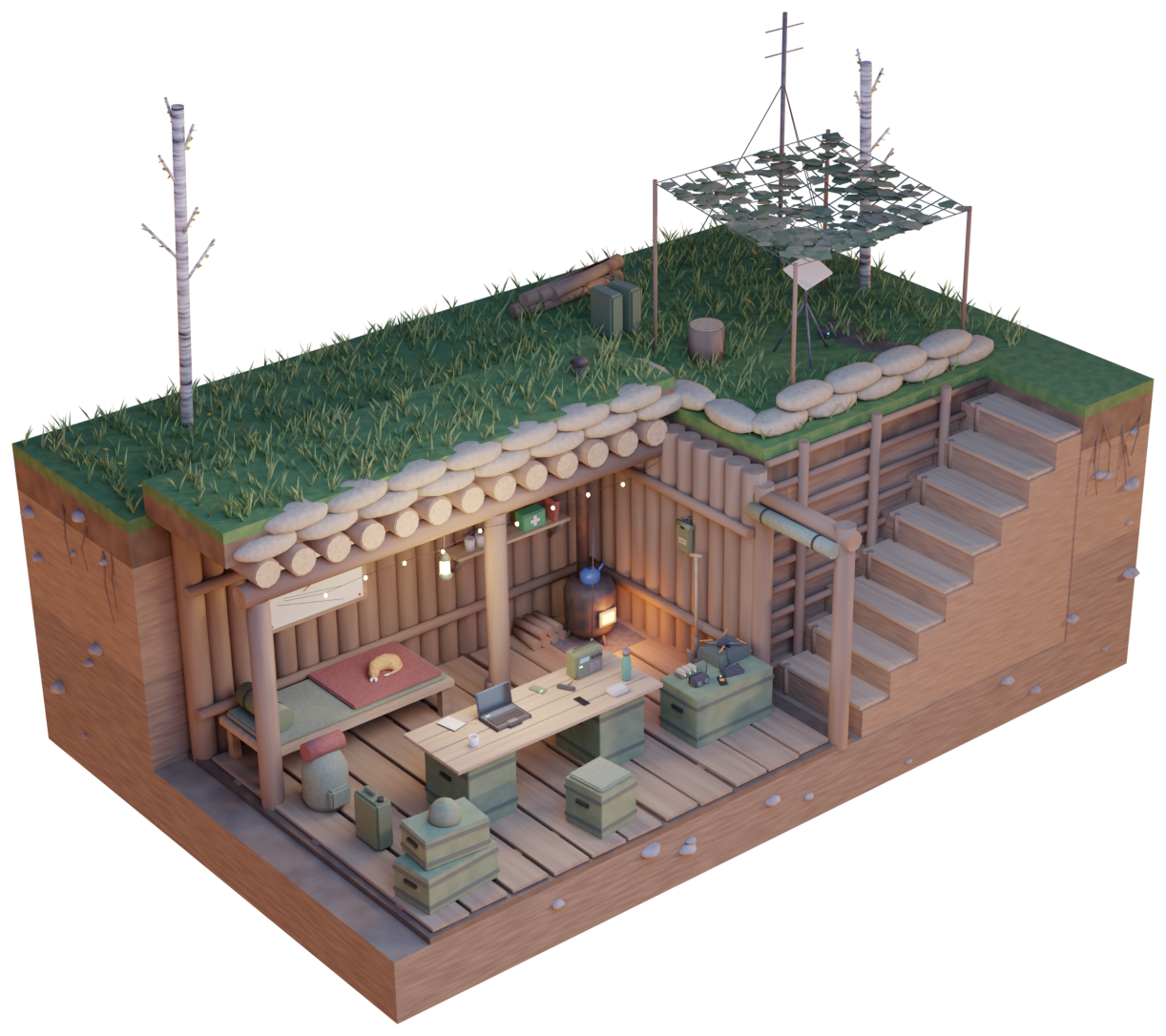
Each 3D place brings its own screens, props and people. Leave it to the builder and it picks the place the story needs.
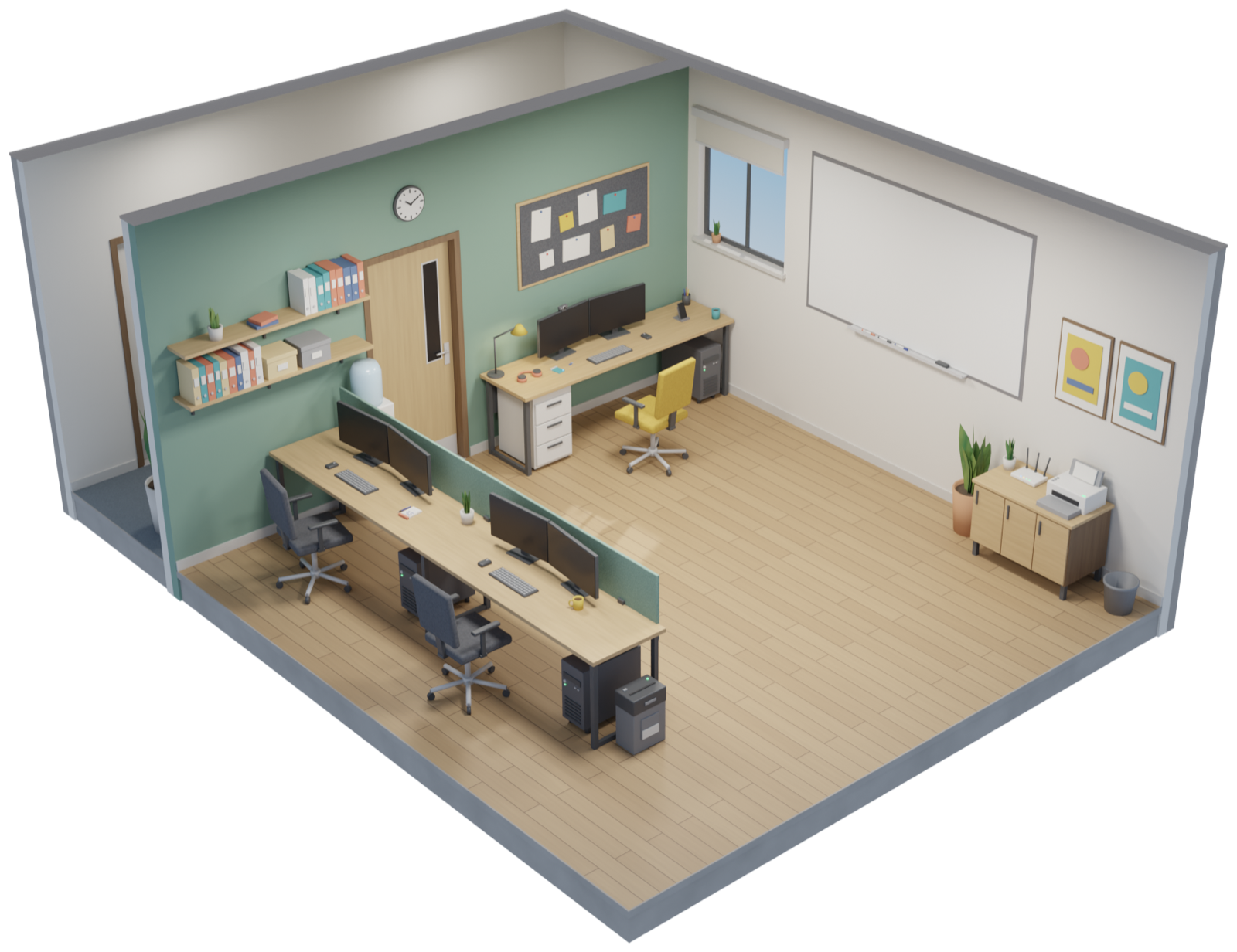
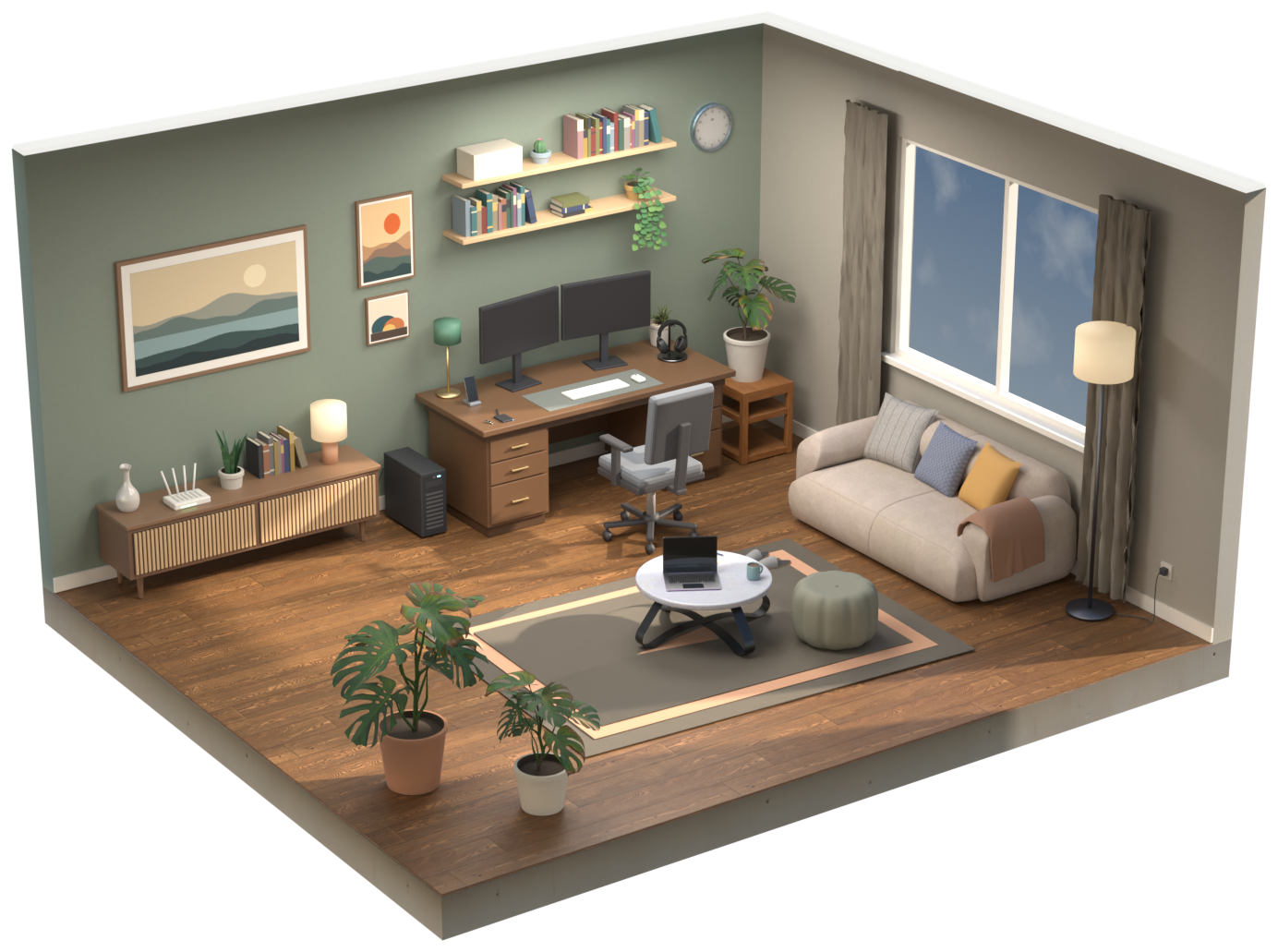
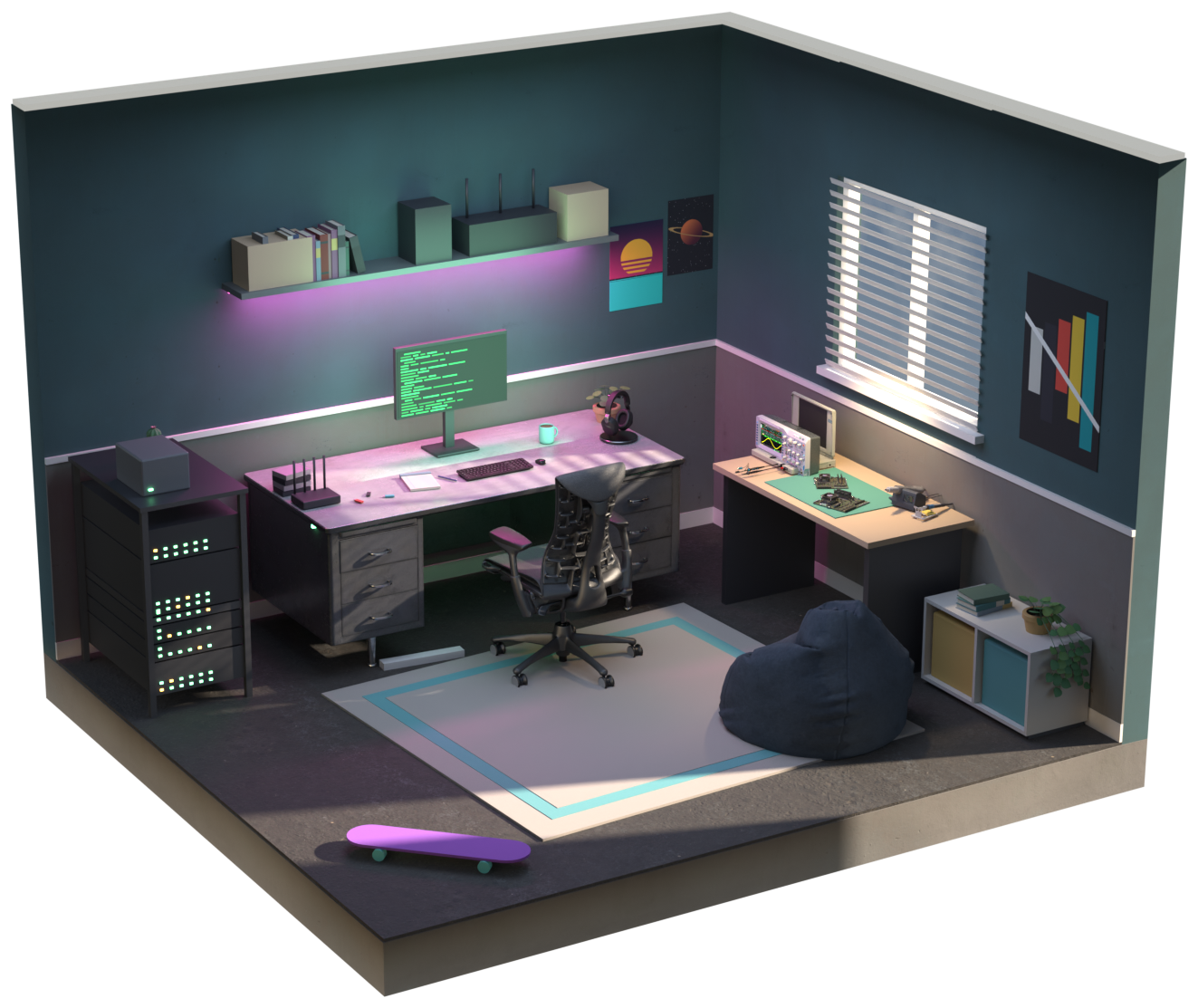
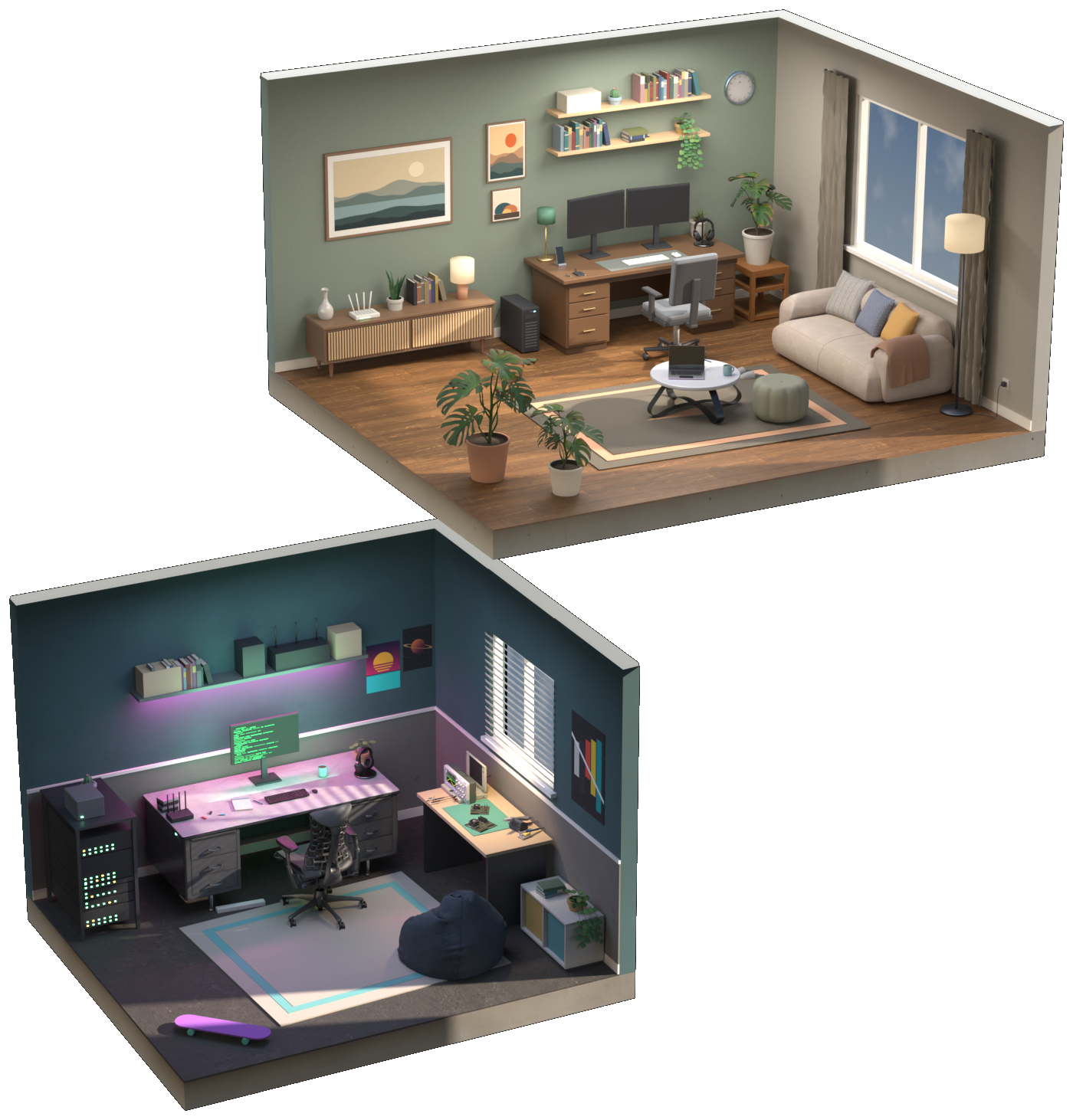
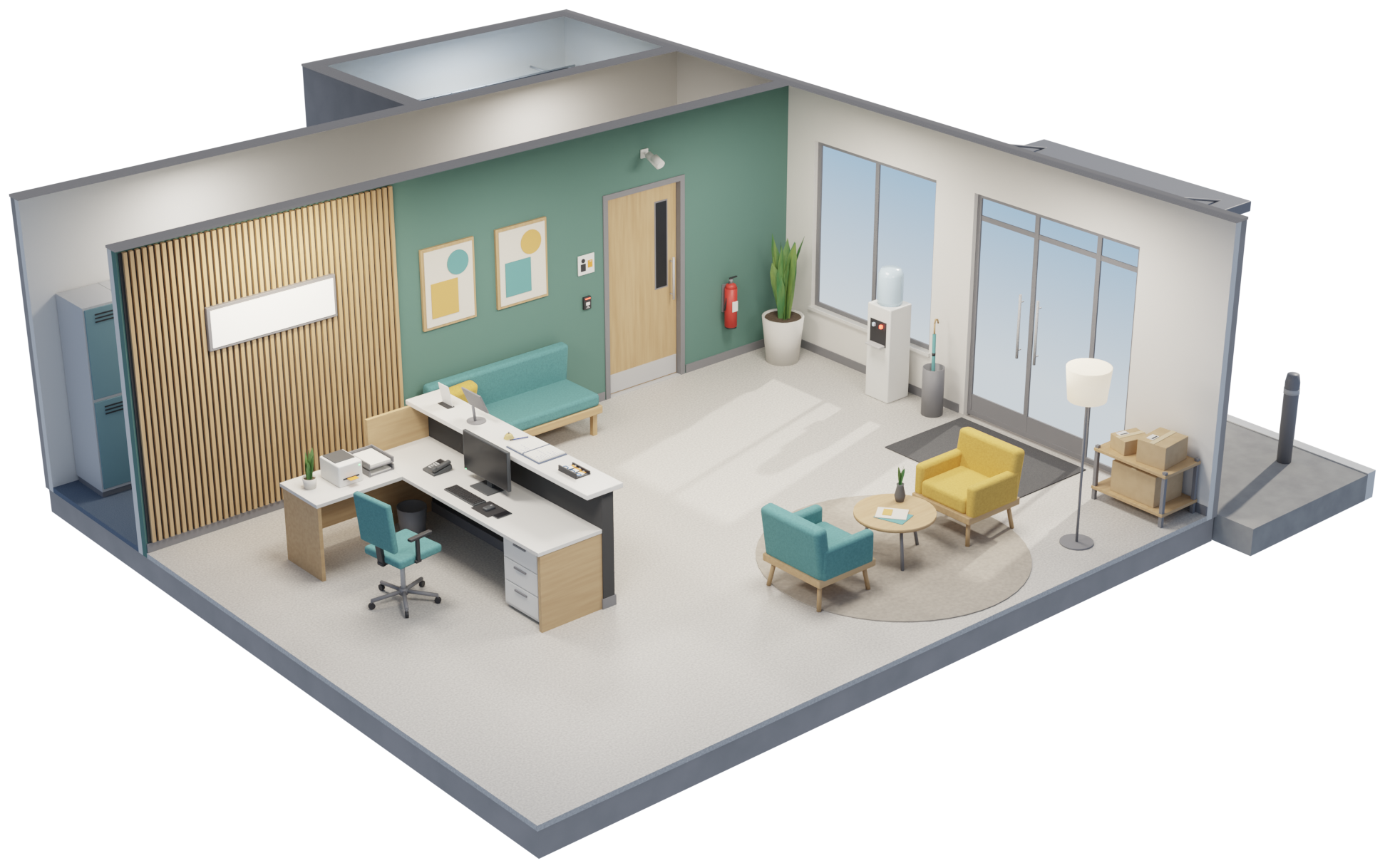
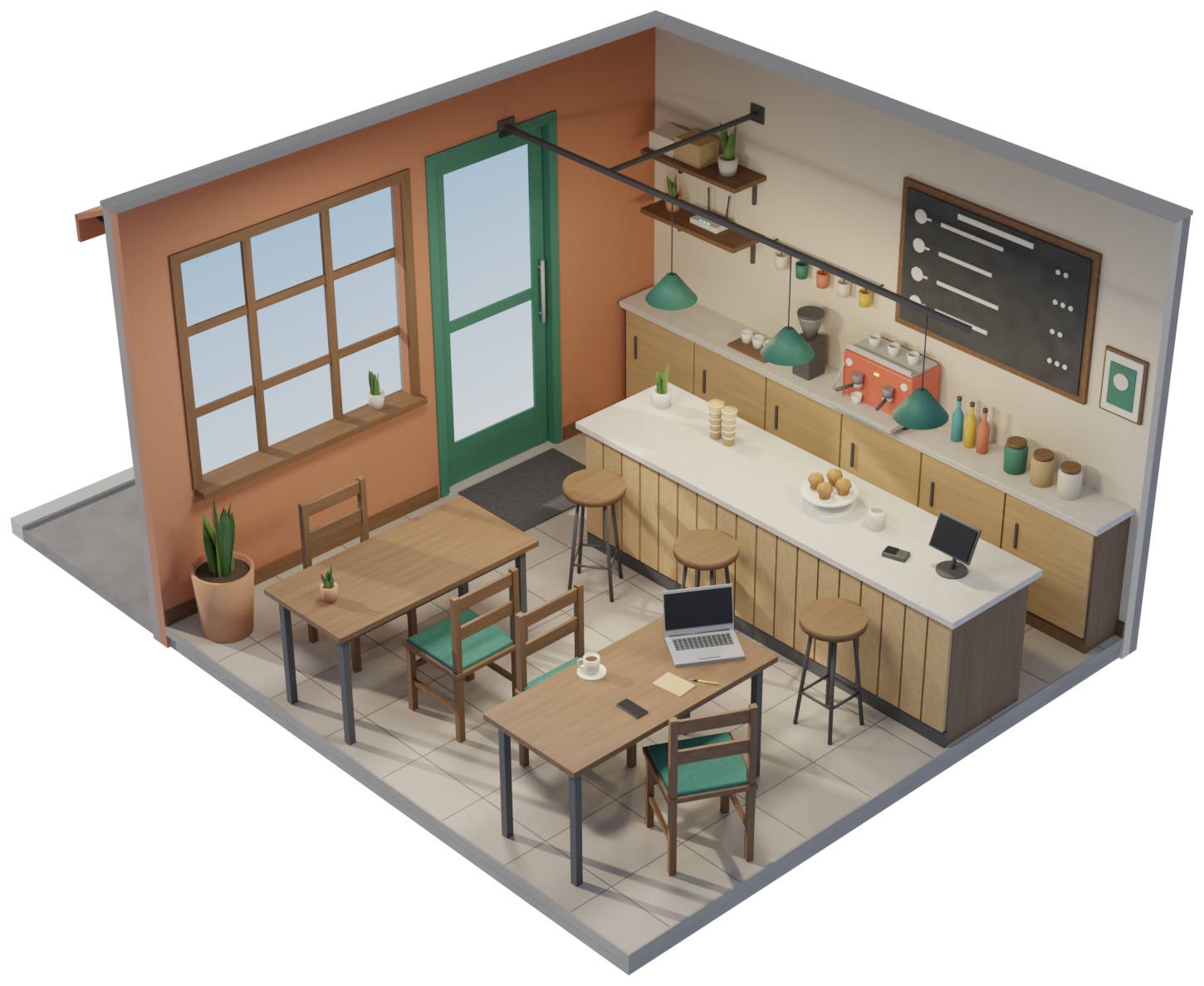
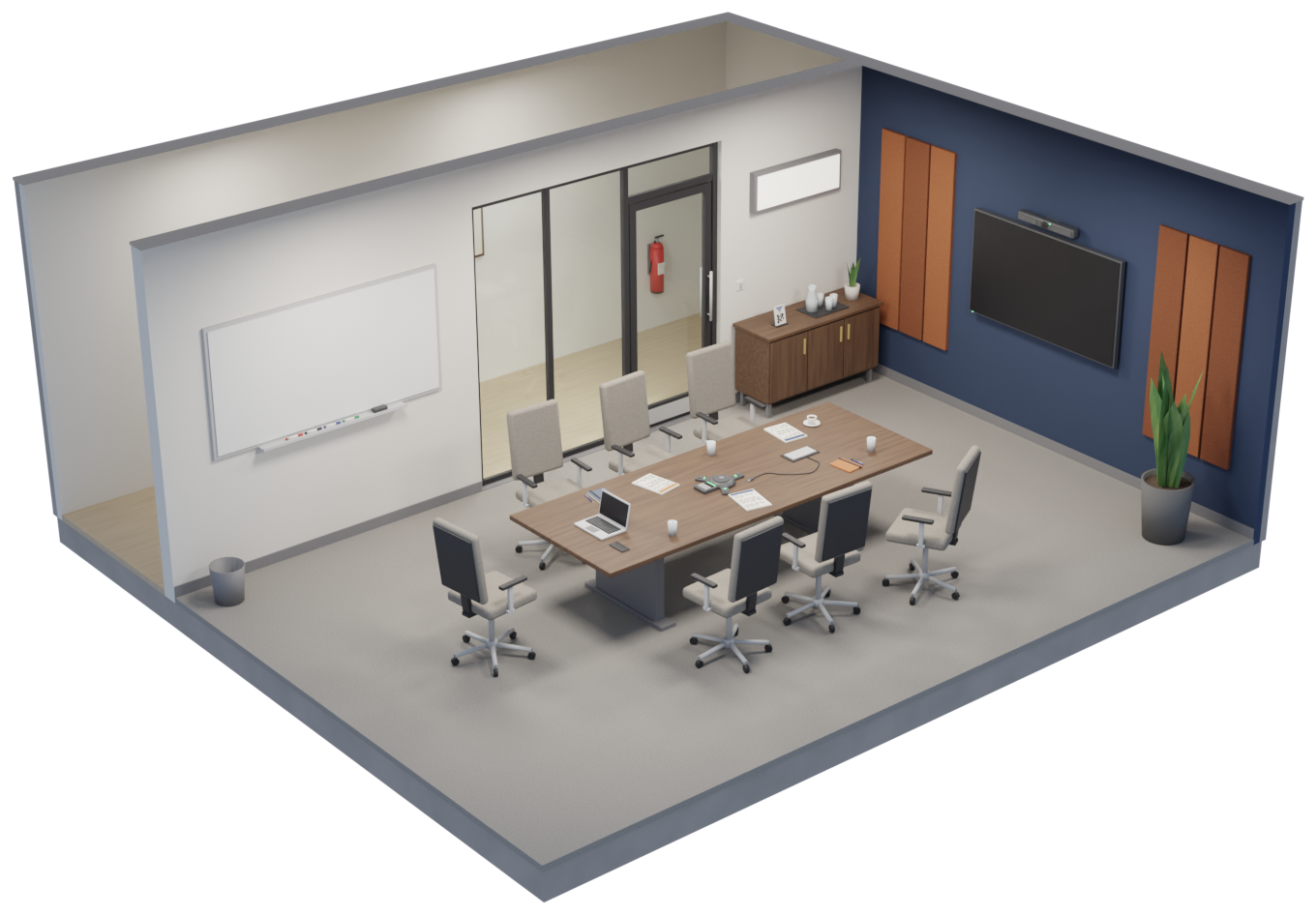
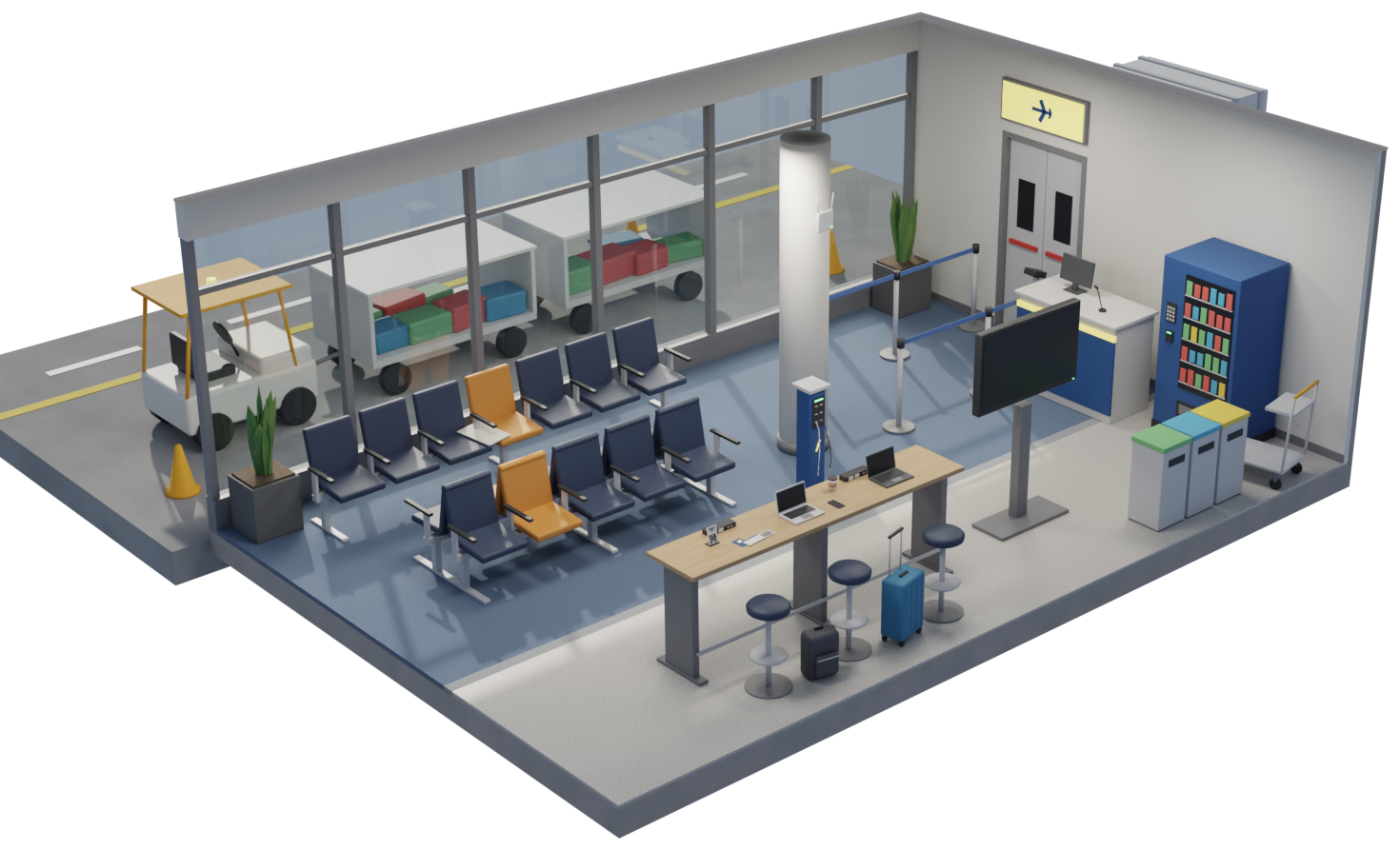
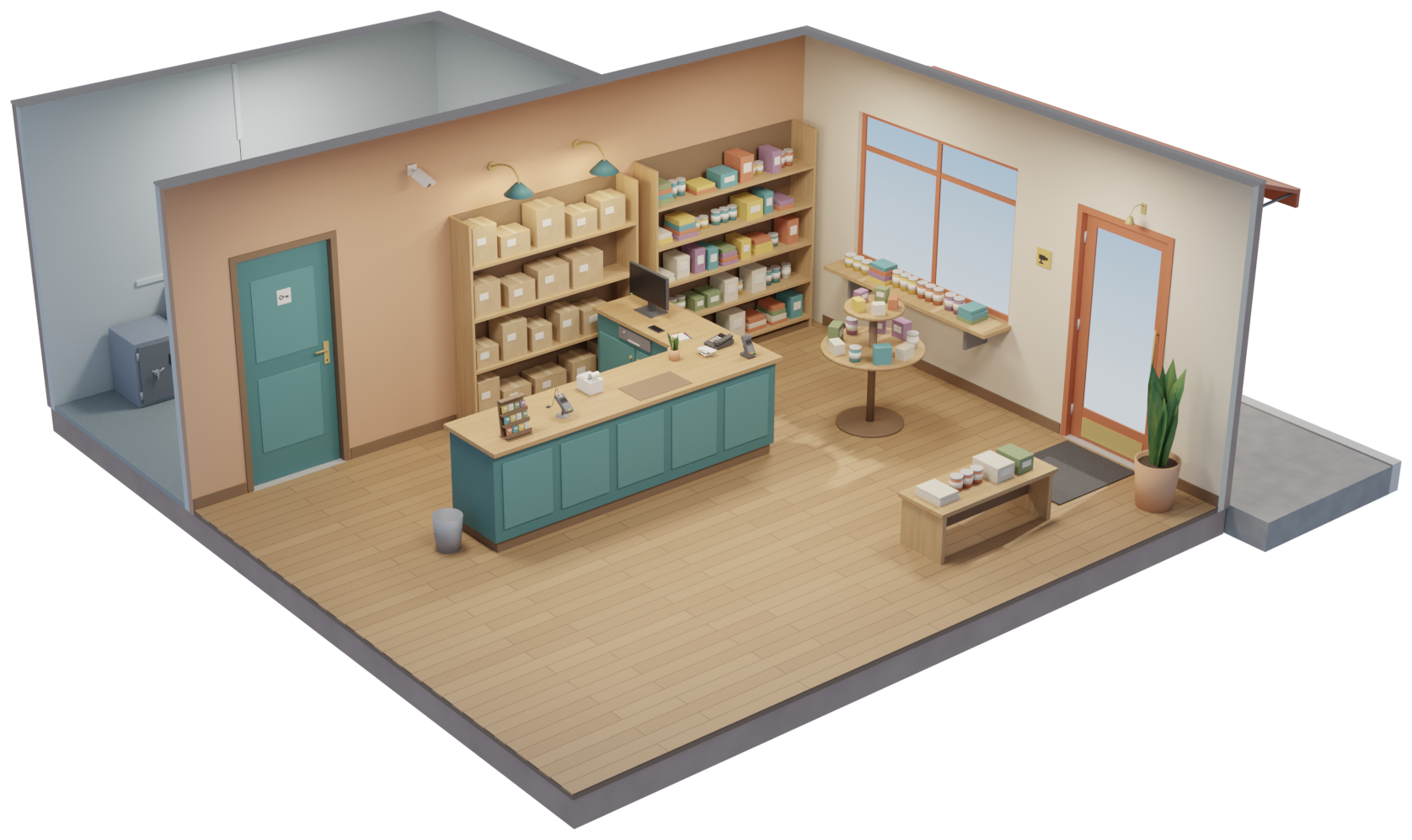
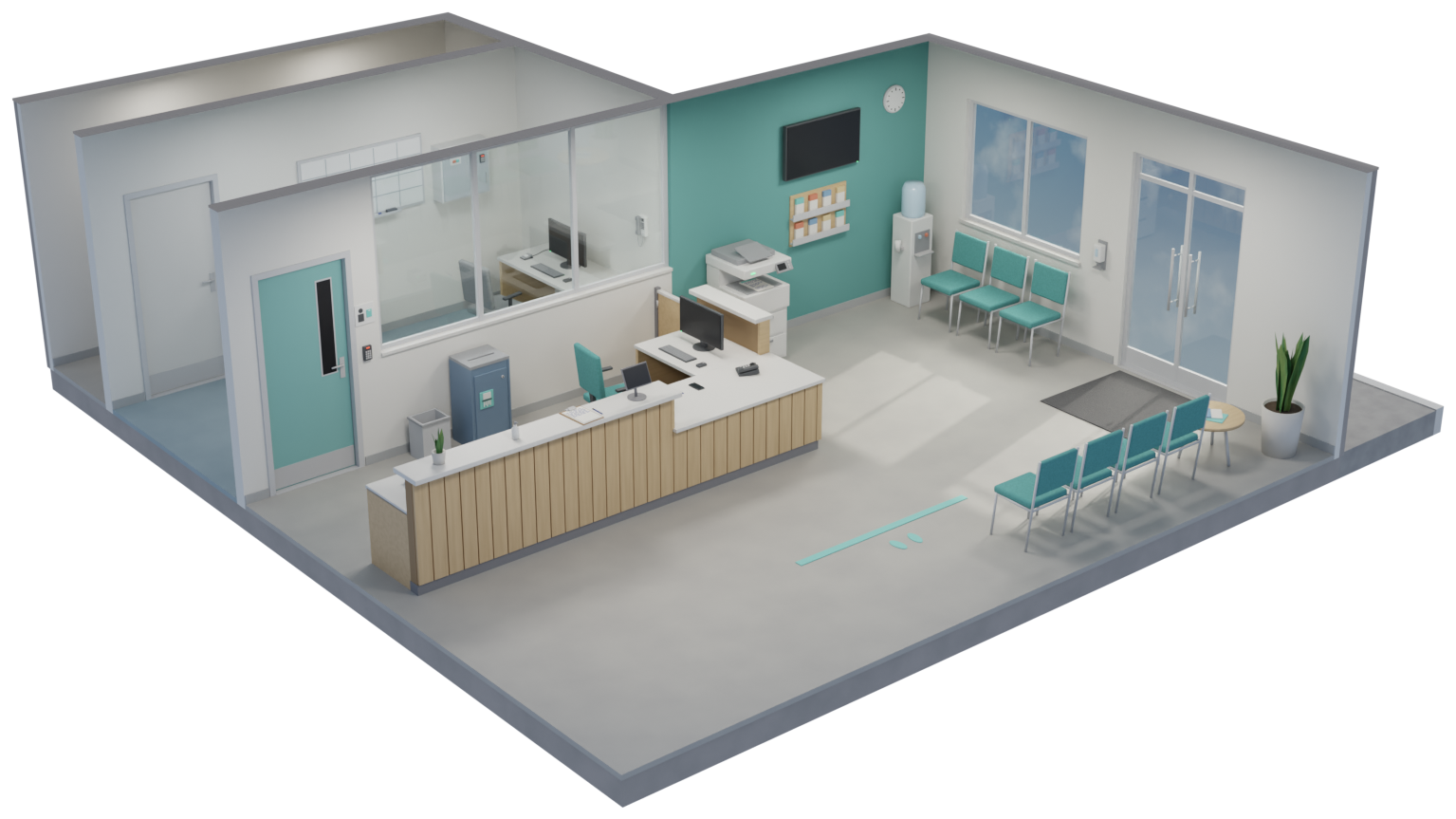
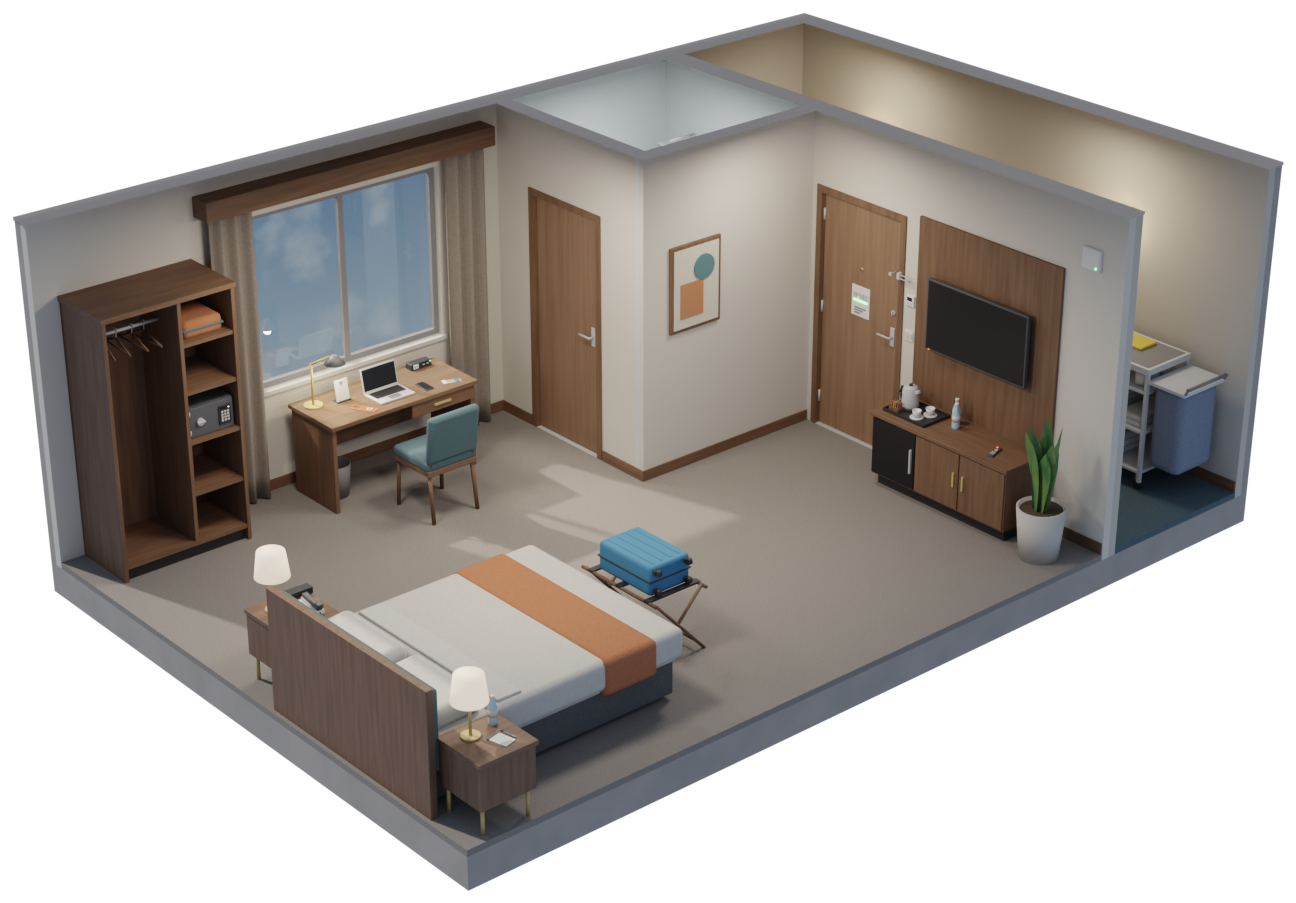
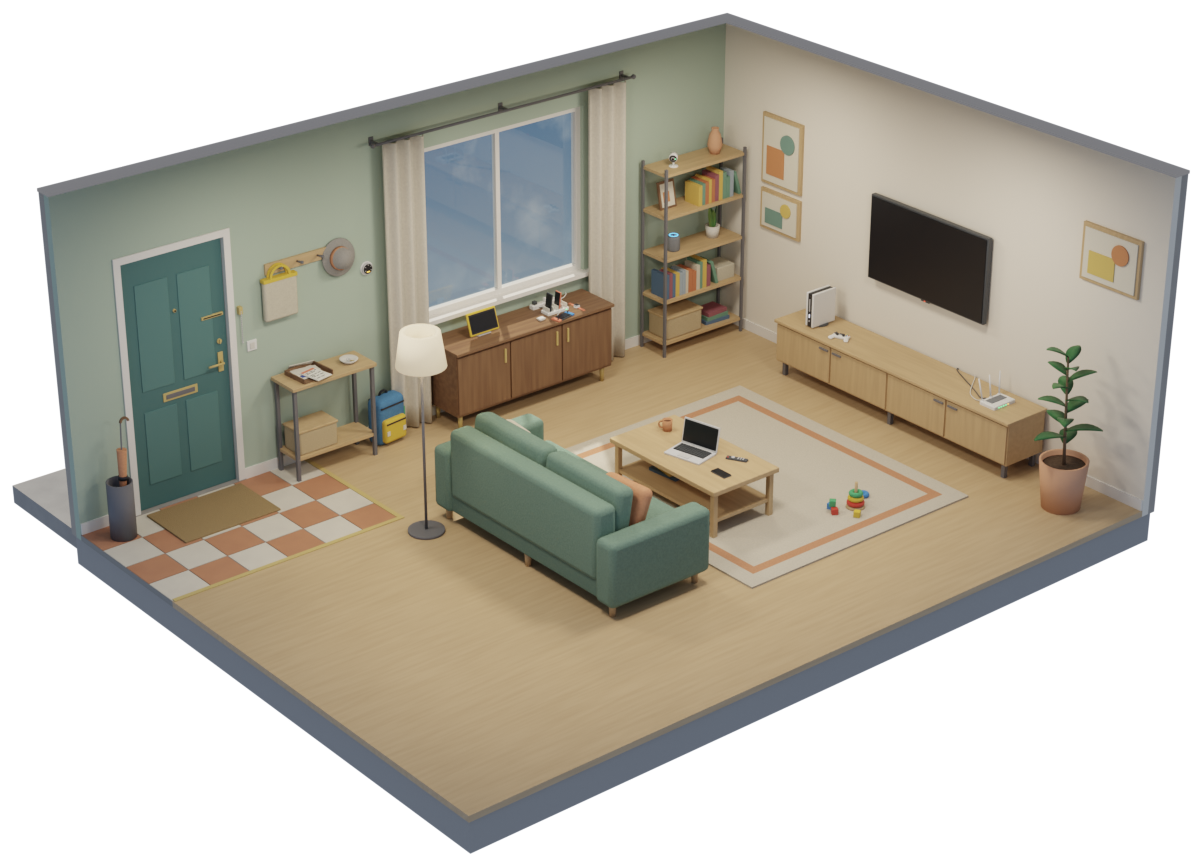
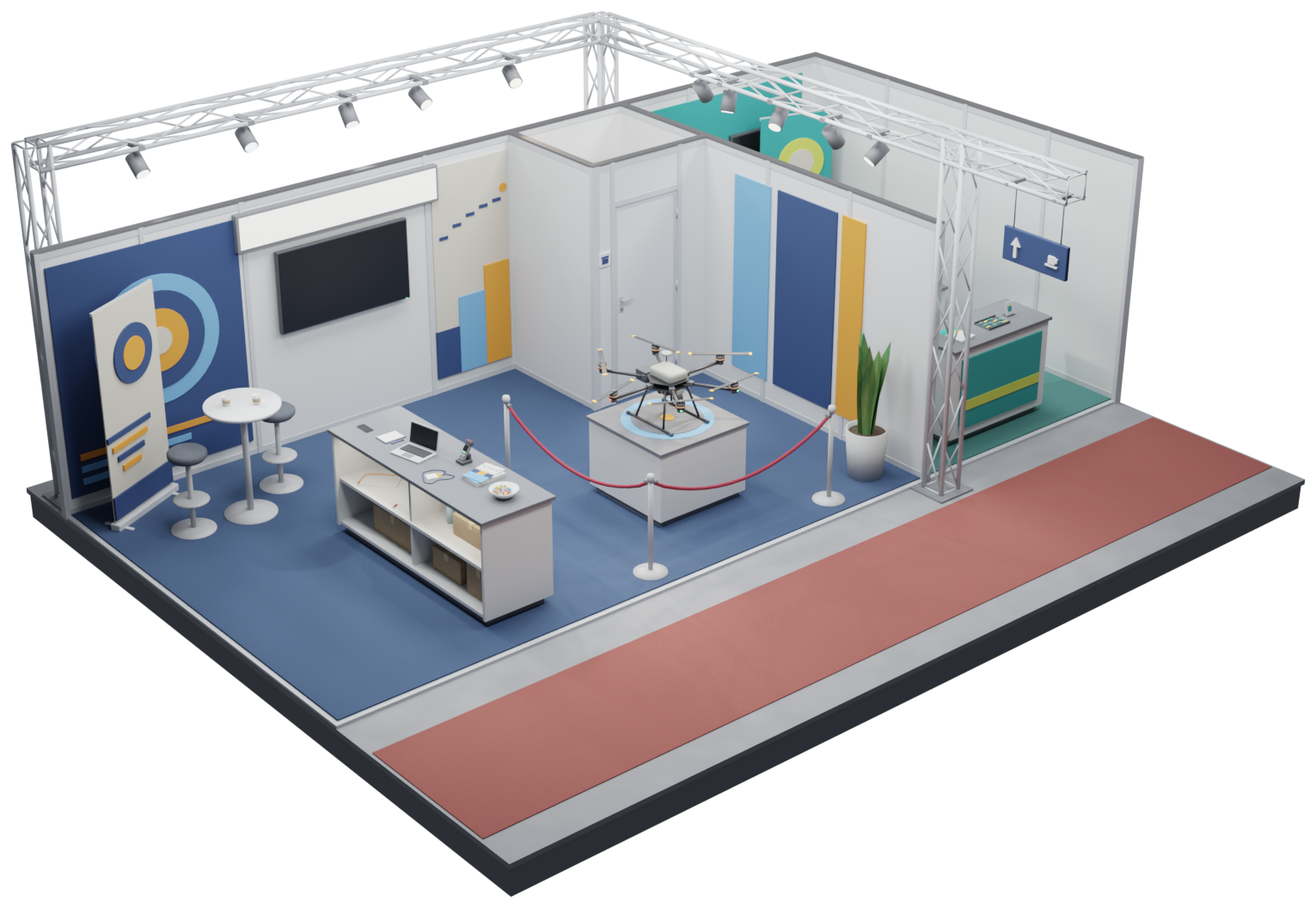
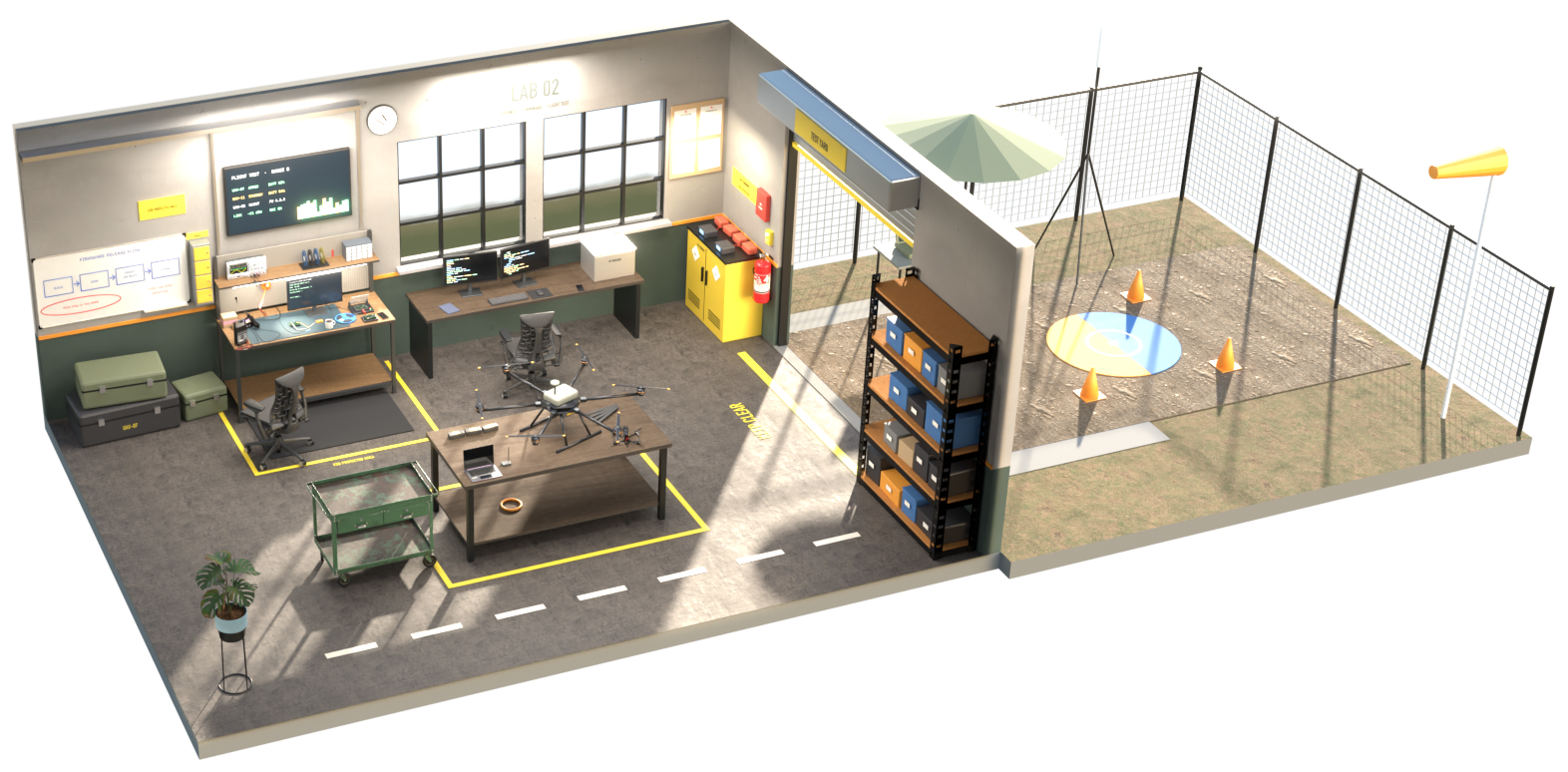
Upload your security policies and confirm the short facts exercises may use. Nothing unconfirmed is ever used.
Documents are read in an isolated environment with no internet access and no access to your data, in your hosting region. On the EU stack they stay in the EU.
How documents are handled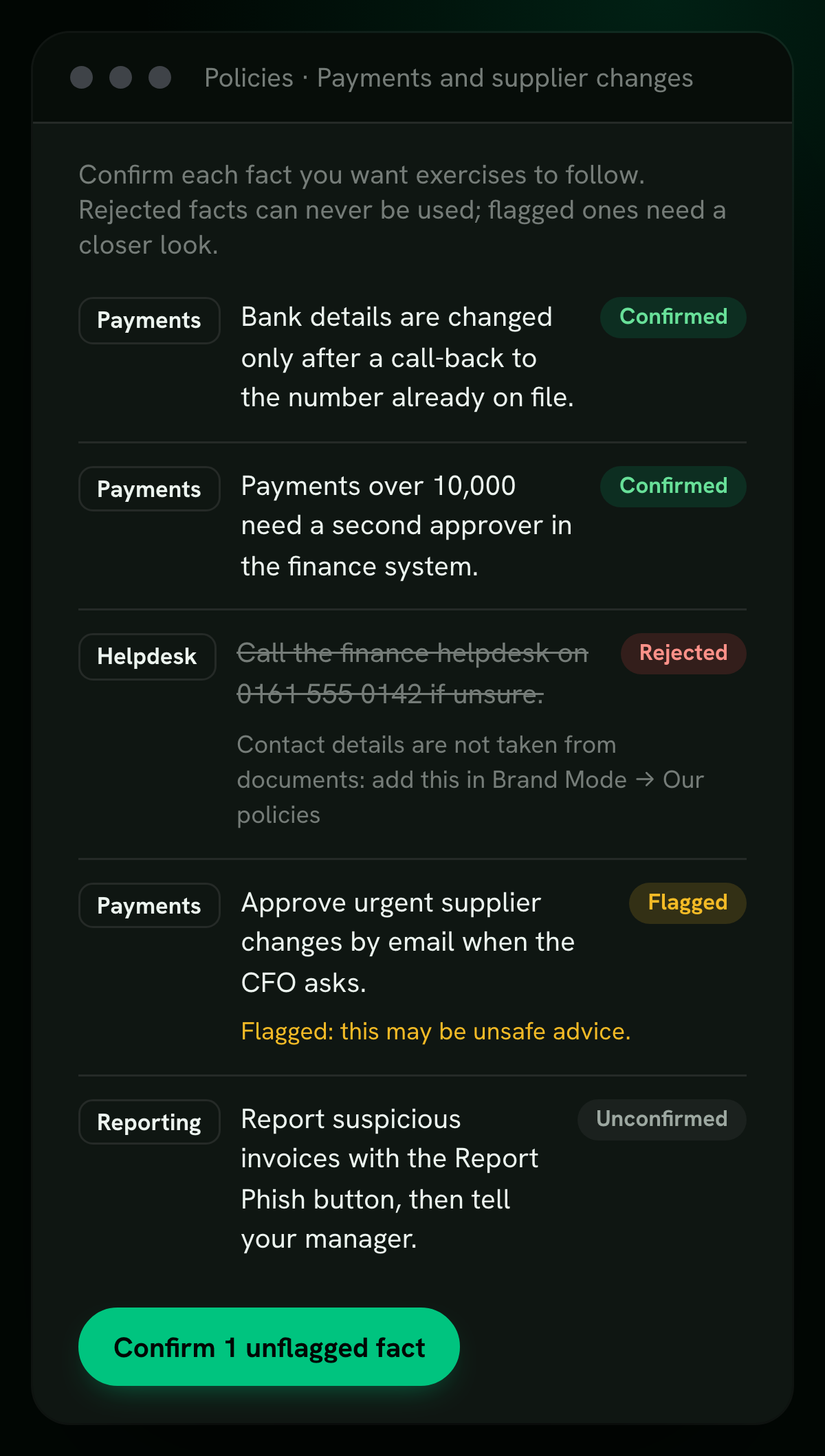
Bring your domain and logo to the demo. We’ll build one with you, in your brand.
The Exercise Builder turns a written brief into an interactive security awareness exercise. An admin describes the threat and audience, approves an outline, checks the generated draft in the real player, and publishes it into the organization’s own courses.
Its white-label settings (Brand Mode in the product) run every catalog and custom exercise as the organization’s own company: name, domains, logo, colour, sign-in look, re-voiced calls and its own reporting and helpdesk procedures.
It builds security awareness and secure-development exercises. A brief on another subject is refused before an outline is written, and it costs nothing.
If a brief needs something the builder cannot show, it teaches the closest honest way.
Yes. Pick the language in the brief: steps, pages and voiced dialog are written in it, and learners play the exercise with the player’s buttons and menus in that language too.
It only follows policy facts an admin confirmed, and each outline step shows the facts it uses. Without any, it teaches general good practice and never claims to state your procedures.
Addresses, phone numbers and links come only from fields you type, never from an uploaded document.
The white-label settings here change the company inside the exercise stories. Your platform logo and sign-in branding are set separately, and you can use both.
No. The Microsoft, Google and Okta sign-in looks copy the layout and type of those pages, never their logos. Briefs that name a real company get a fictional one.
Yes. Switch your brand off for any single exercise to keep its original company, and preview it as learners will see it. Tailored text can be reset per exercise.
Yes. Builder exercises go into SCORM packages like any other, with their voiced calls and code files, and they carry your brand when learners play.
Building an exercise uses one credit; outlines, text edits and up to 10 change requests are free. New builder accounts start with 10 credits and paid plans add 5 a month. Ask us about packs and invoicing.