
Skip to content

cloud security

3 posts with the tag “cloud security”

AWS Cloud Security Misconfigurations to Fix First
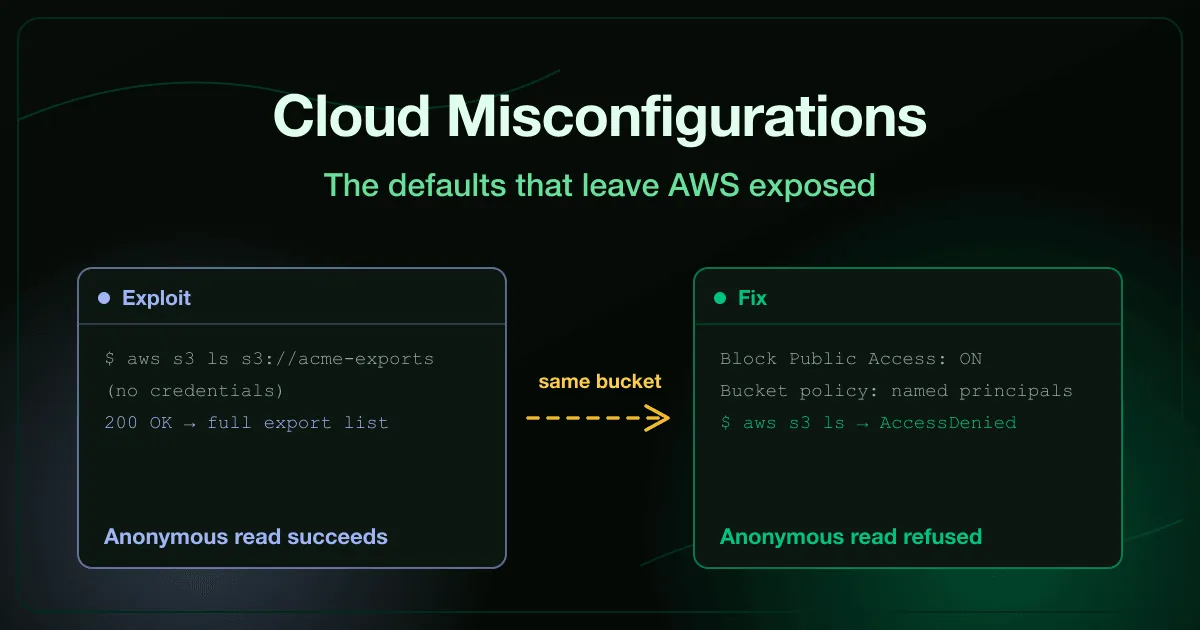
AWS cloud security misconfigurations shown as an anonymous request listing a public storage bucket next to the account-level block-public-access fix that refuses it

A support page told customers to allowlist a storage hostname so their downloads would work. Nobody thought twice about publishing that hostname, because knowing a name is not the same as having access to it.

Except it was. Asking that hostname for a listing worked from an ordinary browser with no credential offered and none required, and next to the folder the company meant to publish sat one nobody did, full of client records.

Nothing about that bucket was exploited in the traditional sense. A permission that AWS makes off by default was switched on at some point, by someone, for a reason that made sense at the time, and it stayed on because nothing about a misconfigured setting looks different from a correct one until someone asks it the right question.
AWS IAM Best Practices to Stop Privilege Escalation

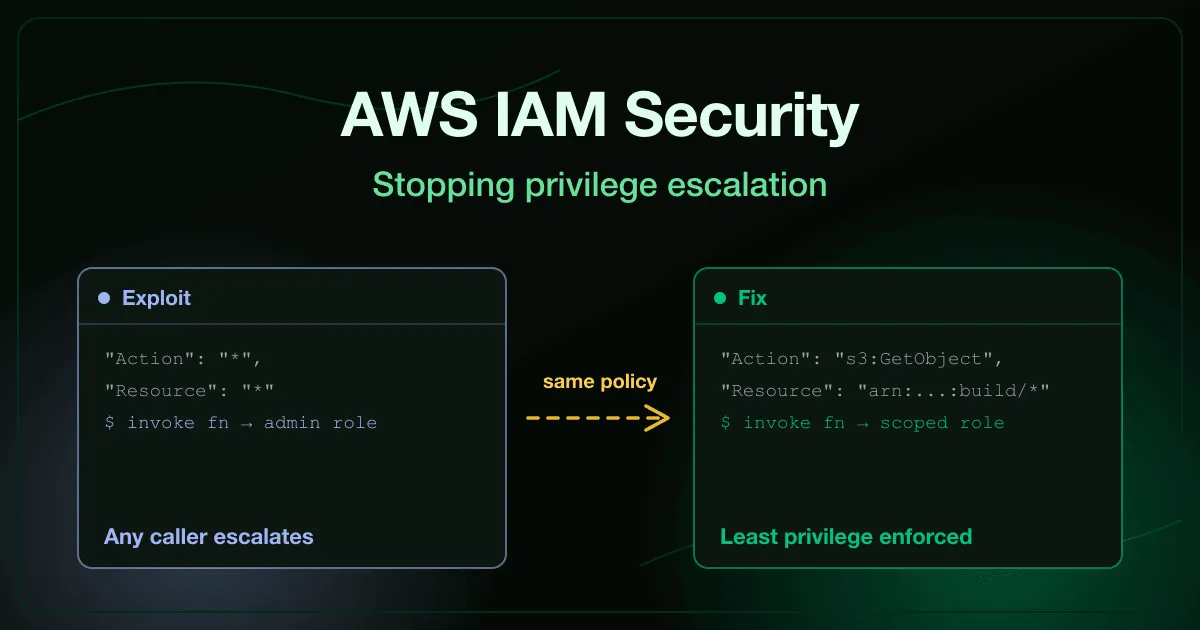
AWS IAM security shown as a wildcard policy escalating through role-passing next to the scoped policy and permission boundary that stops it

A build agent’s credential should be able to upload artifacts and read its own configuration. Nothing more. On paper that is a short, auditable list.

In practice the policy attached to it often reads "Action": "*", "Resource": "*", because a wildcard was close enough to what the pipeline needed and nobody came back to narrow it. That credential is now an administrator wearing a boring name, and the person who granted it never has to know.

The attacker who finds it does not need to hold the privileged role directly. They only need to pass it to something that will run with it, which is why this class of failure survives a policy review that only checks who holds the admin role.

Container Security Best Practices for Images and Runtime

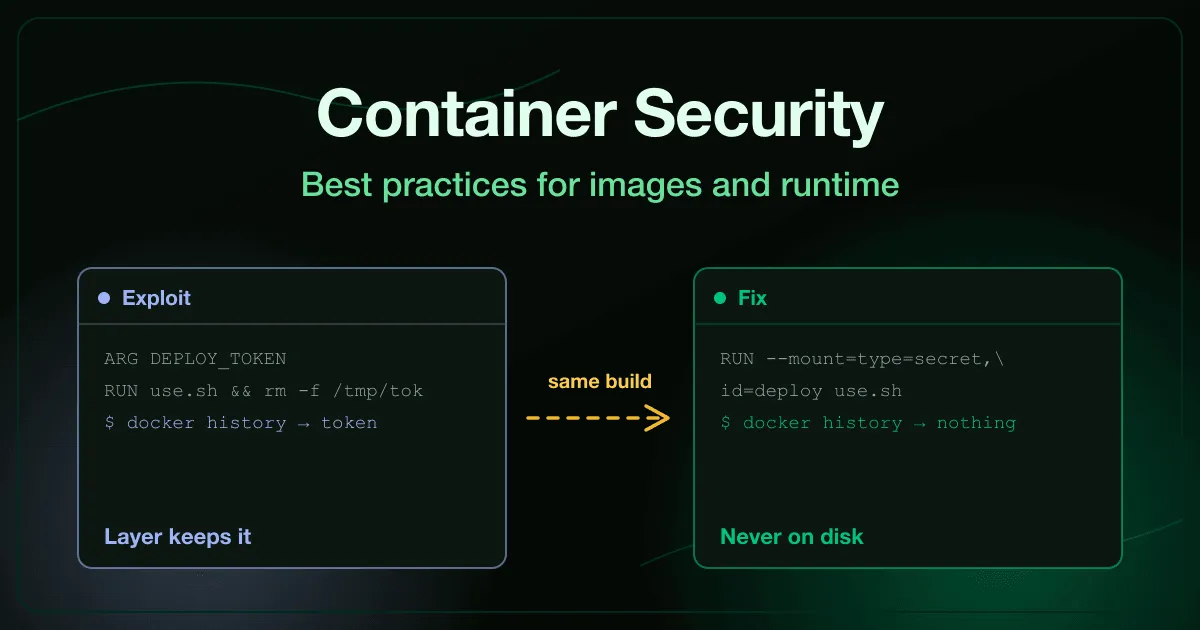
Container security best practices shown as an image layer holding a live credential next to the hardened multi-stage build that never writes it to disk

A build passes a deployment token into a RUN step, uses it, and deletes the file on the next line. The Dockerfile looks careful. The image is published to a public registry.

Image layers are append-only, so the delete did not remove anything. It stacked a new layer on top of the one still holding the token, and docker history reads it back in a single command.

That gap between what the Dockerfile appears to do and what the image actually contains is where most container security work lives. The runtime has a matching version of the same problem, where a flag added to make a container work in staging quietly hands it the host.