
1Password Hacked: What the November 2026 Breach Exposed
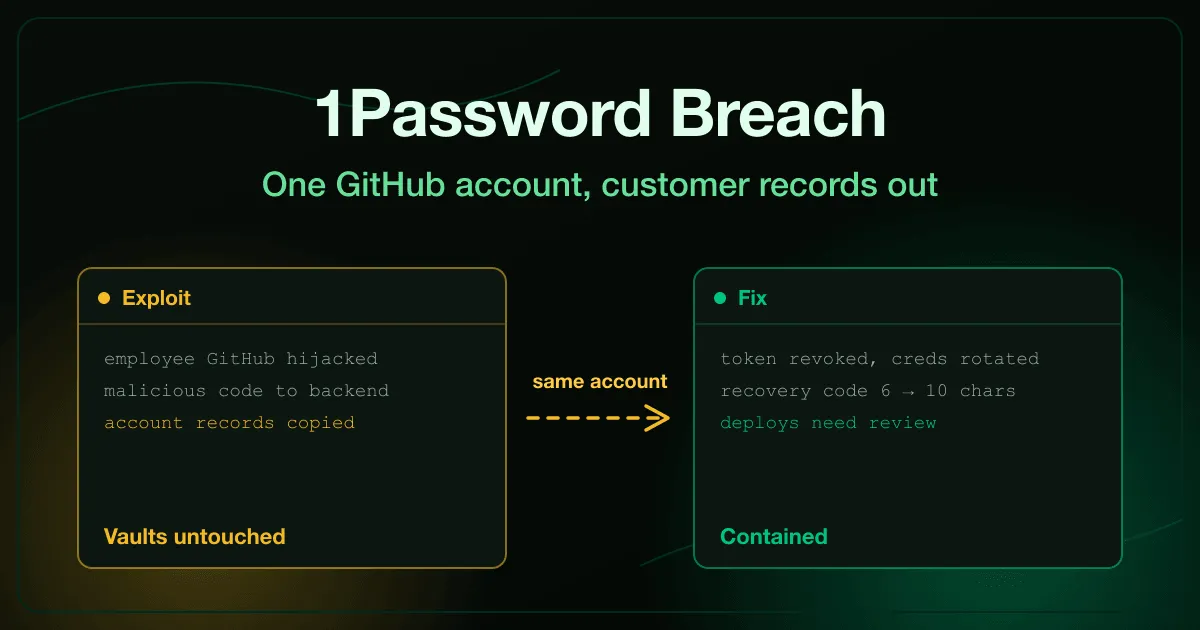
The 1Password breach is a security incident disclosed on 25 November 2026, in which an attacker used a compromised employee GitHub account to push malicious code to 1Password backend services. That code pulled customer account records such as names, email addresses and recovery tokens. 1Password says vault contents, passwords and Secret Keys were never accessed.
This post reflects public reporting up to 27 November 2026, two days after disclosure. 1Password has not said how the GitHub account was compromised or how many customers were affected, so we keep what is confirmed apart from what is still open.
What happened in the 1Password breach?
Section titled “What happened in the 1Password breach?”1Password began investigating on 19 November 2026 after signs that an employee’s corporate GitHub account had been taken over. It published its incident update on 25 November. According to The Hacker News, the attacker copied source code from private repositories and gained access to the CI/CD system.
The more serious step came next. The attacker pushed malicious code to backend services, and that code made those services download customer account data, as Help Net Security and BleepingComputer report. In other words, a code repository account became a route into production.
| Date | Event |
|---|---|
| Before 19 Nov | Employee GitHub account compromised (method and date not disclosed) |
| 19 Nov 2026 | 1Password starts investigating |
| 25 Nov 2026 | Public disclosure; affected users notified individually, per BleepingComputer |
| 26 Nov 2026 | Wider coverage; no customer count or attribution published |
MacRumors points out that disclosure came six days after the investigation began. That is a fair question to ask, but six days is short next to many breach timelines.
What data was stolen from 1Password?
Section titled “What data was stolen from 1Password?”1Password’s list, repeated consistently across outlets, covers account records for “a subset” of users. The company has not given a number.
- Names and the email addresses used to sign in
- Account and user identifiers
- Account creation dates and last sign-in times
- Public keys, which 1Password calls “public by design”
- SRP protocol parameters
- Invitation, provisioning and account recovery tokens that appear in emailed links
- Non-secret internal metadata, such as version and file identifiers
CI/CD also holds infrastructure secrets. BleepingComputer says these were “potentially” exposed, and Help Net Security reports they were rotated.
Were 1Password vaults and passwords exposed?
Section titled “Were 1Password vaults and passwords exposed?”No, according to 1Password. It told Help Net Security that “at no time were customer vault contents accessed by, or available to, the attacker.” Vault keys and account recovery keys were not accessed either.
This is the design doing its job. 1Password never holds your account password or Secret Key, and vaults are encrypted with keys derived from both. The SRP parameters that were taken cannot be used to sign in, the company says, because SRP lets a server check a password without ever storing it.
Compare this with the LastPass 2022 breach, where attackers copied encrypted vault backups. In that incident, users with weak master passwords were left exposed to offline cracking. Here, no vault data left 1Password’s systems at all.
Why do the stolen recovery tokens matter?
Section titled “Why do the stolen recovery tokens matter?”Recovery and invitation tokens sit inside links that 1Password emails to users. On their own they are not enough: a token works only “when combined with an SSO sign-in or a six digit code,” per Help Net Security. 1Password says it found no evidence of account takeovers using exposed tokens.
It still treated the six-digit code as the weak point. The verification code is now ten alphanumeric characters, which takes brute force from one million possible codes to about 3.6 quadrillion if letters are case-insensitive. That is a good change, and one to copy in your own account recovery flows, which attackers probe because they skip the normal sign-in.
How did 1Password respond?
Section titled “How did 1Password respond?”The response, as reported by Help Net Security, BleepingComputer and MacRumors, follows a sound containment order.
- Disabled the compromised GitHub account and revoked the stolen token.
- Removed the access the attacker had set up and restored clean versions of affected services.
- Rotated or revoked internal and infrastructure credentials.
- Tightened GitHub, CI/CD and endpoint controls, and added new detections.
- Brought in independent security experts, not yet named, to validate the cleanup.
No outlet reports attribution, law enforcement involvement or a named forensic firm. Treat any claim about who did it as speculation until 1Password or an authority says otherwise.
What should 1Password users do now?
Section titled “What should 1Password users do now?”1Password says customers do not need to change passwords or Secret Keys. The real risk now is phishing that uses the stolen names, emails and account details to look convincing.
- Distrust unexpected 1Password emails, texts and calls. Be especially careful with messages about invitations or account recovery, since those match the stolen tokens. Our brand impersonation exercise trains people to spot a well-dressed fake.
- Type your password and Secret Key only in the official app or 1password.com. 1Password says it will never ask you for either.
- Keep using a password manager. This incident shows a well-designed one surviving a backend compromise. The password manager habits exercise covers the habits that matter more than the vendor.
- Report suspicious messages internally. If one person gets a convincing lure, others likely did too.
What should security teams learn from the 1Password breach?
Section titled “What should security teams learn from the 1Password breach?”You do not need to be a password manager vendor for this to apply. Any company where a developer account can change what runs in production has the same exposure. These are our conclusions from the public record.
- Treat a GitHub account as a production credential. Require phishing-resistant MFA and SSO, and review personal access tokens. The Git repository security exercise walks through branch protection and repo access.
- Make deploys need more than one person. Required reviews and protected deploy branches would make a single hijacked account far less useful. Our secrets in Git and CI/CD guide covers the pipeline side.
- Hunt for long-lived tokens. A stolen token was the attacker’s key here. The leaked access tokens and credential rotation debt exercises show how they leak and why rotation keeps slipping.
- Lengthen short recovery codes before someone tests them. Six-digit codes behind a guessable link are a brute-force target.
- Write your customer phishing warning in advance. 1Password’s notice told users what it will and will not ask for, which is the most useful line in any breach email.
Is 1Password still safe to use?
Section titled “Is 1Password still safe to use?”Based on what is public, yes. The attacker reached account records but not vault contents, and the encryption model is the reason. The open questions are how the GitHub account was compromised and how many people were affected.
For more hands-on drills built from breaches like this one, browse the Real-World Incidents catalogue or our password security training guide. Want your developers and staff drilled on these attacks before the next phishing wave? Talk to us about role-based training.